
Blog
Guides, tutorials and best practices to get more from your tools.
Guides
 Data Cleaning & File Converters
Paste an Excel Table Into GitHub as Markdown
How to paste an Excel or Google Sheets range into a GitHub README as a Markdown table: header, alignment, pipes, line breaks and converting only part of a sheet.
4 min read
 Document & Text Intelligence
Write Meeting Minutes From a Zoom or Teams Transcript
How to turn a Zoom or Teams transcript into minutes: the file formats, the date that deadlines are counted from, decisions, action items and open questions, and the source sentence of each item.
5 min read
 Spreadsheet & Formula Studio
Send an Email When a Google Sheets Cell Changes
How to make Google Sheets email the owner when a Status cell becomes Done: the generated script, the installable trigger, the permissions and the quotas.
3 min read
 Data Cleaning & File Converters
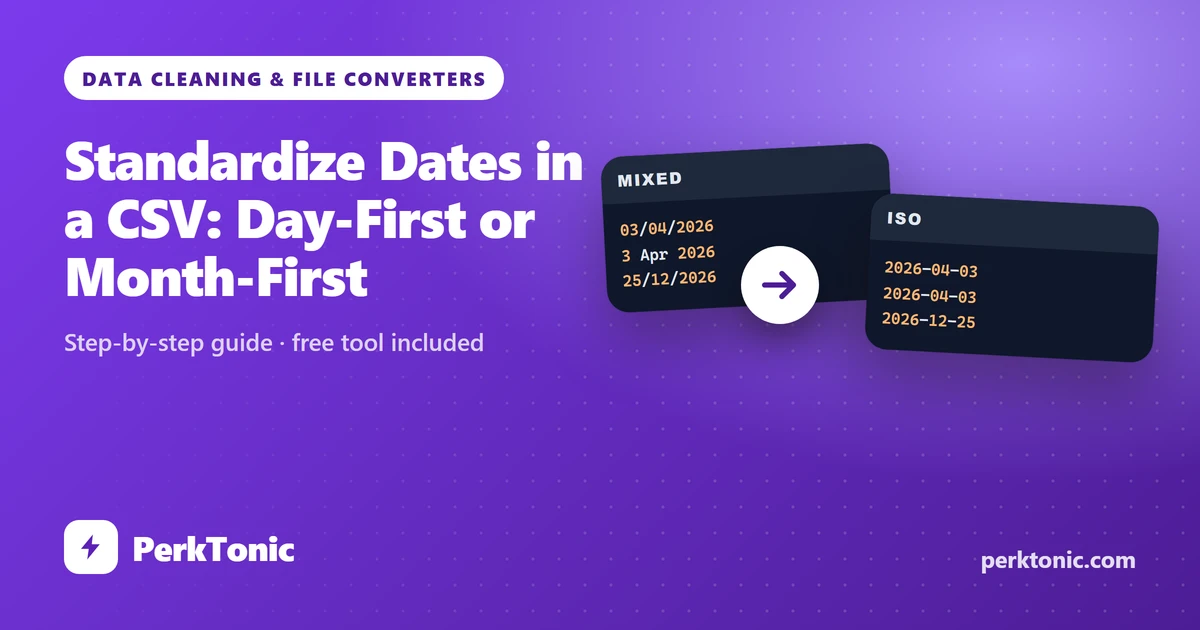
Standardize Dates in a CSV: Day-First or Month-First
How to standardize dates in a CSV to ISO form: the formats that are recognised, why day-first or month-first is asked once per column, and how invalid dates are counted.
4 min read
 Document & Text Intelligence
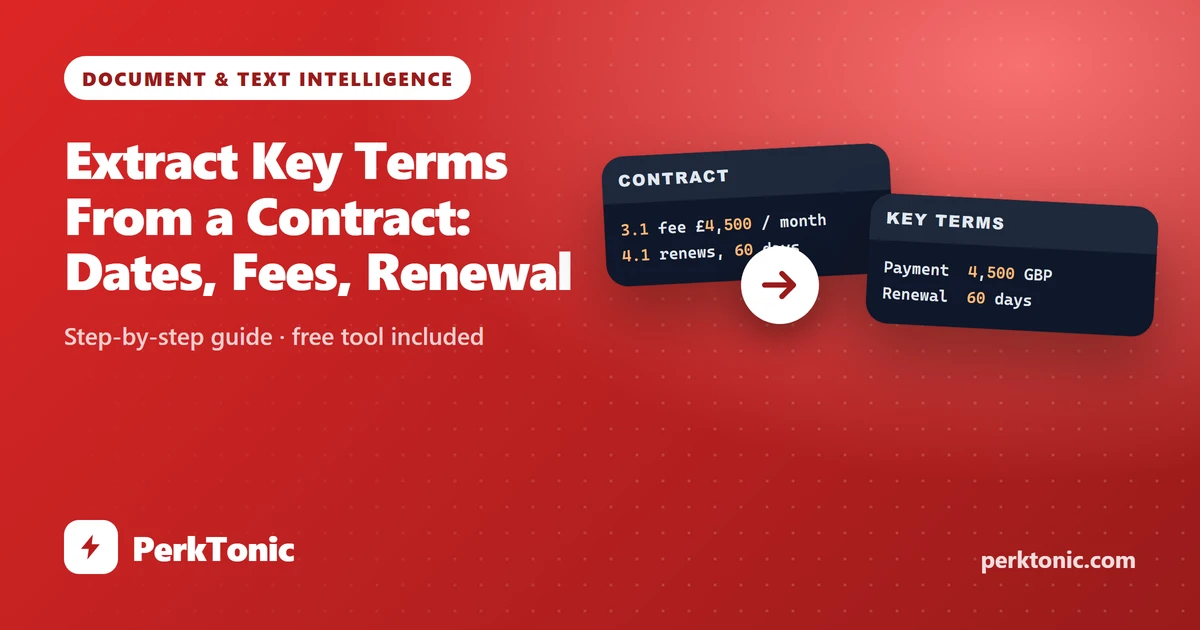
Extract Key Terms From a Contract: Dates, Fees, Renewal
What the Contract Key Terms Extractor lists from pasted contract text: payment, renewal, termination, liability and governing law with clause numbers, and how to check each term in the text.
4 min read
 Spreadsheet & Formula Studio
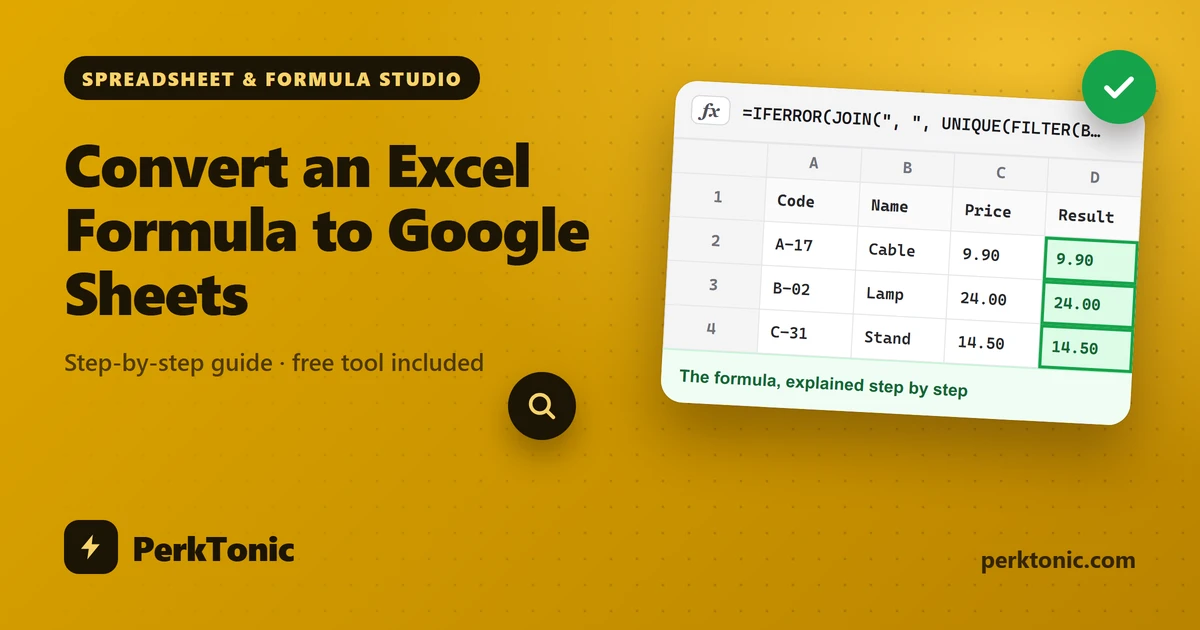
Convert an Excel Formula to Google Sheets
How to convert an Excel formula to Google Sheets and back: JOIN and TEXTJOIN, REGEXMATCH and REGEXTEST, open-ended ranges and functions with no equivalent.
4 min read
 Data Cleaning & File Converters
Validate and Clean Email Addresses in a CSV
How to clean and validate email addresses in a CSV: trimming, mailto: and name wrappers, lower-casing, the syntax check, and the list of invalid addresses with line numbers.
3 min read
 Document & Text Intelligence
Extract Email Addresses From Text and Remove Duplicates
How to extract email addresses from a long text: paste it, read the standard form and the count of each address, remove duplicates, and download the list as CSV or JSON.
4 min read
 Spreadsheet & Formula Studio
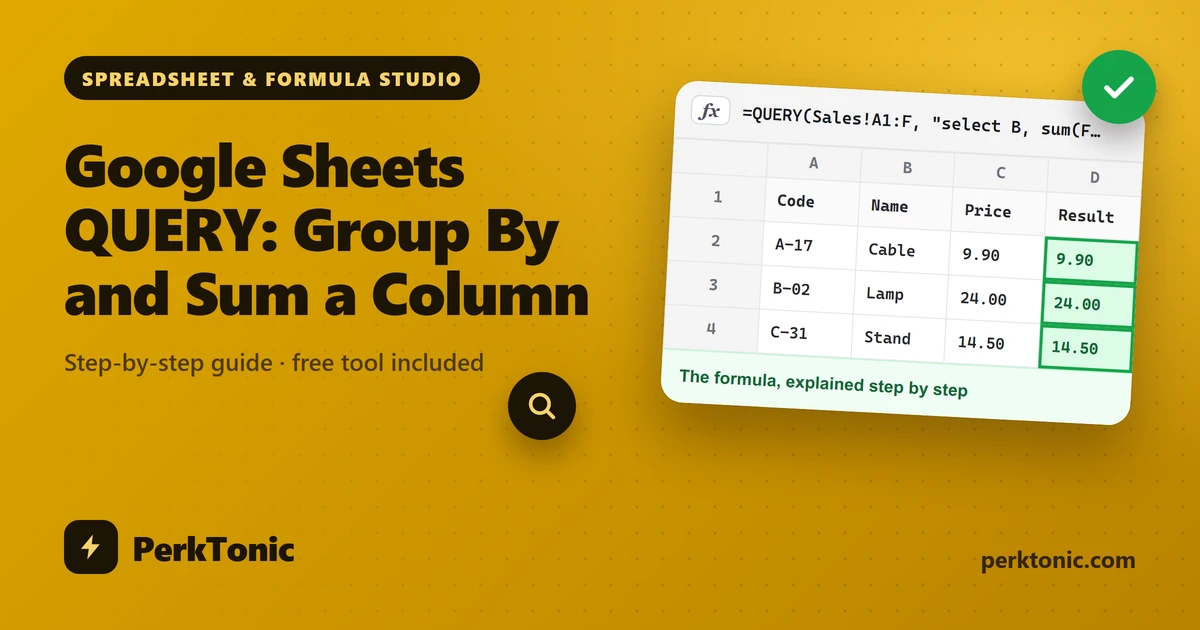
Google Sheets QUERY: Group By and Sum a Column
How to build a Google Sheets QUERY that groups by a column and sums another, with a date filter, labels, sorting and a 20-row preview to check the totals.
4 min read
 Data Cleaning & File Converters
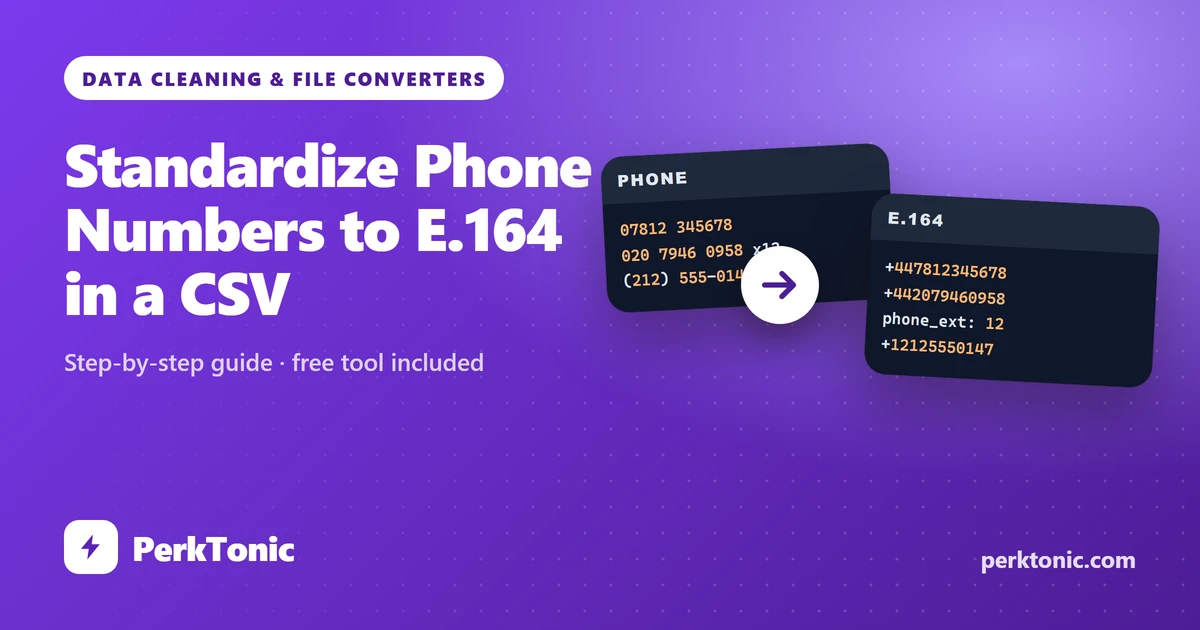
Standardize Phone Numbers to E.164 in a CSV
How to convert phone numbers in a CSV to E.164: the default country, a country column for mixed numbers, extensions in their own column and a list of invalid numbers.
4 min read
 Document & Text Intelligence
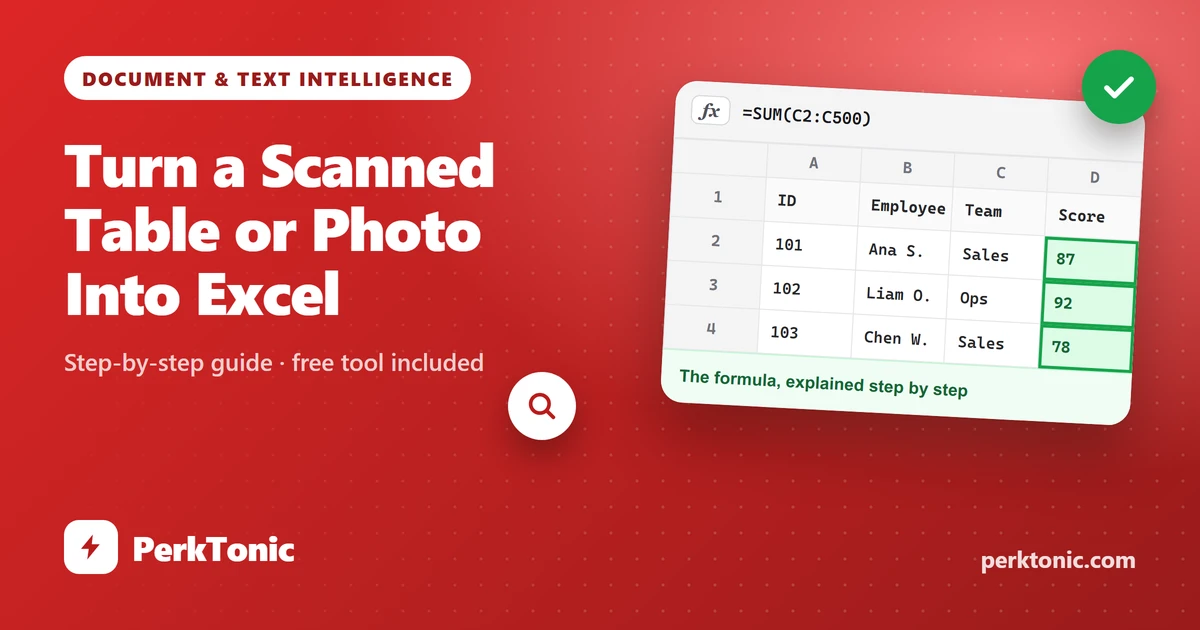
Turn a Scanned Table or Photo Into Excel
How to turn a photo or a scan of a table into a spreadsheet with OCR: the accepted files, choosing the language, comparing image and table, amber cells and fixing cells before export.
4 min read
 Spreadsheet & Formula Studio
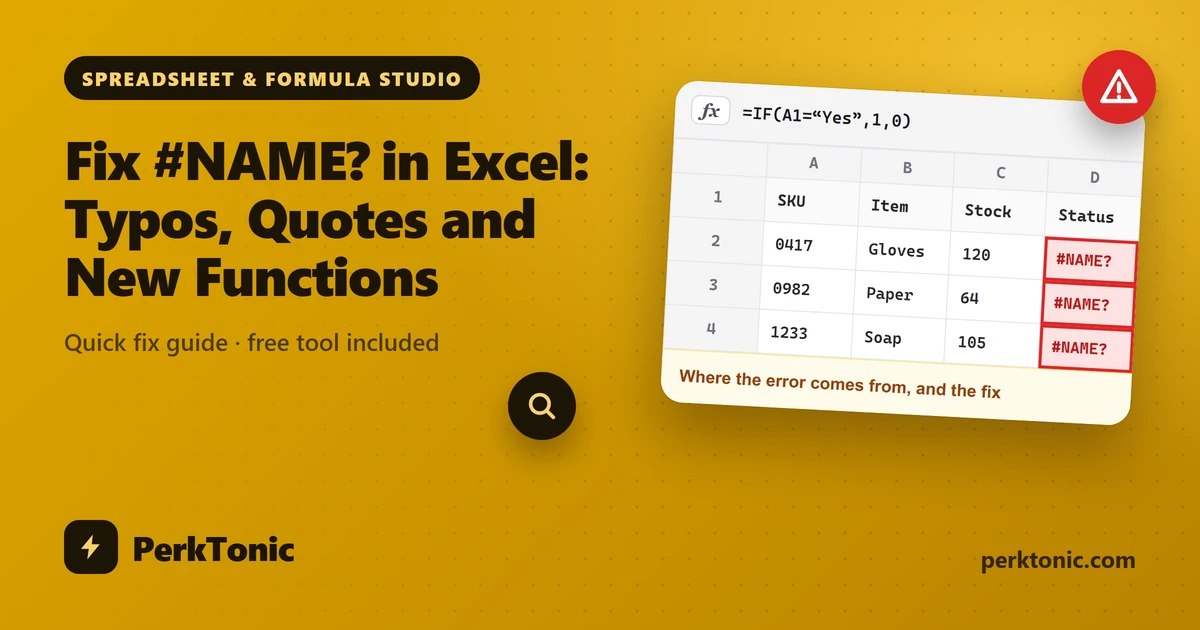
Fix #NAME? in Excel: Typos, Quotes and New Functions
Why Excel shows #NAME?: curly quotes pasted from an email, misspelled or too-new functions, and text written without quotation marks.
4 min read