
CSV to JSON Converter Online
A csv to json converter online that works both ways and never uploads your file. It detects the delimiter, infers numbers and booleans, builds nested objects, and streams CSV files up to 200 MB.
- Free to use
- No account required
- Instant results
- Private: runs in your browser
Your data
Limits: pasted text up to 5 MB; CSV files up to 200 MB (streamed); JSON files up to 50 MB. Nothing is uploaded: the conversion runs in your browser.
Options
Result
Your data: Files and text are processed locally in your browser. Nothing you load here is uploaded to our servers.
How to use
- Paste CSV or JSON into the box, or choose a .csv, .tsv, .txt or .json file. The direction switches automatically to match what you pasted.
- For CSV → JSON, check the options: delimiter (detected by default), whether the first row holds column names, which types to infer, and whether column names like
address.cityshould become nested objects. - For JSON → CSV, choose the delimiter, how arrays are written and whether nested objects are flattened.
- Look at the first rows in the result panel to check the output.
- Download the file, or copy it if it is under 5 MB.
Examples
Keeping zip codes as text. This CSV:
sku,zip,in_stock,price
A-17,02134,true,19.90
B-02,,false,5
becomes:
[
  {
    "sku": "A-17",
    "zip": "02134",
    "in_stock": true,
    "price": 19.9
  },
  {
    "sku": "B-02",
    "zip": null,
    "in_stock": false,
    "price": 5
  }
]
02134 stays a string because a number would drop the leading zero. The empty zip becomes null; untick "Empty cells as null" to get "" instead.
Building nested JSON. With "Build nested objects" on, the semicolon-separated header id;user.name;user.tags.0;user.tags.1 and the row 7;Mia;admin;ops produce {"id": 7, "user": {"name": "Mia", "tags": ["admin", "ops"]}}. Numeric parts such as .0 and .1 create arrays.
Flattening an API response to CSV. Pasting {"data": [{"id": 1, "customer": {"name": "Kofi", "country": "GH"}, "paid": true}, ...]} gives:
id,customer.name,customer.country,paid
1,Kofi,GH,true
2,Elif,TR,false
The tool notices that the object wraps a single array and converts that array.
Tips and limits
- Delimiter detection compares comma, semicolon, tab and pipe on the first 64 KB and picks the one that gives every row the same number of columns.
- Encodings: UTF-8 with or without a BOM and UTF-16 with a BOM are detected; files that are not valid UTF-8 are read as Windows-1252. You can choose another encoding (ISO-8859-1, Windows-1256, Windows-1251, Shift_JIS, GB18030) under Options.
- Quoted fields may contain commas, line breaks and doubled quotes (
"She said ""hi"""). - Empty column names become
column_2(by position) and repeated names get_2,_3, so no value is overwritten. The tool lists every rename. - Numbers with thousands separators or decimal commas (
1,000,4,50), numbers with a leading+, and integers longer than 15 digits stay text, because converting them could change their meaning. - Limits: pasted text up to 5 MB; CSV files up to 200 MB, streamed in a background worker with a progress bar and a Cancel button; JSON files up to 50 MB, because JSON has to be parsed whole. The text preview shows the first 100,000 characters; the download is always complete.
- Very large outputs can exceed the memory of phones and older laptops. Minified JSON or NDJSON output takes less memory than pretty-printed JSON.
FAQ
How do I convert CSV to JSON without uploading my file?
Choose the file here. It is read and converted inside your browser tab, so it never leaves your computer, even when it is 200 MB.
Why are my numbers turned into strings?
Values with leading zeros, thousands separators, a decimal comma or more than 15 digits are kept as strings on purpose, so `02134` or a long order ID does not change. Plain numbers like `19.90` and `-3` become JSON numbers. Untick "Numbers as numbers" to keep everything as text.
How do I convert nested JSON to CSV?
Choose JSON → CSV and keep "Flatten nested objects" on. `{"customer": {"name": "Kofi"}}` becomes a column called `customer.name`. Arrays become `tags.0`, `tags.1`, or a single cell of JSON text if you prefer.
Can I turn the CSV back into the same nested JSON?
Yes. Convert with "Build nested objects" on and the same separator; `customer.name` columns become nested objects again.
What is NDJSON?
One JSON object per line, with no surrounding array. Many log tools and databases import it, and it is easier to process line by line than one large array.
Will Excel open the CSV correctly?
Tick "Add a BOM to the download" so Excel recognises UTF-8 and shows accented letters correctly. Choose semicolons if your Excel uses a decimal comma.
Privacy note
The conversion runs entirely in your browser. Your CSV or JSON is not uploaded, logged or stored anywhere, and the page makes no network requests with your data. When you close or reload the tab, everything you pasted or opened is gone.
Guides for this tool
 Data Cleaning & File Converters
Convert Nested JSON to CSV by Flattening Objects
How to turn nested JSON from an API into a CSV: flatten objects into dotted columns, choose how arrays are written and set the delimiter and BOM for Excel.
4 min read
 Data Cleaning & File Converters
Build Nested JSON From a CSV With Dotted Headers
How to build nested JSON from a CSV: dotted headers become objects, numeric parts become lists, and the converter renames empty or repeated headers.
4 min read
 Data Cleaning & File Converters
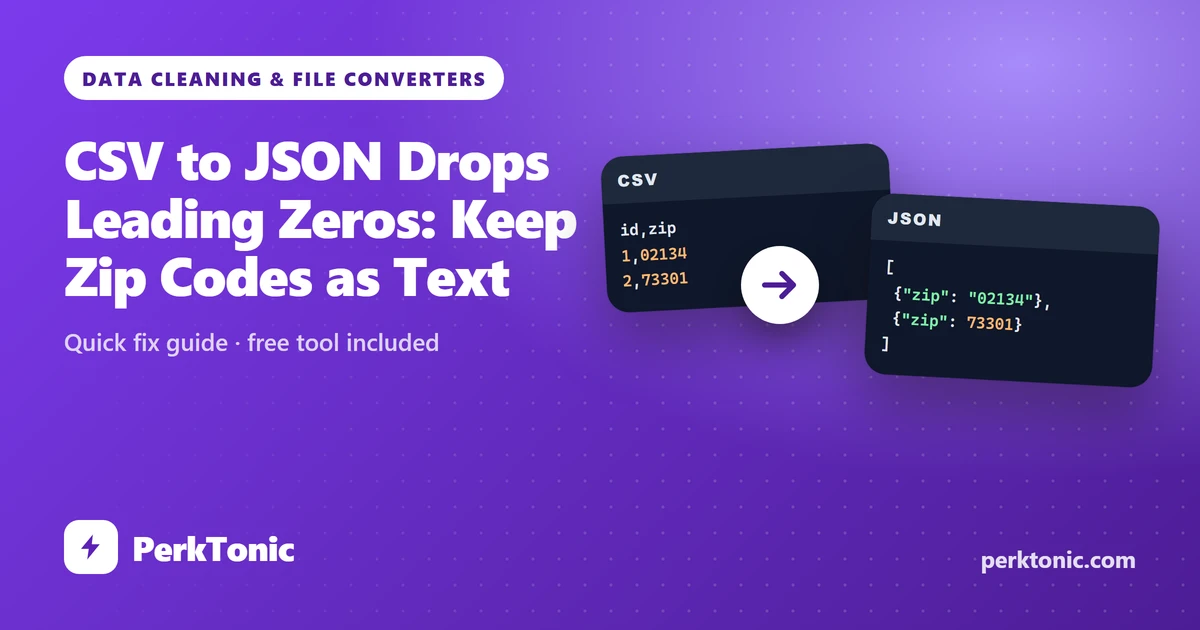
CSV to JSON Drops Leading Zeros: Keep Zip Codes as Text
Why 02134 becomes 2134 in some tools, which values the converter keeps as text, why a zip column can end up mixed, and how to handle empty cells.
4 min read
 Data Cleaning & File Converters
CSV vs JSON: Which Format to Use for Your Data
CSV vs JSON compared: what each format can hold, types, nested data, size and NDJSON, and how to decide which one fits your data.
4 min read