
Blog
Guides, tutorials and best practices to get more from your tools.
Guides
 Spreadsheet & Formula Studio
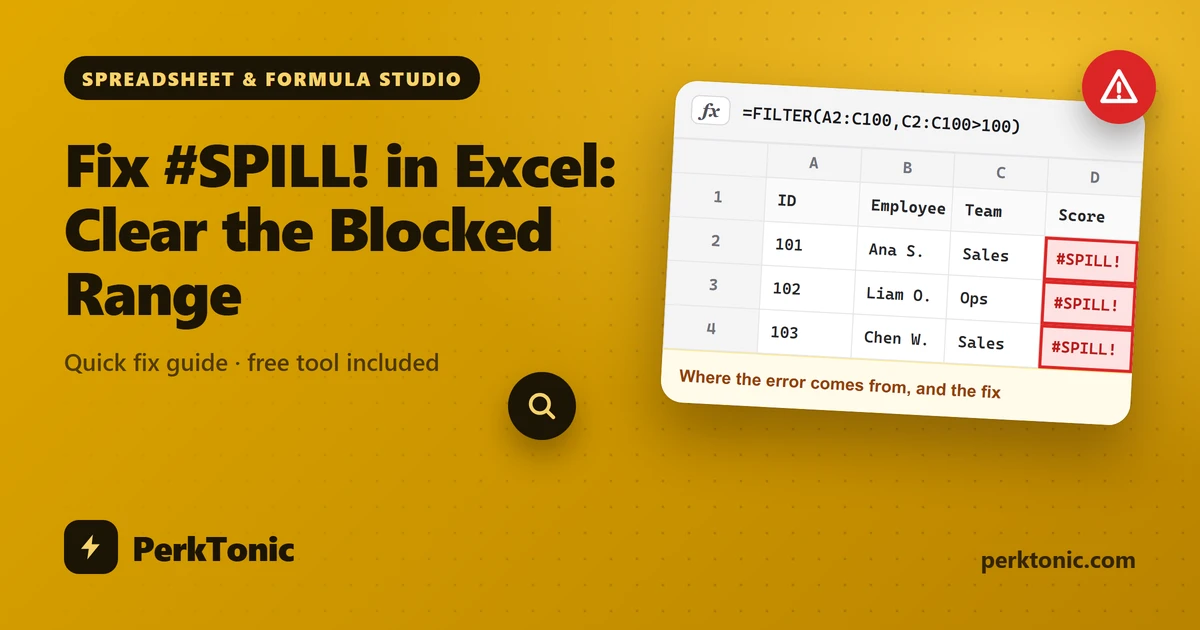
Fix #SPILL! in Excel: Clear the Blocked Range
What a #SPILL! error means, the usual blockers of a spill range, and how to clear them for FILTER, UNIQUE or a multi-column lookup.
3 min read
 Spreadsheet & Formula Studio
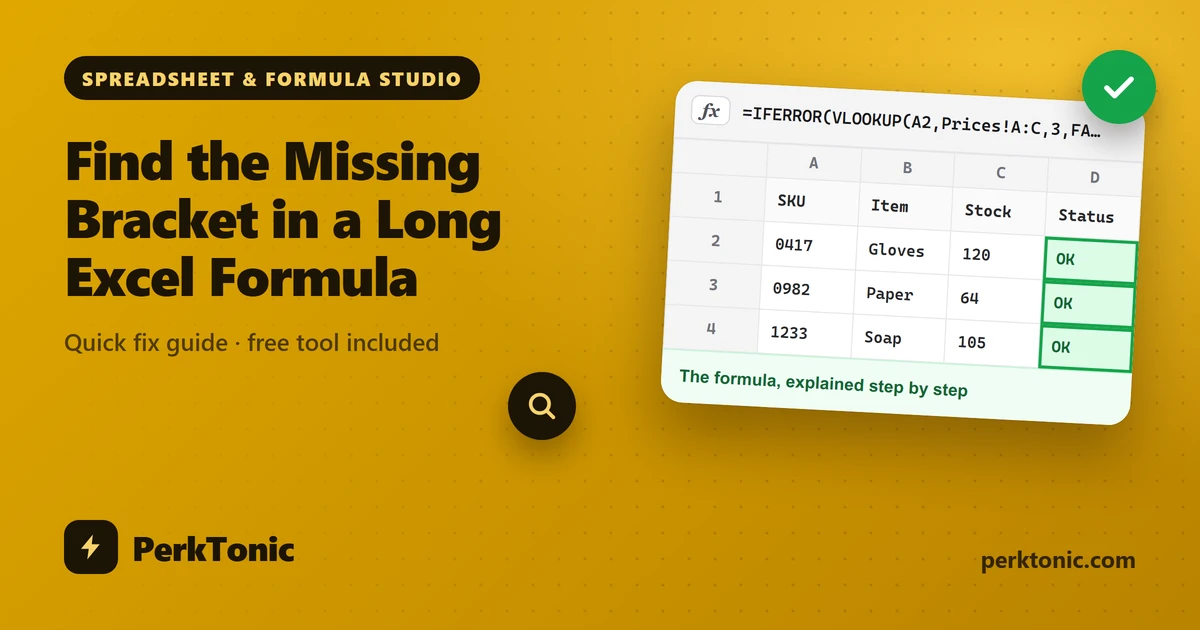
Find the Missing Bracket in a Long Excel Formula
How to find the bracket that never closes in a long Excel formula by position, fix it, and check the structure afterwards.
3 min read
 Spreadsheet & Formula Studio
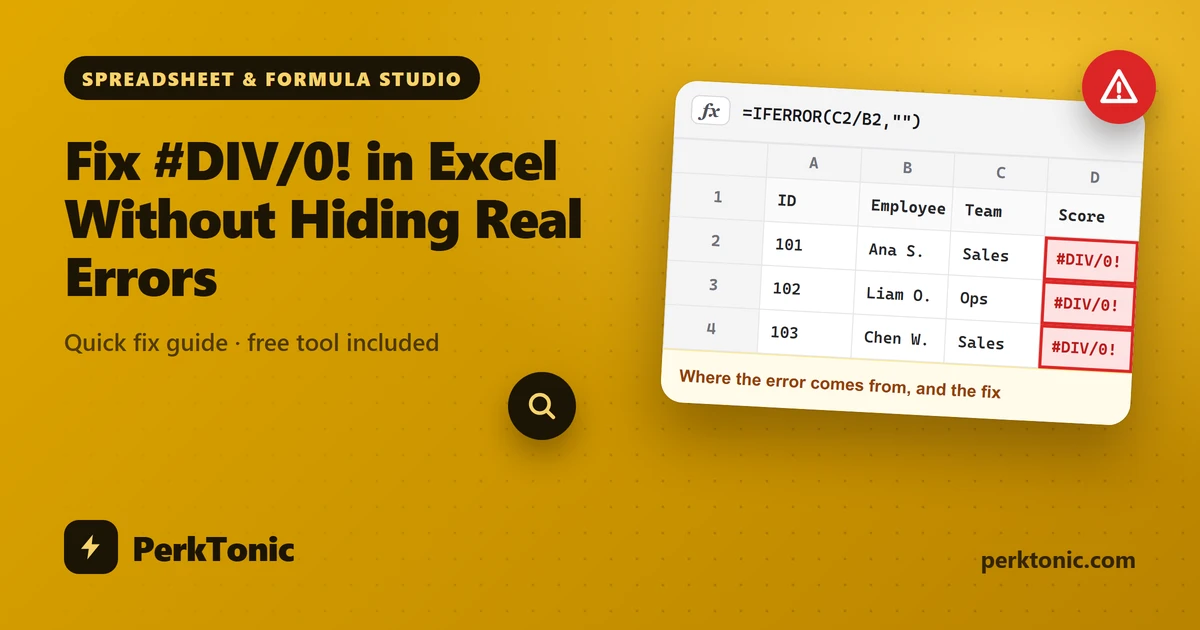
Fix #DIV/0! in Excel Without Hiding Real Errors
Why Excel shows #DIV/0! for a ratio or an average, and how to test the divisor with IF instead of hiding every error with IFERROR.
3 min read
 Spreadsheet & Formula Studio
Is This Excel Macro Safe? Check VBA Before Running
How to check VBA code before you enable a macro: paste it in Explain mode, read the instant safety scan, and know what the review cannot prove.
4 min read
 Spreadsheet & Formula Studio
VBA Macro to Export Each Worksheet as a PDF
How to export every worksheet to its own PDF with a VBA macro: generate or explain it, read the Kill safety flag, import the .bas file and check the notes.
4 min read
 Spreadsheet & Formula Studio
Excel Functions That Do Not Exist in Google Sheets
Which Excel functions are missing in Google Sheets or LibreOffice, the workarounds the converter suggests, and the LibreOffice versions you need.
3 min read
 Spreadsheet & Formula Studio
Google Sheets QUERY: Filter by a Cell Value
How to filter a Google Sheets QUERY by a cell value: the quote and ampersand pattern, dates with TEXT(), names with an apostrophe and Col1 notation for arrays.
4 min read
 Spreadsheet & Formula Studio
Excel Formula Needs Semicolons: Fix the Separator
Why a pasted formula is rejected with "There's a problem with this formula", and how to switch it to semicolons in Excel and Google Sheets.
4 min read
 Spreadsheet & Formula Studio
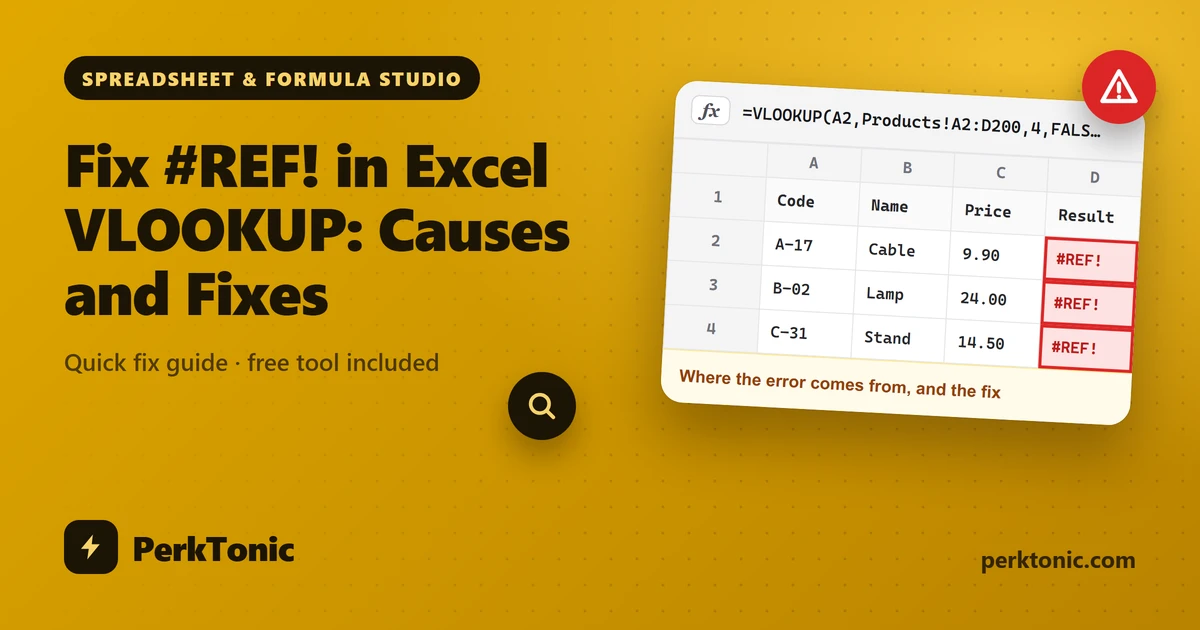
Fix #REF! in Excel VLOOKUP: Causes and Fixes
Why VLOOKUP returns #REF!: a column number past the table or a deleted reference, and how to correct the range or the formula.
3 min read
 Spreadsheet & Formula Studio
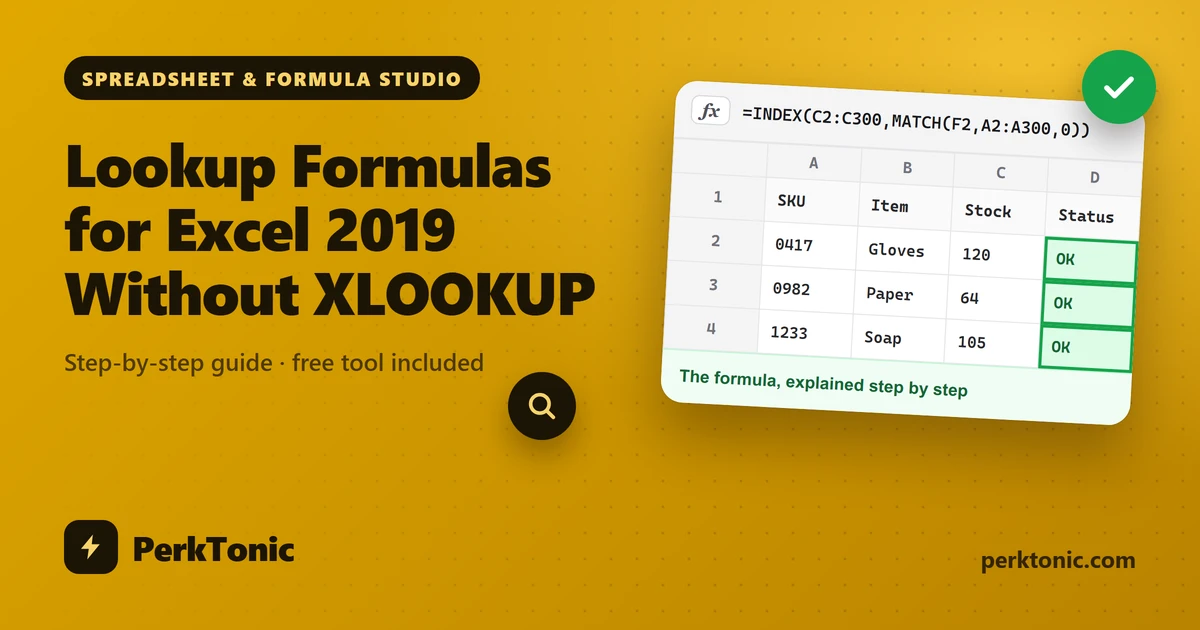
Lookup Formulas for Excel 2019 Without XLOOKUP
How to look up values in Excel 2019 without XLOOKUP, with INDEX/MATCH and VLOOKUP formulas and fallbacks for FILTER and UNIQUE.
4 min read
 Spreadsheet & Formula Studio
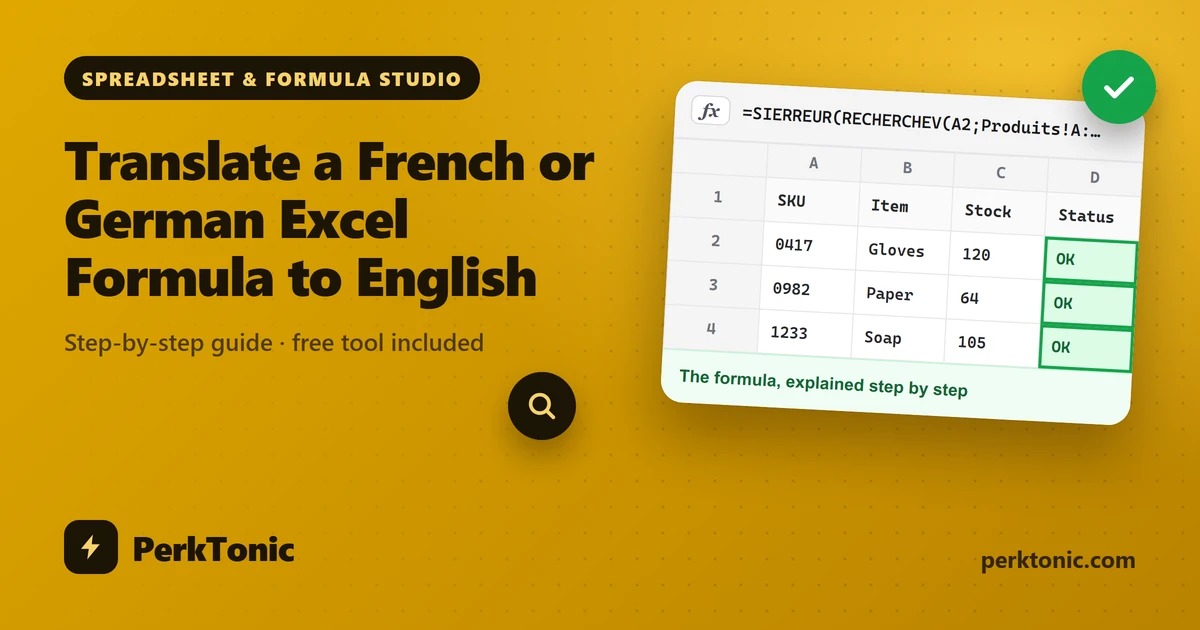
Translate a French or German Excel Formula to English
How to turn a French or German Excel formula into English: translated function names, error values and TRUE/FALSE, separators, and why Sheets uses English names.
3 min read
 Spreadsheet & Formula Studio
Apps Script onEdit Not Running: Simple vs Installable
Why onEdit does not fire or cannot send mail: the limits of simple triggers, why formula changes do not trigger it, and when to use an installable trigger.
3 min read