
Excel & Google Sheets Formula Generator
Describe what you want to calculate and this excel formula generator writes a ready-to-paste formula for Excel, Google Sheets or LibreOffice Calc, with a short explanation and the assumptions it made.
- Free to use
- No account required
- Instant results
- Sent to the AI only when you press the button
Describe the formula
Result
Example result (nothing was sent)Formula
=SUMIFS(C2:C500,B2:B500,"North",A2:A500,">="&DATE(2026,3,1),A2:A500,"<"&DATE(2026,4,1))
SUMIFS adds the sales in C2:C500 on rows where column B is North and the date in column A falls on or after 1 March 2026 and before 1 April 2026. Using a date range instead of the month number keeps other years out.
Alternative
=SUMPRODUCT((B2:B500="North")*(TEXT(A2:A500,"yyyy-mm")="2026-03")*C2:C500)
Prefer it when you later need a condition SUMIFS cannot express, such as comparing a calculated value per row.
Assumptions the AI made
- Column A holds real dates, not text that looks like a date.
- "North" is spelled the same way in every row (SUMIFS ignores upper and lower case).
Function names and brackets are checked by our own code; test the formula on a copy of your data.
Your data: Your text is sent to our server and to the AI provider only when you press the button. We do not store it with your identity, and nothing is sent before that.
How to use
- Type what the formula should do, in plain English, for example "count the orders over 100 in column D".
- Pick your spreadsheet app: Excel 365 / 2021, Excel 2019 or older, Google Sheets or LibreOffice Calc.
- Optionally describe your columns ("A: Date, B: Region, C: Sales, rows 2 to 500") so the formula uses your real cell references.
- Press Generate formula. After a few seconds you get the formula, an explanation of at most three sentences and, when one exists, an alternative.
- If your spreadsheet uses semicolons between arguments, turn on Use semicolons, then copy the formula or download it as a text file.
Examples
Sum with two conditions. Request: "Add up the sales in column C where the region in column B is North and the date in column A is in March 2026", columns "A: Order date, B: Region, C: Sales, rows 2 to 500", Excel 365. Result: =SUMIFS(C2:C500,B2:B500,"North",A2:A500,">="&DATE(2026,3,1),A2:A500,"<"&DATE(2026,4,1)) The alternative is a SUMPRODUCT version, and the assumptions say that column A must hold real dates, not text.
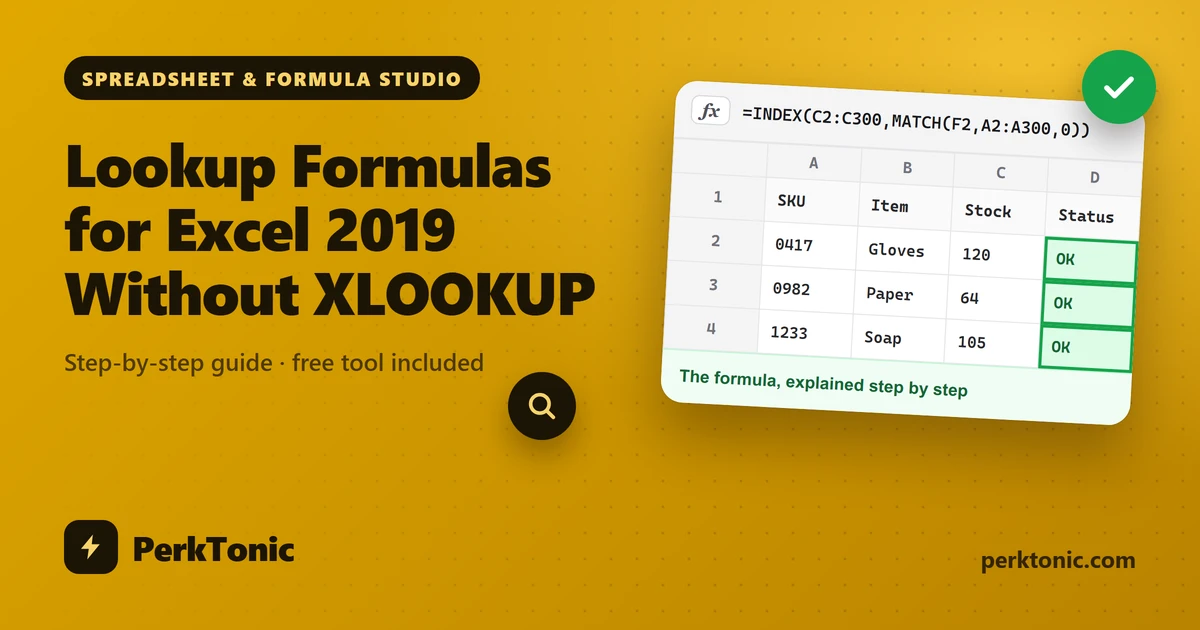
Lookup for an older Excel. Request: "Find the price for the product code typed in F2; codes are in column A, prices in column C", Excel 2019 or older. Result: =INDEX(C2:C300,MATCH(F2,A2:A300,0)), with =VLOOKUP(F2,A2:C300,3,FALSE) as the alternative. XLOOKUP is not used because Excel 2019 does not have it.
A vague request. "Make a formula for my sales" does not get a guess. The tool asks one question instead, such as which column holds the sales.
Tips and limits
- The request and the column description can each be up to 2,000 characters. Mention sheet names, header rows and the last data row: the formula is only as precise as your description.
- Before you see a formula, our own code checks it on the server. It looks up every function name in a list of about 500 functions per app. A name that is not on the list is shown under an "Unverified" warning that names it. The check also counts brackets and quotes and flags semicolons.
- Dynamic-array and recent functions (FILTER, UNIQUE, SORT, XLOOKUP, LET, LAMBDA, VSTACK and others) get a warning when you pick Excel 2019 or LibreOffice, and the AI is asked to give a fallback that works without them.
- The tool does not open your file or calculate results. Test every formula on a copy of your data first.
- You can send 10 AI requests per 10 minutes, and there is also a daily limit. The example on the page is a saved result, so it does not count.
FAQ
Which Excel versions support the generated formulas?
Pick your version before you generate. For Excel 365 and 2021 the formula may use dynamic arrays. For Excel 2019 or older the tool warns about any newer function and asks for a classic fallback such as INDEX/MATCH or SUMPRODUCT.
Why does my formula need semicolons?
In German, French, Spanish and many other locales the comma is the decimal separator, so spreadsheets separate arguments with semicolons. The switch converts the separators and decimal points for you, and leaves text in quotes unchanged.
Is the text I type stored anywhere?
It is sent to our server and to the AI provider to write the answer. It is not stored with your identity, and identical requests may be answered from a short-lived cache.
What does "Unverified" mean?
The formula calls a function that is not in our list for the app you picked. It may be a typo, a function from another app, or a custom LAMBDA name or macro that only exists in your file.
Can it write formulas for Google Sheets only?
Yes. Pick Google Sheets and it may use QUERY, ARRAYFORMULA, REGEXEXTRACT or SPLIT, which Excel does not have.
Why did it ask me a question instead of answering?
When the request leaves out something important, such as which column holds the values, a guess would give a formula that looks right but is wrong. Add the missing detail and generate again.
Privacy note
When you press Generate formula, your request, the app you picked and your column description are sent to our server and to the AI provider to produce the answer. Nothing else leaves your browser. We do not store the text with your identity, and identical requests may be answered from a short-lived cache. The example shown when the page opens is saved in the page and sends nothing.
Guides for this tool
 Spreadsheet & Formula Studio
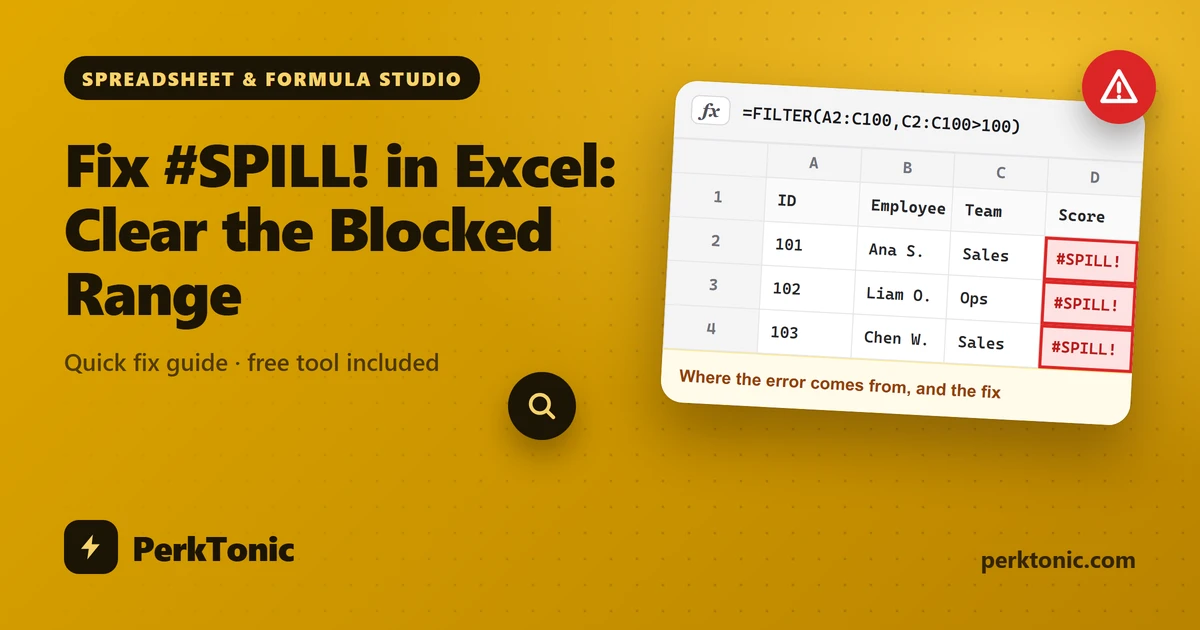
Fix #SPILL! in Excel: Clear the Blocked Range
What a #SPILL! error means, the usual blockers of a spill range, and how to clear them for FILTER, UNIQUE or a multi-column lookup.
3 min read
 Spreadsheet & Formula Studio
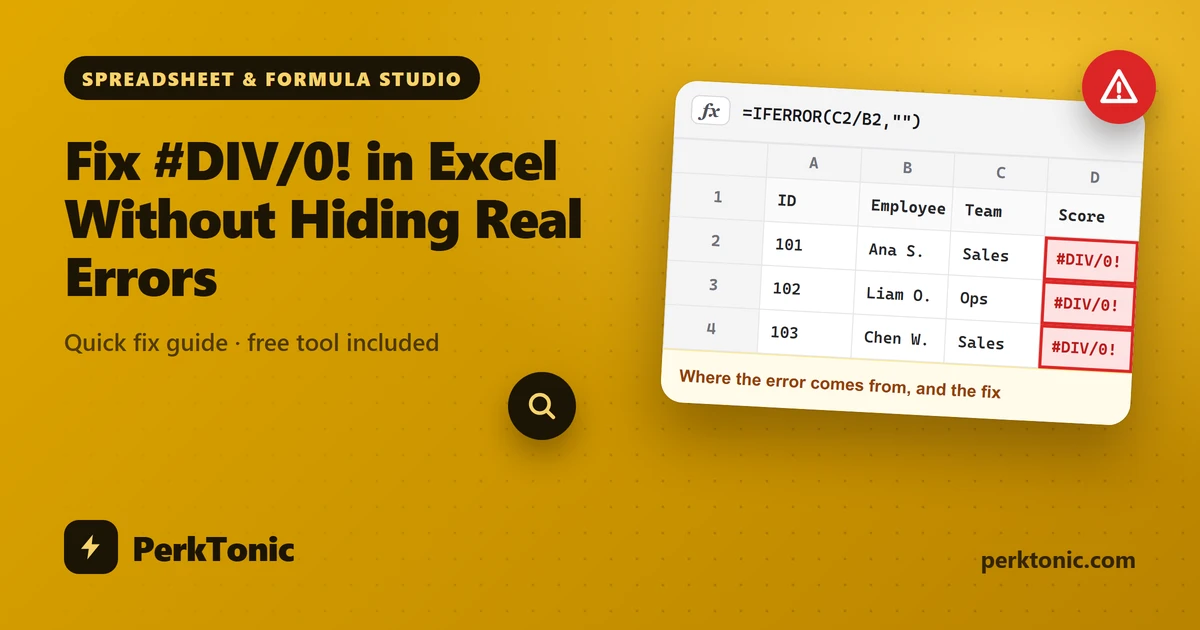
Fix #DIV/0! in Excel Without Hiding Real Errors
Why Excel shows #DIV/0! for a ratio or an average, and how to test the divisor with IF instead of hiding every error with IFERROR.
3 min read
 Spreadsheet & Formula Studio
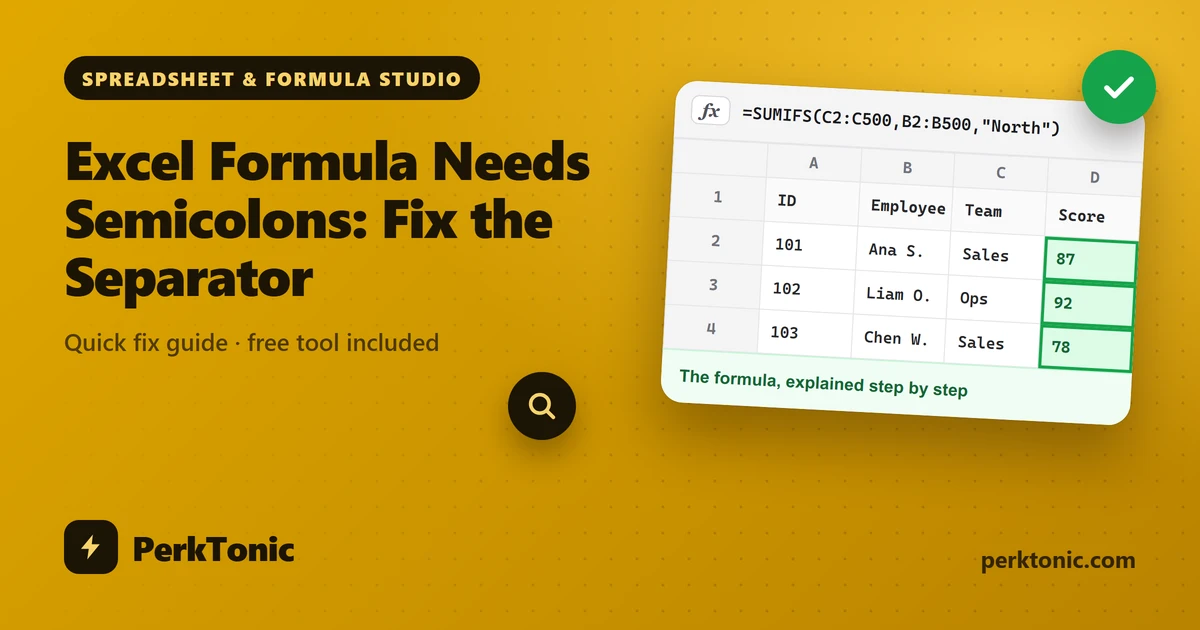
Excel Formula Needs Semicolons: Fix the Separator
Why a pasted formula is rejected with "There's a problem with this formula", and how to switch it to semicolons in Excel and Google Sheets.
4 min read
 Spreadsheet & Formula Studio
Lookup Formulas for Excel 2019 Without XLOOKUP
How to look up values in Excel 2019 without XLOOKUP, with INDEX/MATCH and VLOOKUP formulas and fallbacks for FILTER and UNIQUE.
4 min read