
Cron Expression Generator Online
This cron expression generator online turns "every weekday at 9:30" into a working expression for standard cron, Quartz or AWS EventBridge. It explains what any expression means and lists its next 10 runs in your time zone.
- Free to use
- No account required
- Instant results
- Private: runs in your browser
Describe the schedule
Cron expression
Up to 200 characters. Everything is calculated in your browser.
What it means
At 09:00, Monday through Friday
- Minute
- 0
- Hour
- 9
- Day of month
- *
- Month
- *
- Day of week (0–7, Sun = 0 or 7)
- 1-5
Your data: Files and text are processed locally in your browser. Nothing you load here is uploaded to our servers.
How to use
- Pick the dialect your system uses: standard 5-field cron (Linux crontab, Kubernetes CronJobs, GitHub Actions), Quartz (Java, Spring) or AWS EventBridge.
- Describe the schedule in plain English and click Generate, or set it up in the visual builder.
- Or paste an existing expression into the expression box to see what it does.
- Choose the time zone the job runs in. The next 10 run times update immediately, with their UTC equivalents.
- Copy the expression, or download the upcoming runs as a CSV file.
Examples
Weekday mornings (standard cron). "every weekday at 9:30" gives 30 9 * * 1-5, explained as "At 09:30, Monday through Friday". In Europe/Berlin the first runs after 1 November 2026 are Monday 2 November, Tuesday 3 November and Wednesday 4 November at 09:30 CET (08:30 UTC).
Month-end report (Quartz). "on the last day of the month at 23:00" gives 0 0 23 L * ?. The next runs are 30 November, 31 December and 31 January at 23:00. In Quartz the first field is seconds, and ? means "no specific value".
Business-hours polling (AWS EventBridge). "every 15 minutes between 9am and 5pm on weekdays" gives cron(*/15 9-16 ? * MON-FRI *), "Every 15 minutes, between 09:00 and 16:59, Monday through Friday". The last run each day is 16:45.
Tips and limits
- Supported: lists (
1,15), ranges (MON-FRI), steps (*/10,10-40/10), month and day names, the macros@yearly,@monthly,@weekly,@dailyand@hourly(standard only), plusL,W,LW,L-3,#and?(Quartz and AWS). - Standard cron counts Sunday as 0 or 7. Quartz and AWS count Sunday as 1 and Saturday as 7. When you switch dialects, the tool converts the expression or explains why it cannot.
- In standard cron, if both day-of-month and day-of-week are set (
0 0 13 * 5), the job runs when either matches: every 13th and every Friday. The explanation says so. - Daylight saving time: a run that falls in the missing hour when clocks go forward is skipped and listed. A time that happens twice when clocks go back runs once, at its first occurrence. Some cron daemons handle the missing hour differently, so check your system's documentation for jobs between 01:00 and 03:00.
- The plain-English parser handles common patterns, not every sentence. It needs one minute value for all times, so "9:00 and 17:30" needs two schedules.
- AWS EventBridge rules run in UTC; EventBridge Scheduler lets you choose a time zone.
- Limits: expressions up to 200 characters. Runs are searched up to 100 years ahead; if none are found (for example
0 0 30 2 *, the 30th of February), the tool tells you.
FAQ
What does */5 mean in cron?
It means "every 5th value, starting from the lowest". In the minute field, `*/5` runs at :00, :05, :10 and so on up to :55, then starts again at the next hour.
How do I run a job on the last day of the month?
In Quartz use `0 0 23 L * ?` and in AWS `cron(0 23 L * ? *)`. Standard cron has no `L`; a common workaround is `0 23 28-31 * *` with a check in the script that tomorrow is the 1st.
What is the difference between cron and Quartz?
Quartz adds a seconds field at the start and an optional year at the end. It numbers Sunday as 1, and it needs `?` in either day-of-month or day-of-week. It also supports `L`, `W` and `#` (for example `2#1`, the first Monday).
Why does AWS reject my expression?
EventBridge needs six fields inside `cron( )` and a `?` in one of the two day fields. `cron(0 9 * * MON-FRI *)` fails; `cron(0 9 ? * MON-FRI *)` works.
Which time zone does my cron job use?
Usually the server's, unless the platform says otherwise. Kubernetes allows `timeZone` in CronJob specs, and GitHub Actions schedules always use UTC. Pick the matching zone here to see real run times.
Can it run every 30 seconds?
Only Quartz has seconds: `0/30 * * * * ?`. Standard cron and EventBridge run at most once a minute.
Privacy note
Everything happens in your browser: the parsing, the explanation and the run-time calculation. Nothing you type is sent to a server, logged or stored, and the page makes no network requests with your schedules.
Guides for this tool
 Spreadsheet & Formula Studio
Run a Google Apps Script Every Hour
How to make Google Sheets fetch an API value every hour with a time-driven trigger: the script, the permission it needs, the URL Fetch quota and the review.
3 min read
 Workflow & Automation Utilities
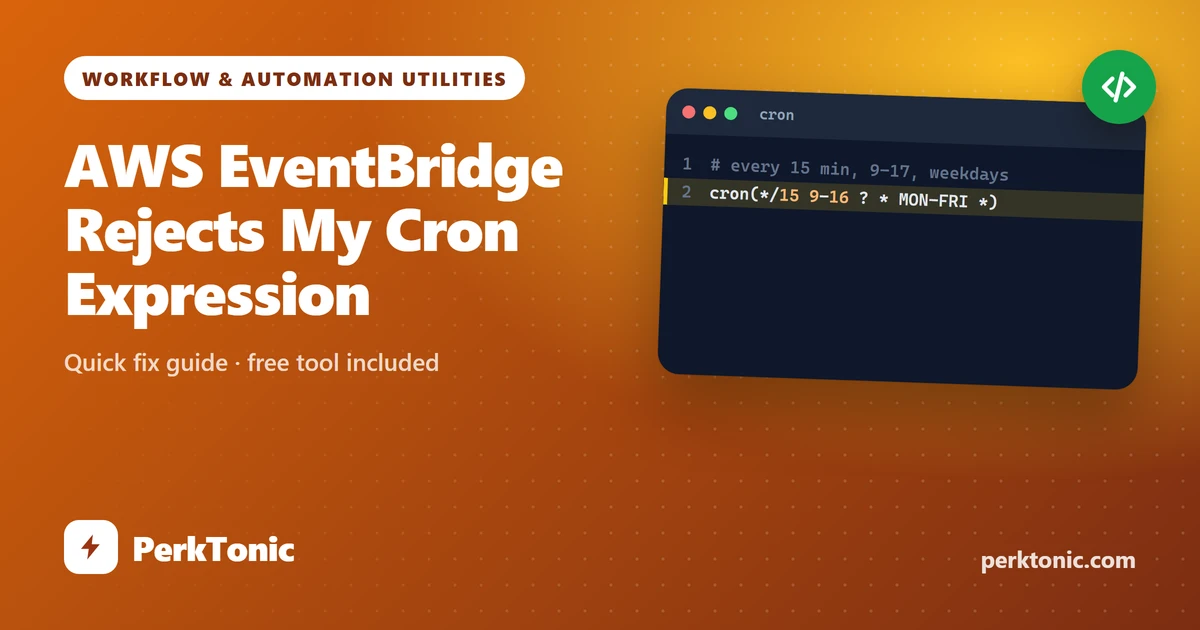
AWS EventBridge Rejects My Cron Expression
Why AWS EventBridge rejects a Linux cron line: six fields with a year, the cron() wrapper, the ? in one day field, and how to check the last run of the day.
4 min read
 Workflow & Automation Utilities
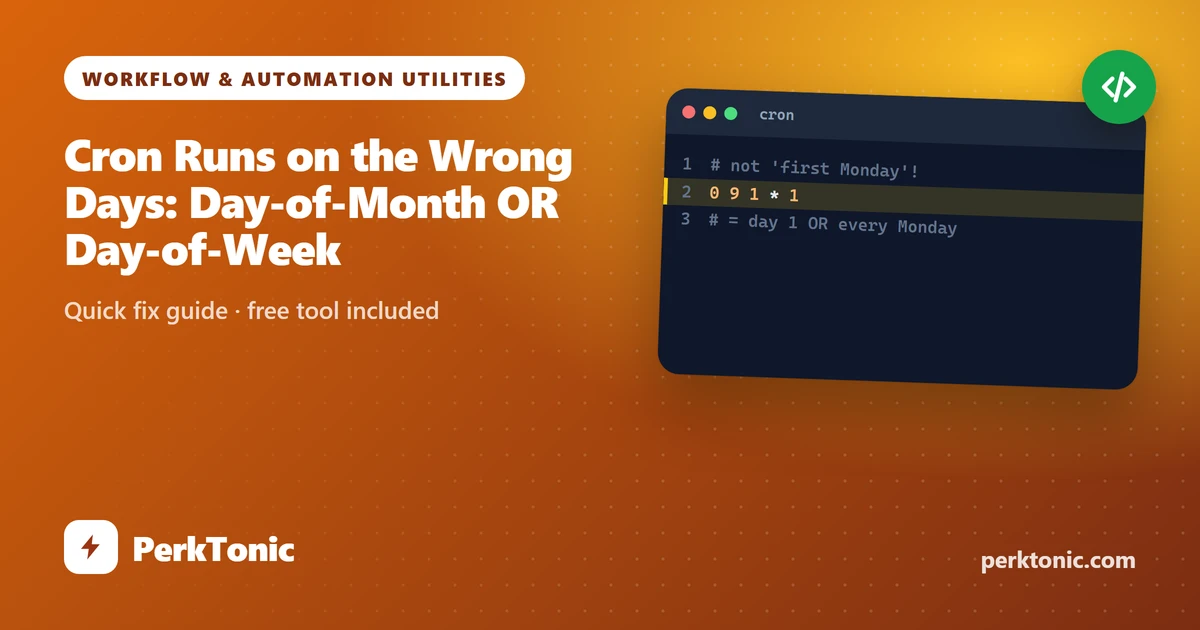
Cron Runs on the Wrong Days: Day-of-Month OR Day-of-Week
Why a cron job runs more often than expected when both day fields are set, how Sunday is numbered in each dialect, and how to schedule the first Monday of the month.
4 min read
 Workflow & Automation Utilities
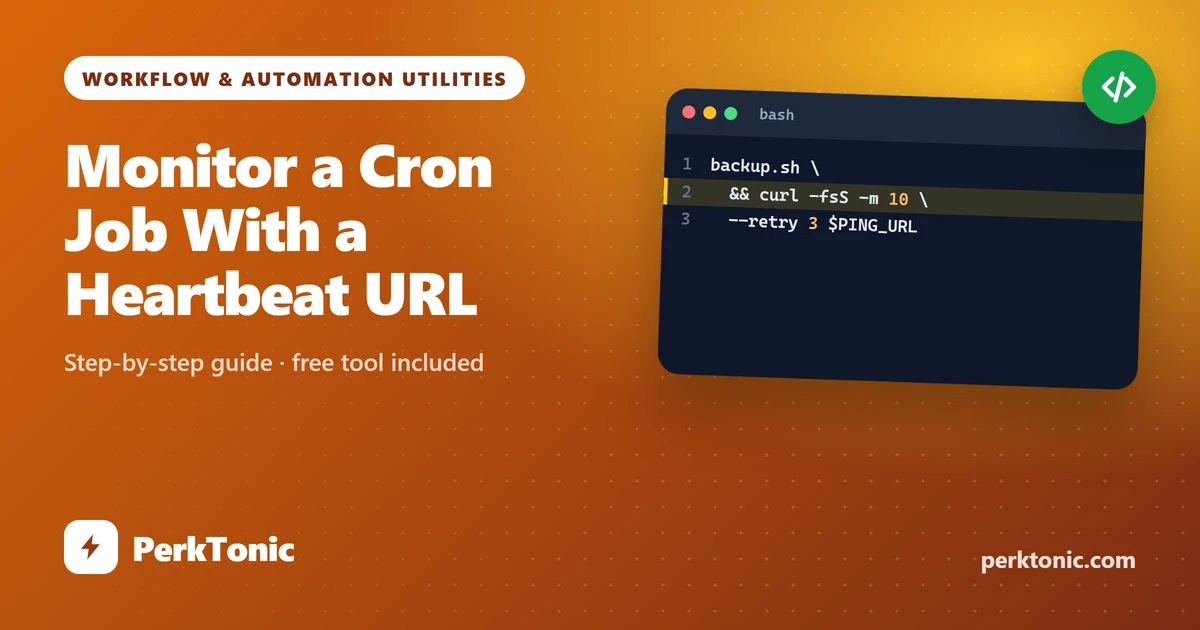
Monitor a Cron Job With a Heartbeat URL
How to monitor a cron job with a heartbeat URL: the period and the grace, the ping with && curl, the states New, Up, Late and Down, and alerts to a webhook.
5 min read