
Blog
Guides, tutorials and best practices to get more from your tools.
Guides
 Spreadsheet & Formula Studio
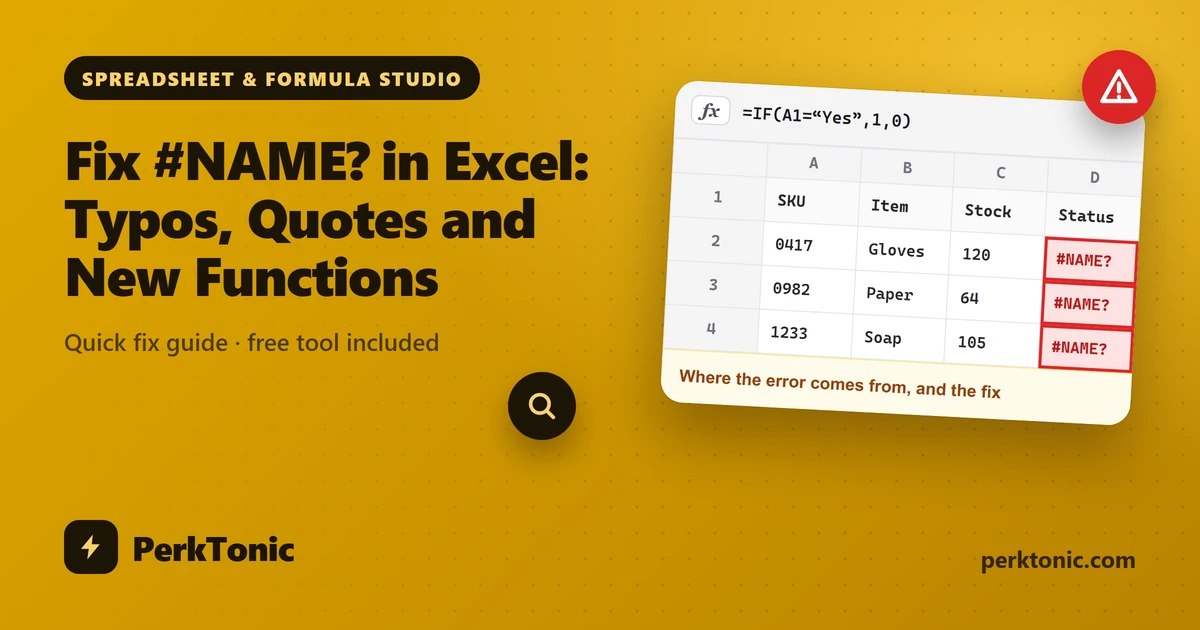
Fix #NAME? in Excel: Typos, Quotes and New Functions
Why Excel shows #NAME?: curly quotes pasted from an email, misspelled or too-new functions, and text written without quotation marks.
4 min read
 Spreadsheet & Formula Studio
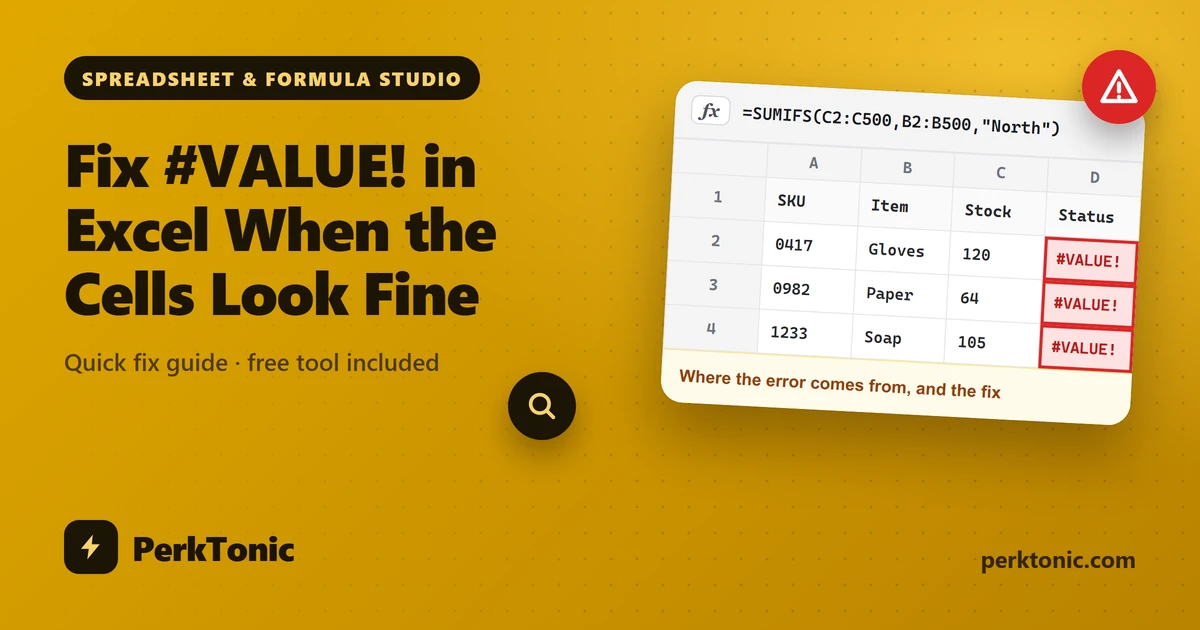
Fix #VALUE! in Excel When the Cells Look Fine
How to find the argument behind #VALUE! when the cells look fine: numbers stored as text, hidden spaces and mismatched SUMIFS ranges.
3 min read
 Spreadsheet & Formula Studio
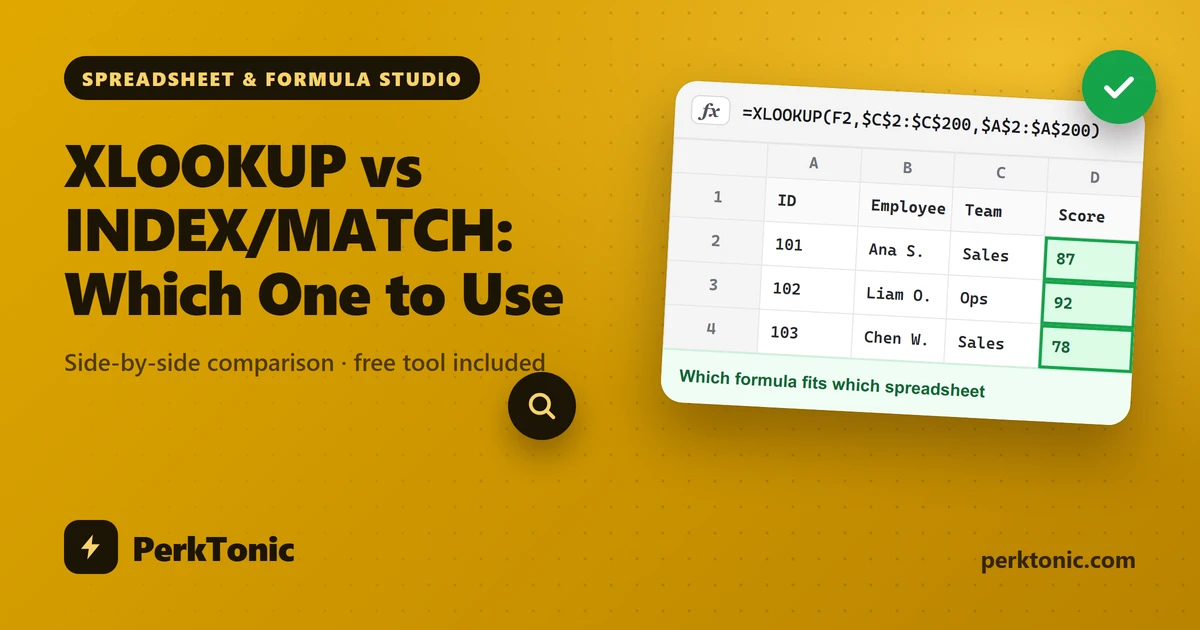
XLOOKUP vs INDEX/MATCH: Which One to Use
XLOOKUP, INDEX/MATCH and VLOOKUP compared by Excel version, left lookups, approximate matches and error handling, with the formulas side by side.
3 min read
 Spreadsheet & Formula Studio
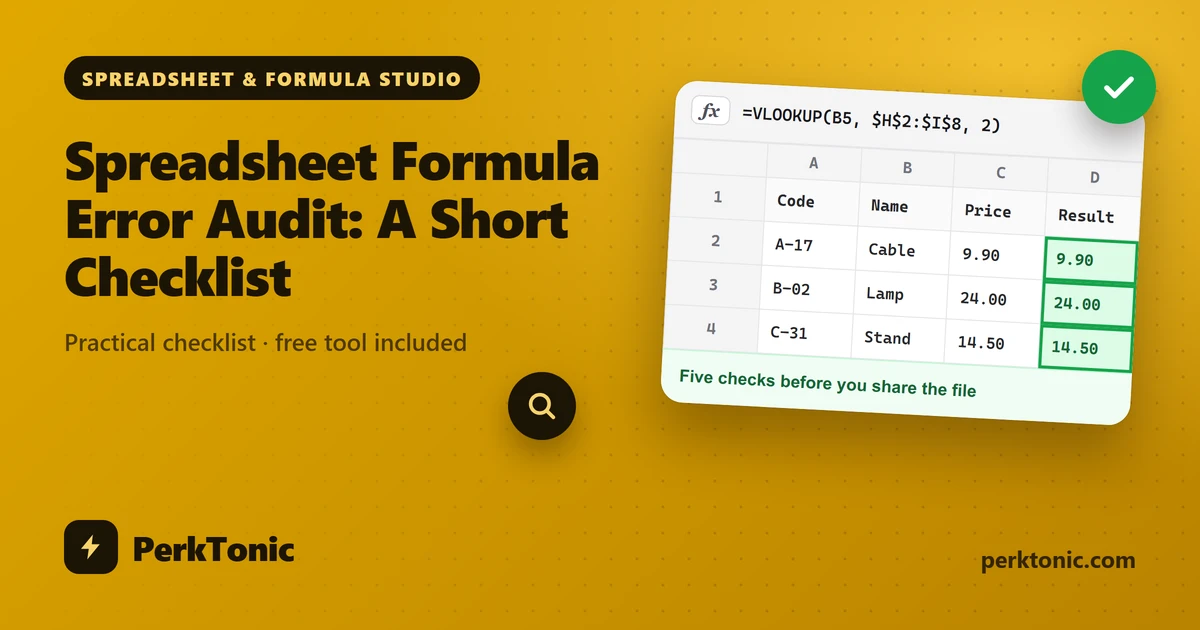
Spreadsheet Formula Error Audit: A Short Checklist
A five-step checklist to review a workbook before you share it: formula structure, error values, lookups, separators, text numbers and versions.
4 min read
 Spreadsheet & Formula Studio
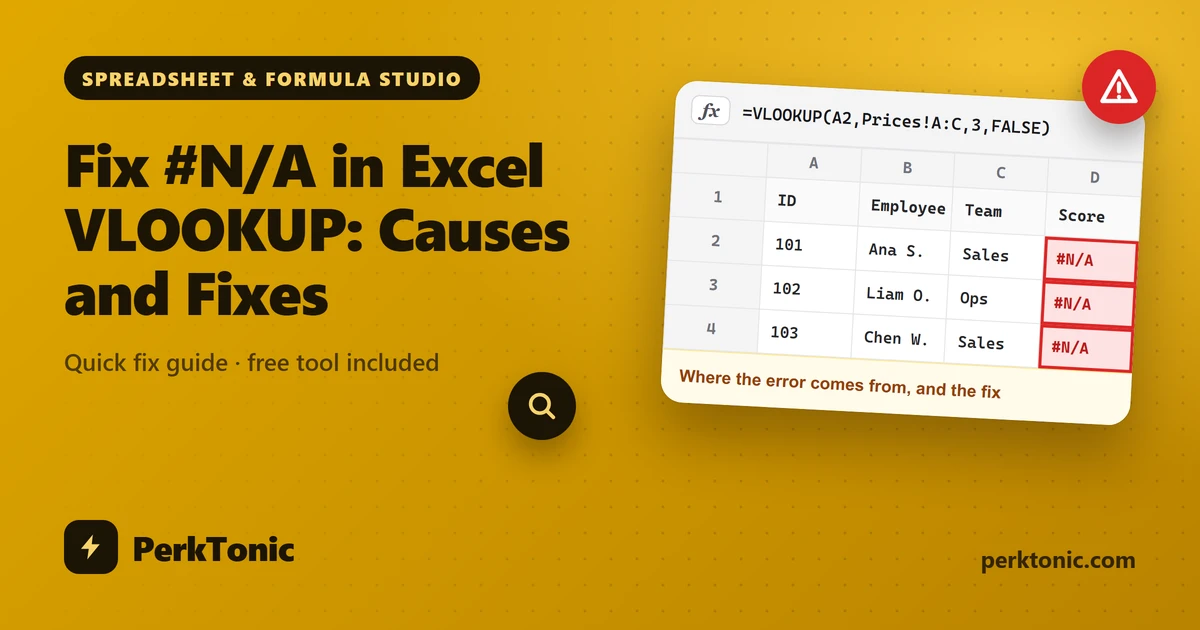
Fix #N/A in Excel VLOOKUP: Causes and Fixes
Why VLOOKUP returns #N/A when the value seems to be there: approximate match, spaces, text numbers, and when to use IFNA instead of IFERROR.
4 min read
 Spreadsheet & Formula Studio
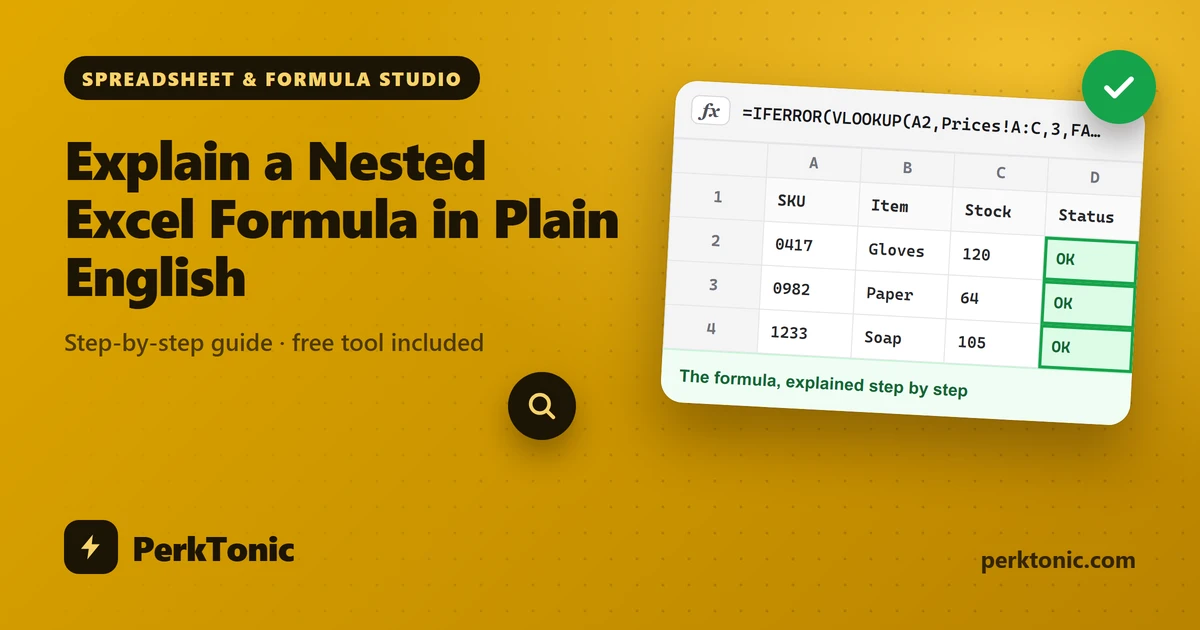
Explain a Nested Excel Formula in Plain English
How to read a nested Excel formula from the outside in, with a Structure tree and a plain-English summary, using IFERROR around VLOOKUP.
4 min read
 Spreadsheet & Formula Studio
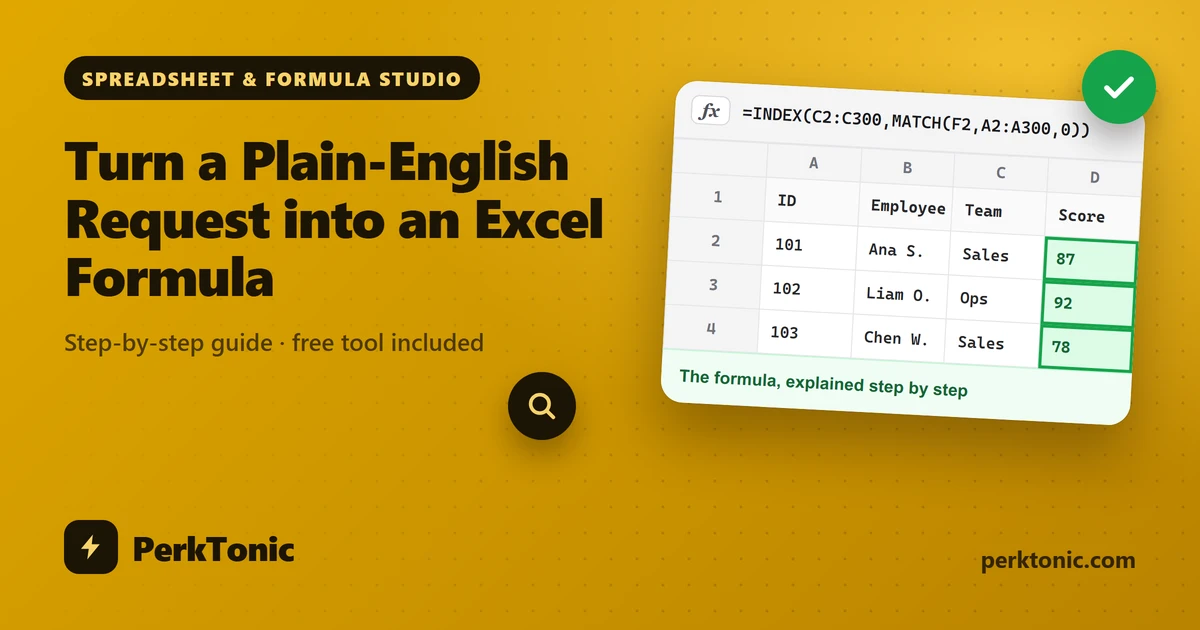
Turn a Plain-English Request into an Excel Formula
Use the Excel Formula Generator to turn a plain-English request into a formula for Excel, Google Sheets or LibreOffice Calc, then test it on a copy.
4 min read