Free AI Tools to Replace Paid Apps: 5 Swaps and Their Limits
Five free AI tools to replace paid apps, with the real limits and catches checked on each official page, so you know what to keep paying for.

Free AI tools to replace paid apps used to mean a watermarked demo and a nag screen. In 2026 the free tiers are real. They're also rationed, and the ration is where most "cancel everything" advice falls apart.
So here's the plan: five common paid apps, the free tool that can stand in for each, the exact cap you'll hit, and who should keep paying. I haven't run a head-to-head test, so treat this as a researched guide, not a diary. I read each provider's own pricing or limits page on 13 October 2026 and looked up what's been reported about the downsides.
Quick answer: Five free tiers can stand in for paid apps: Gemini Notebook for research, Canva Free for design, Otter Basic for meeting notes, Zapier Free for light automation, Grammarly Free for proofreading. Each works until a cap hits, and the caps are tight. Keep paying only where you cross them.
Which free AI tools to replace paid apps actually hold up?
Two are close to true replacements for light use: Gemini Notebook and Canva Free. Three are partial swaps that work fine until you lean on them: Grammarly Free, Otter Basic and Zapier Free.
My pick: start with Gemini Notebook. It has the roomiest free tier of the five (100 notebooks, 50 sources each) and costs nothing to test on a real pile of PDFs.
The catch: free limits move. Google's current help page describes usage caps that refresh every five hours up to a weekly limit, not fixed daily counts, so any guide promising "three audio overviews a day" is probably stale. For a wider shortlist of tools that feel paid, see our roundup of free AI tools.
The five swaps, checked against official pages
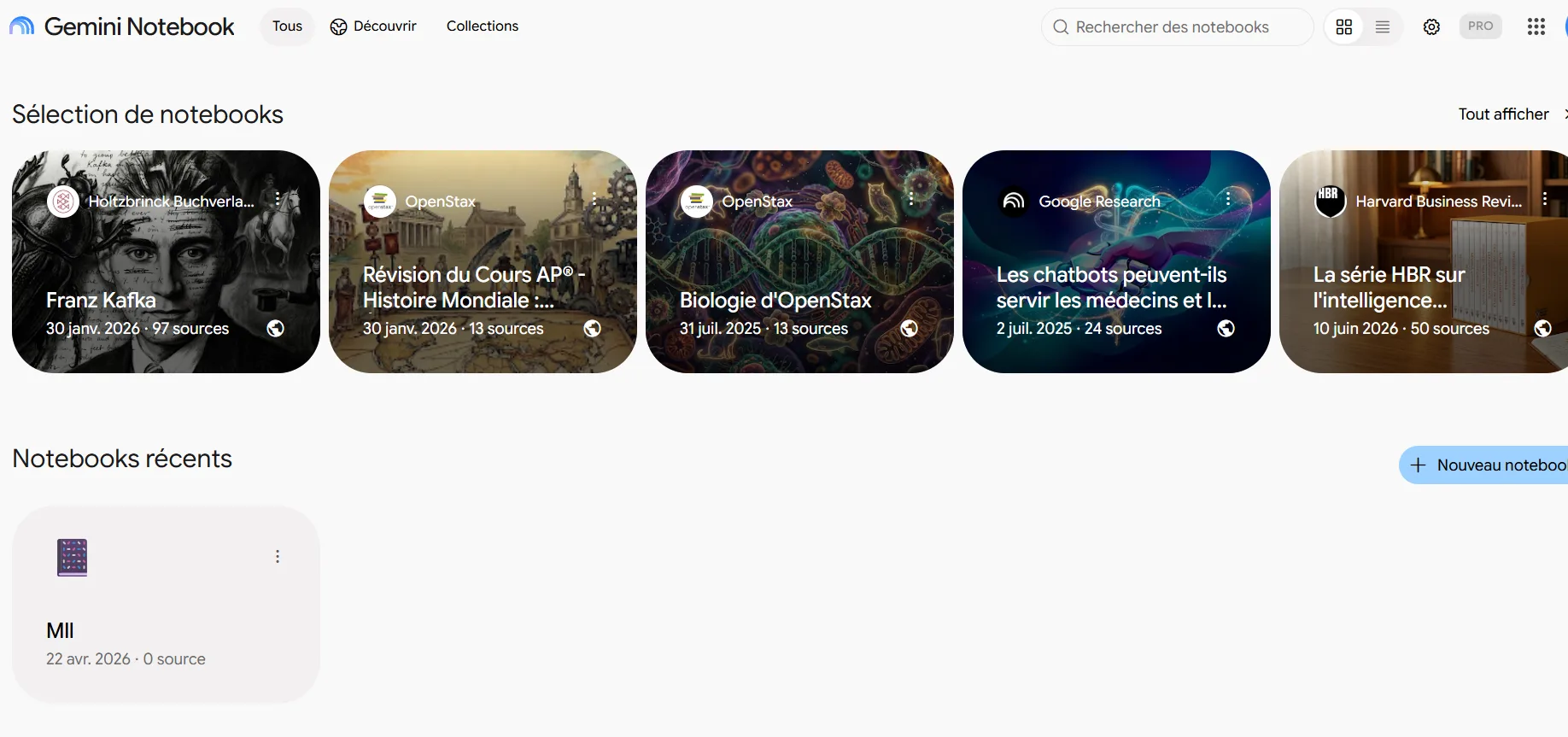
Gemini Notebook (formerly NotebookLM) for paid PDF and research apps
You upload PDFs, notes, links or pasted text, then ask questions and generate summaries or audio overviews from them. Google's plans page, which now uses the Gemini Notebook name, lists the free Standard plan at 100 notebooks and 50 sources per notebook.
- Replaces: paid PDF summarisers and research-notes apps.
- Free limit: 100 notebooks, 50 sources per notebook, plus usage caps that refresh every five hours until a weekly limit.
- The catch: Google says limits may change. Open Settings, then Usage, to see where you stand.
- Privacy: Google says your data isn't used to train the model unless you submit feedback.
- Skip this if: one project needs more than 50 sources. Paid plans go up to 600 per notebook.
Canva Free for a paid design or photo-editing app
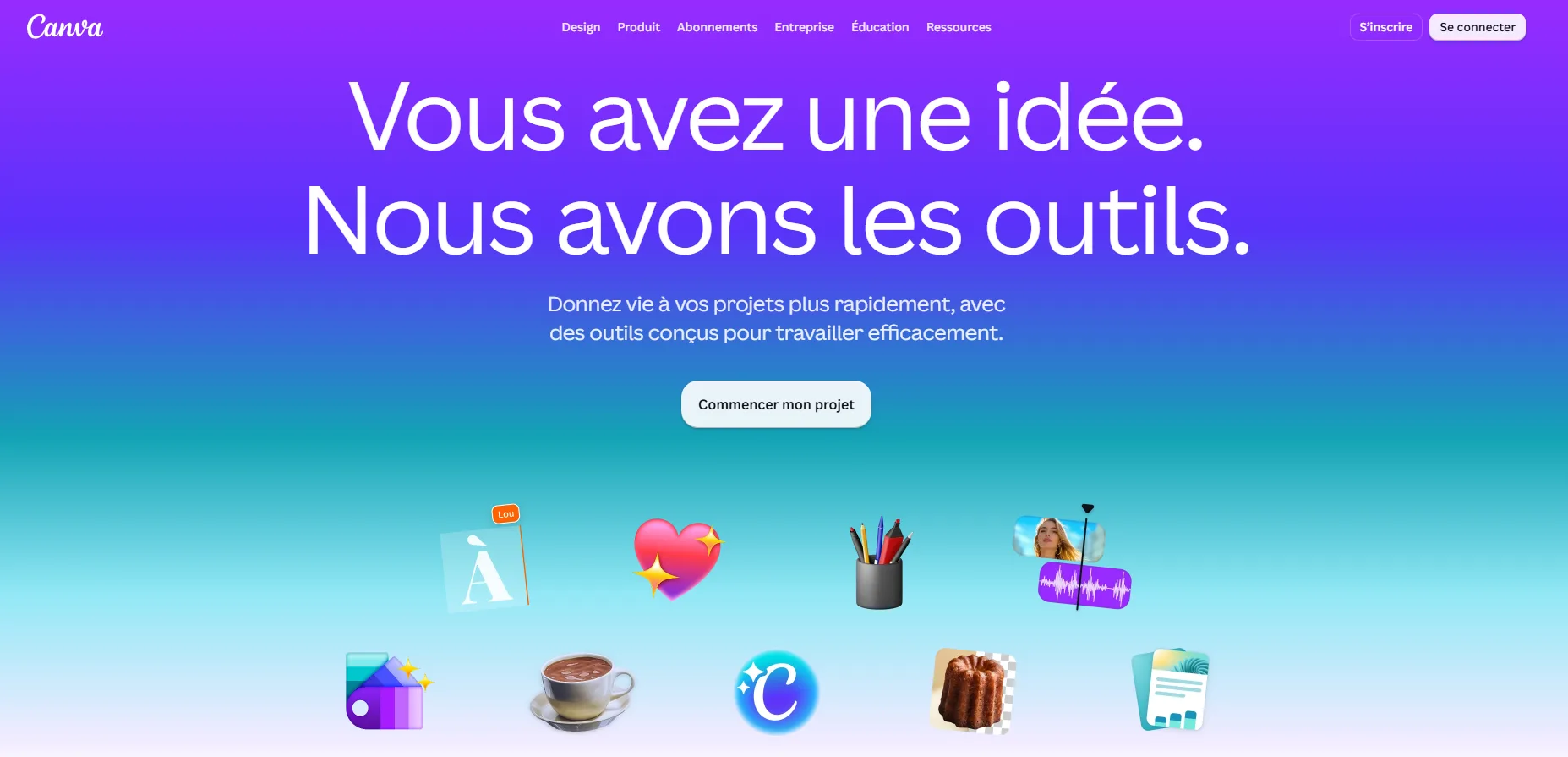
Canva's pricing page lists Free at $0 with 1.6 million-plus templates and an AI allowance of up to 20 Standard or Premium uses, shared across its AI tools.
- Replaces: a paid editor for everyday graphics, social posts and presentations.
- Free limit: up to 20 AI uses from one shared pool that resets monthly.
- The catch: background removal isn't on the Free plan, and print-ready CMYK export is Pro-only. Pro lists at US$144 a year.
- Skip this if: you remove backgrounds or send files to a printer every week.
Grammarly Free for a paid proofreading subscription
Grammarly's plans page lists Free at $0 with spelling and grammar checks, a tone readout and 100 AI prompts a month.
- Replaces: a paid plan, if all you need is error-catching.
- Free limit: 100 AI prompts a month.
- The catch: full-sentence rewrites, tone adjustment, plagiarism checks and AI-text detection are Pro features. Pro is listed at $12 USD, so confirm the billing period before you compare prices.
- Skip this if: you want a tool that rewrites your sentences, not just corrects them.
Otter Basic for a paid meeting-notes app
Otter's pricing page lists Basic as free, with 300 transcription minutes a month and a 30-minute cap on each conversation.
- Replaces: paid transcription and meeting-summary apps, for short calls.
- Free limit: 300 minutes a month with no rollover, 30 minutes per conversation and 3 lifetime audio or video file imports.
- The catch: an hour-long call won't fit in one transcript. Also, a class action filed in California in August 2025 alleges Otter's notetaker recorded people without everyone's consent and left the burden of getting permission to account holders. Those are allegations, not findings. Tell everyone before you hit record.
- Skip this if: you record people who haven't agreed to it, or need long meetings in one piece. Pro lists at $16.99 a month billed monthly, with 90 minutes per meeting.
Zapier Free for a paid automation subscription
Zapier's pricing page lists a Free plan with 100 tasks a month and two-step Zaps, meaning one trigger and one action. It's the least "AI" tool here, but it's often the one quietly costing money.
- Replaces: a paid automation plan, for simple jobs.
- Free limit: 100 tasks a month. Each successful action counts as one task, and Zaps check for new data every 15 minutes.
- The catch: premium apps are paid-only. At the cap, Zaps pause until the next period unless pay-per-task billing is on, which costs more per task. New accounts also get a 14-day Professional trial, so don't mistake trial features for free ones.
- Skip this if: you need multi-step Zaps or faster checks. Professional starts from $19.99 a month.
How do you swap without paying twice or losing work?
- List every paid app and note which features you actually use. Our guide to how to find hidden subscriptions helps catch the forgotten ones.
- Swap one app at a time and run its free stand-in through a normal week of real work.
- Check the tool's limit screen early, not on deadline day.
- Export or save anything you'll want later, then note the renewal date so you cancel before the next charge.
- Cancel only after the free tool survives that week.
A saving only counts once the old charge stops, so check your billing page before and after you cancel. In Canva, it's account menu, Settings, Billing.
If a tool above doesn't fit, our guide to free alternatives to paid software covers options that aren't AI-first.
What happens when a free tier runs out?
- Gemini Notebook: your quota refreshes every five hours until the weekly limit. On the web, a "Generate later" option queues work when you're out of limits.
- Canva: the AI allowance resets monthly, so heavy weeks can leave you stuck until next month.
- Otter: unused minutes don't roll over, and the 30-minute per-conversation cap stays.
If you hit a cap more than once a month, that app has earned its fee.
Which swap should you try first?
- Choose Gemini Notebook if you're buried in PDFs, articles or study notes.
- Choose Canva Free if you make the odd social graphic or flyer and don't need print-ready files.
- Choose Grammarly Free if you only want spelling and grammar catches.
- Choose Otter Basic if your calls are short and everyone on them knows they're being recorded.
- Choose Zapier Free if you have one simple two-step job, like saving form replies to a spreadsheet.
- Keep paying if a tool sits on your daily critical path and you're already hitting its cap.
My take and next step
Free AI tools to replace paid apps work best as a trial, not a purge. The saving only counts once the old charge actually stops, so note the renewal date before you start.

My pick: Gemini Notebook if you read a lot, Canva Free if you design a little. Pick the subscription that renews soonest, run its free stand-in for a week, and cancel only if you never hit a cap. More hands-on picks live in our AI tools hub.
Last checked: 13 October 2026, against each provider's official pricing or help page. Limits and prices change, so confirm on the page before you cancel anything.
Frequently asked questions
Are free AI tools safe for private documents?
It depends on each tool's privacy terms. Google says Gemini Notebook data isn't used for training unless you give feedback, but read every policy yourself. Keep sensitive client, medical or legal files out of any free tool unless its terms clearly allow it.
Will these tiers stay free?
There's no guarantee. Google's help page says Gemini Notebook limits may change, and Canva notes its offerings evolve over time. Keep exports of anything important, and recheck the official page every few months.
Which swap saves the most money?
By list price, Zapier Professional (from $19.99 a month) and Otter Pro ($16.99 billed monthly) are the biggest line items here. Canva Pro is US$144 a year. You only save if the free cap genuinely covers your usage.
Is Canva Pro worth it after the free plan?
Only if you keep hitting the limits. Canva lists Pro with background removal, print-ready export and far more AI allowance. If you design occasionally and skip those features, the free plan is usually enough.
Quiz
Can You Replace Paid Apps with Free AI Tools?
10 quick questions — think you know this one?
Test Your Knowledge →Comments (6)

Lisiane Melo
Oct 3, 2026
Thanks for putting all this information in one place.

Erna Abel
Sep 21, 2026
Very useful article. I appreciate the effort you put into this.

Ceylan Okumuş
Sep 15, 2026
Great work by the team behind Perktonic.

Marlies Le Gall
Sep 14, 2026
This was an enjoyable and useful read.

Brigitta Brück
Sep 13, 2026
This is a helpful website with some interesting content.

Özsu Tokgöz
Sep 13, 2026
Thank you for sharing your knowledge with readers.