How to Find Hidden Subscriptions: A 20-Minute Audit
How to find hidden subscriptions in 20 minutes: check bank statements, app stores, PayPal and email, then cancel the ones you forgot. Start your audit today.
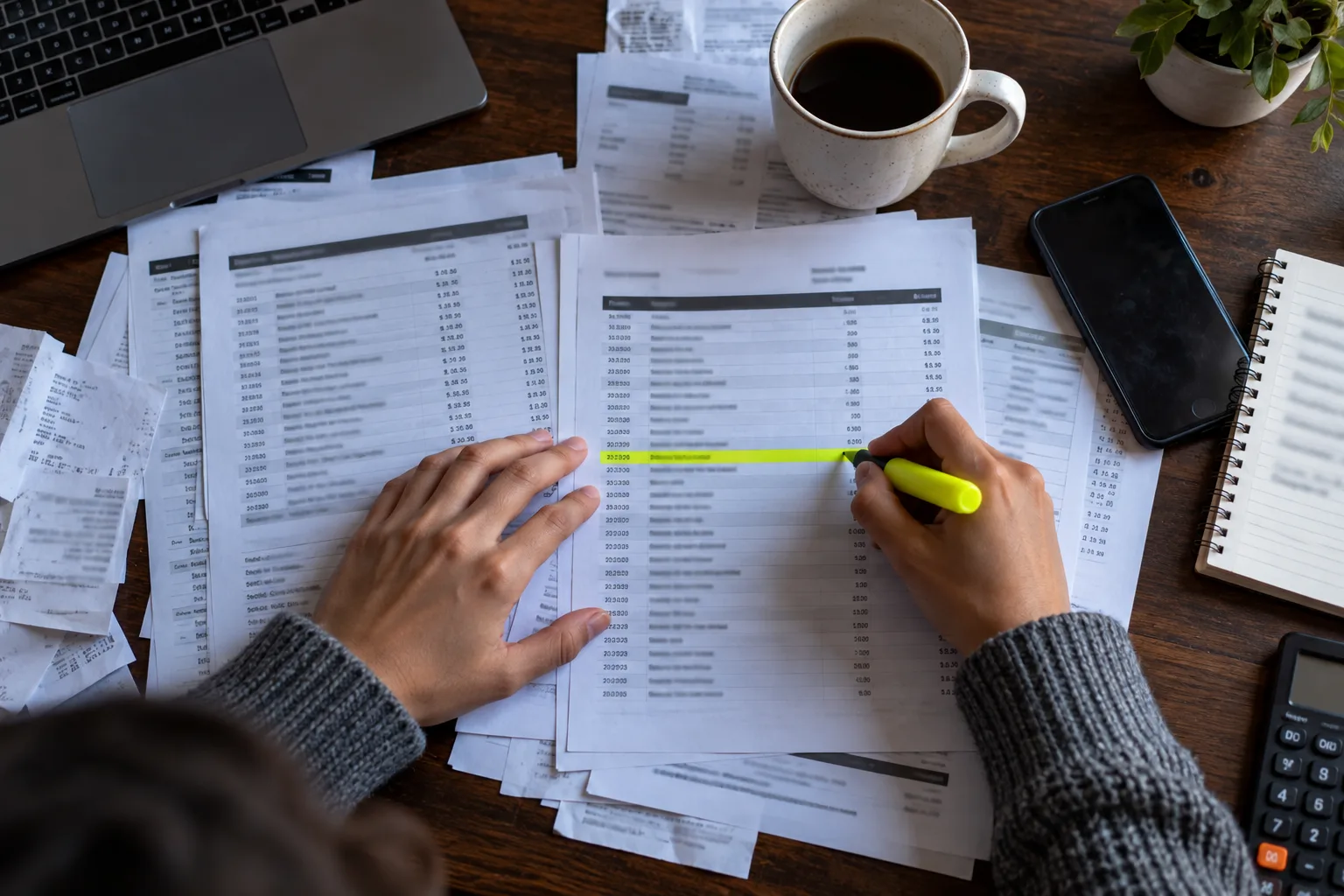
You stare at the charge for a full minute. The merchant name means nothing. You didn't buy anything. Then you remember a trial you started months ago and never opened again.
Here's how to find hidden subscriptions in about 20 minutes: a seven-step audit across your bank statements, app stores, PayPal and inbox, a tracking sheet you can reuse, and a script for services that make leaving hard. I haven't run this audit on a real account for this piece. The steps come from Apple, Google, PayPal and US consumer-agency pages, checked on 14 October 2026.
Quick answer: To find hidden subscriptions, scan 12 months of bank and card statements for repeat merchants, then check your iPhone or Android subscription list, PayPal's automatic payments and your email receipts. Log each one with its price and renewal date, cancel what you don't use, and keep the confirmations.

What do you need before you start?
Set aside about 20 minutes, and cancelling takes extra. You don't need an app or a paid tool.
- Your last 12 months of bank and card statements, online or on paper.
- Your phone, because that's where the store subscriptions live.
- Access to your email and your PayPal account, if you have one.
- A notes app or spreadsheet for the tracking sheet below.
The catch: annual plans bill once a year. If you only check last month, you'll miss them, so look back a full year.
How to find hidden subscriptions: the 7-step audit
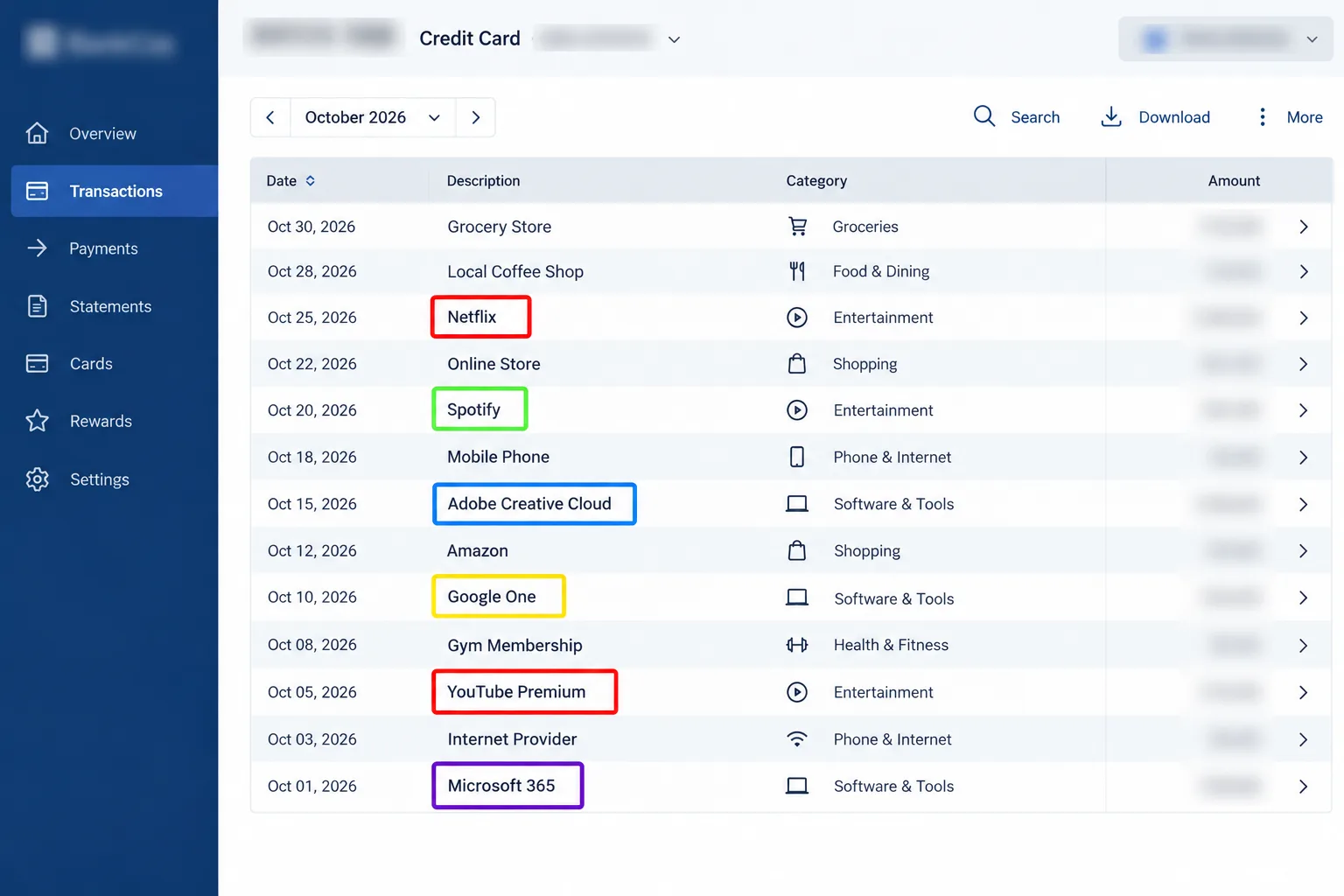
- Pull 12 months of statements. Start with the card you use most, then any others. Download them if your bank allows.
- Highlight repeat merchants. Mark anything that appears monthly or yearly, and anything you don't recognise. Small amounts count.
- Check your phone's subscription list. Use the steps in the next section for iPhone and Android.
- Check PayPal. Subscriptions billed through PayPal may show up on your statement only as PayPal.
- Search your email. Try "receipt", "invoice", "renewal", "trial" and "your subscription". Old welcome emails reveal trials you forgot.
- Log everything. Use the tracking sheet below. Write the price, how often it bills and where you pay for it.
- Cancel, then confirm. Cancel what you don't use, keep the confirmation email and set a reminder to check your next statement.
Where do phone and wallet subscriptions hide?
Store and wallet subscriptions are easy to forget, because the charge on your statement shows the store, not the app.
On an iPhone or iPad
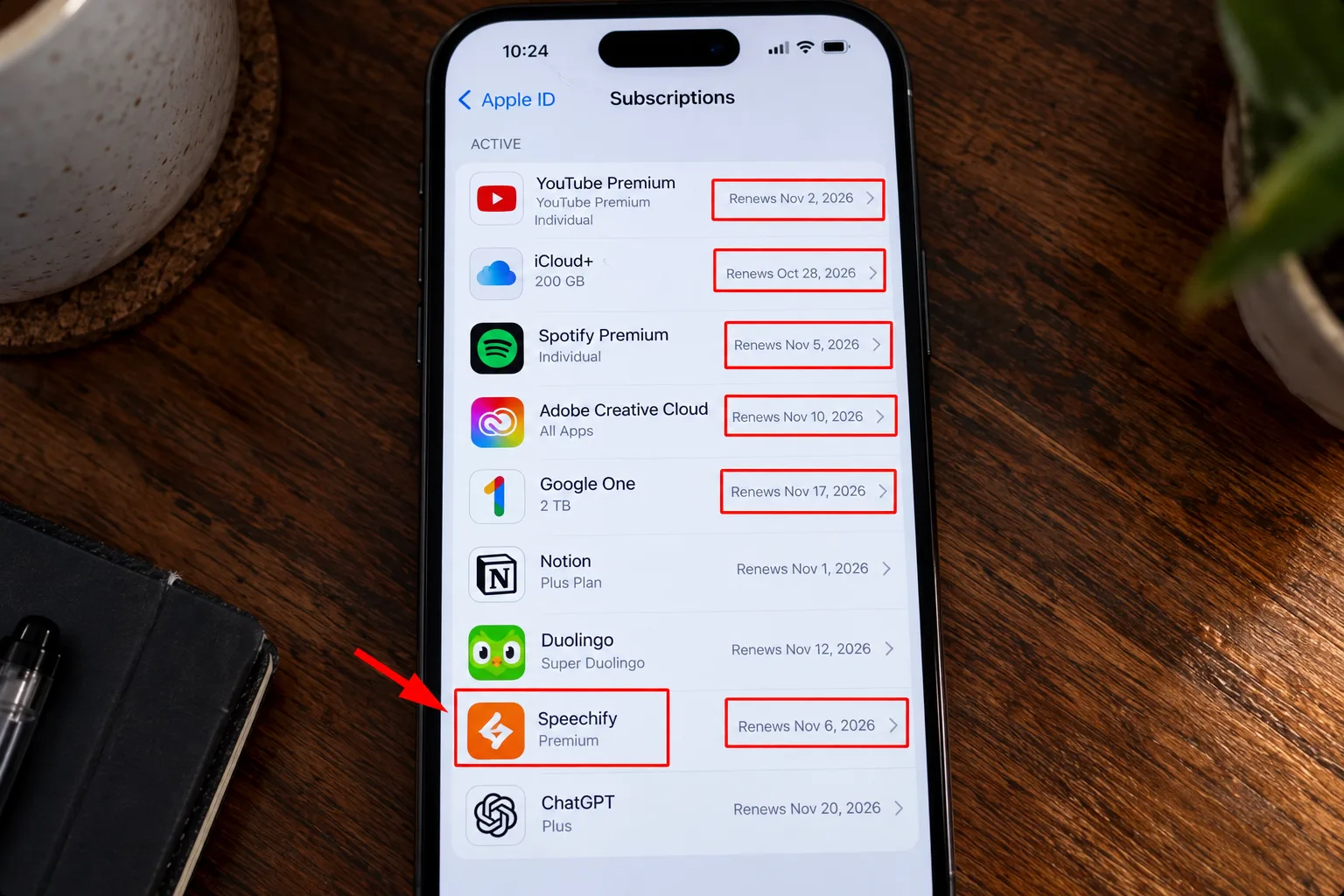
Open Settings, tap your name, then Subscriptions. That's your list. If a charge is from apple.com/bill, you can look up your purchase history in the App Store or at reportaproblem.apple.com, and search by the amount if you don't know what it was.
Apple says a charge may bundle several purchases into one bill. If Purchase Sharing is on, the Family organizer can see the charges too.
On Android
Go to Settings, then Google, then your name, then Manage your Google Account, then Payments & subscriptions, then Manage subscriptions. You can also go straight to play.google.com/store/account/subscriptions.
The catch: if you can't see a subscription, Google says it may be on a different account. Switch accounts and check again.
In PayPal
On the website, go to Settings, then Payments, then Subscriptions and saved businesses or Automatic Payments, and select the merchant. That's where you can cancel the payment. PayPal's page says the merchant's contact details can be found there too.
What should your tracking sheet look like?
Keep it boring. One line per subscription, in a notes app or spreadsheet, with these fields:
- Service: the name on the account, not the statement.
- Cost: the price and how often it bills.
- Billed through: card, Apple, Google, PayPal or another route.
- Renews on: the next charge date.
- Last used: an honest guess is fine.
- Verdict: keep, cancel or downgrade.
Multiply each monthly price by 12 before you decide. A $9.99 plan sounds harmless until it's $119.88 a year.
My pick: cancel anything you haven't used in a month and can't name what you'd miss. You can always resubscribe. Skip this if: it's a shared plan someone else relies on, in which case ask them first.
What do you say to a service that makes cancelling hard?
Keep it calm and short. Use this on chat or the phone:
Hi, I want to cancel my subscription today. Please confirm it's cancelled, tell me the last date I'll have access, and confirm there will be no further charges. I don't want any offers. Please email me the confirmation.
If they send you somewhere else, ask for the steps in writing. Note the date, time and name of anyone you speak to. Our guide on how to cancel a free trial has the app-store steps in more detail.

What mistakes keep subscriptions alive?
- Checking one month only. Annual charges slip through.
- Stopping the payment, not the subscription. The CFPB says cancelling an automatic payment doesn't cancel what you owe. For a subscription, you also need to cancel the contract itself.
- Looking in the wrong account. Check every Google or Apple account you've used.
- Deleting the app. Google says uninstalling an app doesn't cancel its subscription.
- Skipping the confirmation. Without it, you can't prove you cancelled.
What if the charges keep coming?
- Contact the company with your cancellation confirmation and ask for a refund.
- If they won't help and you were charged without consent or after cancelling, the FTC says to dispute the charge with your card company right away.
- To stop future payments from a bank account, the CFPB says to tell both the company and your bank that you're revoking permission, then follow up in writing. Banks generally charge fees for stop-payment orders.
- Keep notes of every call and every email. This is general information, not legal advice.
My take and next step
Knowing how to find hidden subscriptions is mostly a habit, not a one-off. My pick: do the full audit once, then spend five minutes on your statement each month. Skip this if: you pay for very few services and already know them all.
Next step: open last month's statement and highlight every repeat charge. Then see which trials are worth keeping in our guide to the best free trials, and what you may already get free in free perks you already have. More in the Rewards, Trials & Digital Perks hub.
Last checked: 14 October 2026, against the help pages named above. Menus and screens change, so follow what your app shows.
Frequently asked questions
Is every charge from apple.com/bill a subscription?
No. Apple says a charge from apple.com/bill could be for apps, subscriptions, music and movie purchases, or more. Sign in with your Apple Account to see what was bought. If it's a subscription, you can cancel it to stop future charges.
Can my family see my Apple subscriptions?
Possibly. Apple says that if Purchase Sharing is on, the Family organizer can see the charges. Check your Family Sharing settings if a charge turns up that you don't recognise, and ask the organizer before you assume it's a mistake.
What if I can't find the subscription anywhere?
Try other email addresses and store accounts you've used, since Google says a subscription may sit on a different account. Search your statement for the merchant name, then contact your card issuer if it still isn't clear who is billing you.
Quiz
Hidden Subscriptions: Find and Stop Secret Charges
10 quick questions — think you know this one?
Test Your Knowledge →Comments (6)
- T
Taylor
5 days ago
I like finding websites that focus on useful content.
- T
Taylor
Oct 7, 2026
This is a helpful website with some interesting content.
- T
Taylor
Oct 7, 2026
This was exactly the kind of information I was looking for.
- P
Pat
Sep 20, 2026
The explanation was clear and straight to the point.
- R
Riley
Sep 11, 2026
This is a great way to learn about something new.
- M
Morgan
Sep 10, 2026
Thanks for creating content that people can learn from.