
Text Data Parser and Normalizer
This text data parser and normalizer finds the emails, phone numbers, URLs, dates, money amounts, hashtags, @mentions, IP addresses and IBANs in any block of text. It writes each one in a standard form, removes duplicates and lets you export every list. It all runs in your browser.
- Free to use
- No account required
- Instant results
- Private: runs in your browser
Text
Paste up to 5 MB or open a text file up to 50 MB. Finds emails, URLs, phone numbers, dates, money amounts, hashtags, @mentions, IPv4/IPv6 addresses and IBAN-like numbers with fixed rules. People, company and place names are not extracted in this version. Nothing leaves your browser.
Your own pattern (optional)
Runs in a separate background thread and is stopped after 1.5 seconds, so a slow pattern cannot freeze the page.
Your data: Files and text are processed locally in your browser. Nothing you load here is uploaded to our servers.
How to use
- Paste text, such as an email thread, chat log, notes or an export, or open a text file of up to 50 MB.
- Choose the default country for phone numbers written without a
+prefix, and whether dates like03/04/2026are day-first or month-first. - Read the results, grouped by category. Each item shows its standard form, how it was written, how many times it appears and any note.
- Optionally add your own regular expression, for order numbers or ticket IDs for example.
- Copy a list, download one category as CSV or JSON, or download everything as one JSON file.
Examples
A support thread (loaded when the page opens). It contains this text:
Cc: Support@Example.co.uk, josé@correo.españa.es
Please call me on +44 20 7946 0958 or on my mobile 07812 345678.
The refund of €1.234,56 (about $1,342.10) is pending since Oct 12, 2026.
From it, the tool returns:
Emails          Support@example.co.uk   (domain lower-cased)
                josé@correo.españa.es
Phone numbers   +442079460958           GB · +44 20 7946 0958
                +447812345678           GB · +44 7812 345678
Money amounts   EUR 1234.56             as written: €1.234,56
                USD 1342.10
Dates           2026-10-12              as written: Oct 12, 2026
The whole sample gives 22 items in 10 categories. ada.lovelace+billing@example.co.uk appears twice with different capitals and is counted once (×2), with the note "base address ada.lovelace@example.co.uk". www.example.com/help/refunds gets https:// added. Of two IBANs that differ by one digit, one is marked "checksum NOT valid".
Your own pattern. With the pattern #[A-Z]-\d+ and the flags gi, the same thread gives #A-1042, the order number. That text is not listed as a hashtag, because a hashtag followed by a hyphen is skipped.
Tips and limits
- Emails: plus-addressing (
name+tag@) and Unicode domains are kept. The base address is shown so you can spot one person's aliases. Duplicates are compared without regard to case. - URLs: links with
http(s)://, links starting withwww., and bare domains with a common ending (.com,.io,.co.uk…) are found. Trailing punctuation is trimmed. The host is compared without regard to case; the path is compared exactly. - Phones: checked with libphonenumber-js and written in E.164 form (
+447812345678). A number without+is read with the default country you choose. Impossible numbers are skipped; a possible number that is not valid for its country gets a note. - Dates: ISO dates, numeric dates,
3 March 2026andOct 12, 2026(English month names) becomeYYYY-MM-DD. When both readings of a numeric date are possible, the note says how it was read ("read as day/month"). - Amounts: symbols (€ $ £ ¥ ₹) and codes (EUR, USD…) before or after the number,
1.234,56or1,234.56,k/m/bnand minus signs. A bare$is read as USD. - IBANs: compared without spaces or case, and checked with the mod-97 checksum.
- Not included: names of people, companies and places, which need a language model.
- Limits: 5 MB when pasting and 50 MB per file. Large files show progress and a Cancel button. A very dense 20 MB log with over a million items takes about 15 seconds in Chrome.
FAQ
How do I extract emails from text?
Paste the text and open the Emails card. Press Copy to get one address per line, or CSV to get a spreadsheet with counts and the context around each address.
Can I add my own pattern?
Yes. Type a JavaScript regular expression and flags in "Your own pattern". It runs in a separate background thread and is stopped after 1.5 seconds, so a pattern that backtracks badly cannot freeze the page.
Is the text uploaded?
No. Everything happens in your browser tab, and nothing is sent to a server.
Why is my phone number missing?
It is probably written without a country code and does not fit the default country. Choose the right country, or write the number with `+` and the country code.
How does it decide whether 03/04/2026 is March or April?
It uses your setting, day-first by default. When both readings are possible, the note says "read as day/month" so you can check it.
What does "Remove duplicates" do?
It merges repeats into one line with a count, using the rule shown under each category. Turn it off to list every occurrence with its own position.
Privacy note
Your text and files are read and processed only in your browser tab, in a background thread. Nothing is uploaded, logged or stored, and the data is gone when you close or reload the page.
Guides for this tool
 Document & Text Intelligence
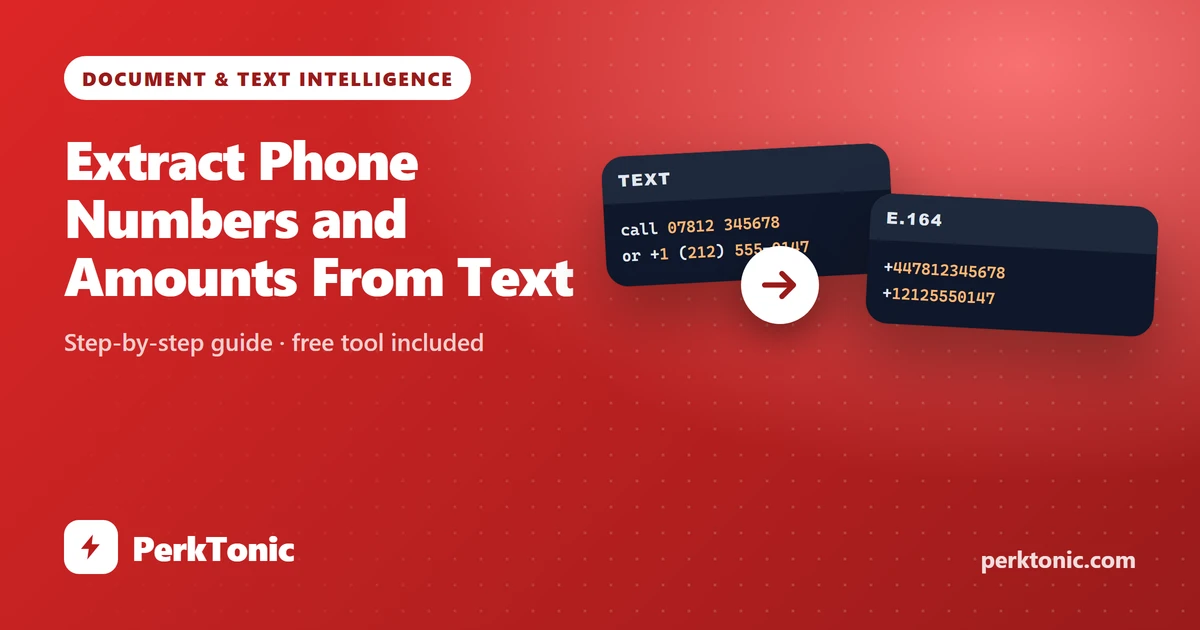
Extract Phone Numbers and Amounts From Text
How to extract phone numbers from text in E.164: the default country, day-first or month-first dates, amounts with currency codes, IBAN checksums and why a number may be missing.
4 min read
 Document & Text Intelligence
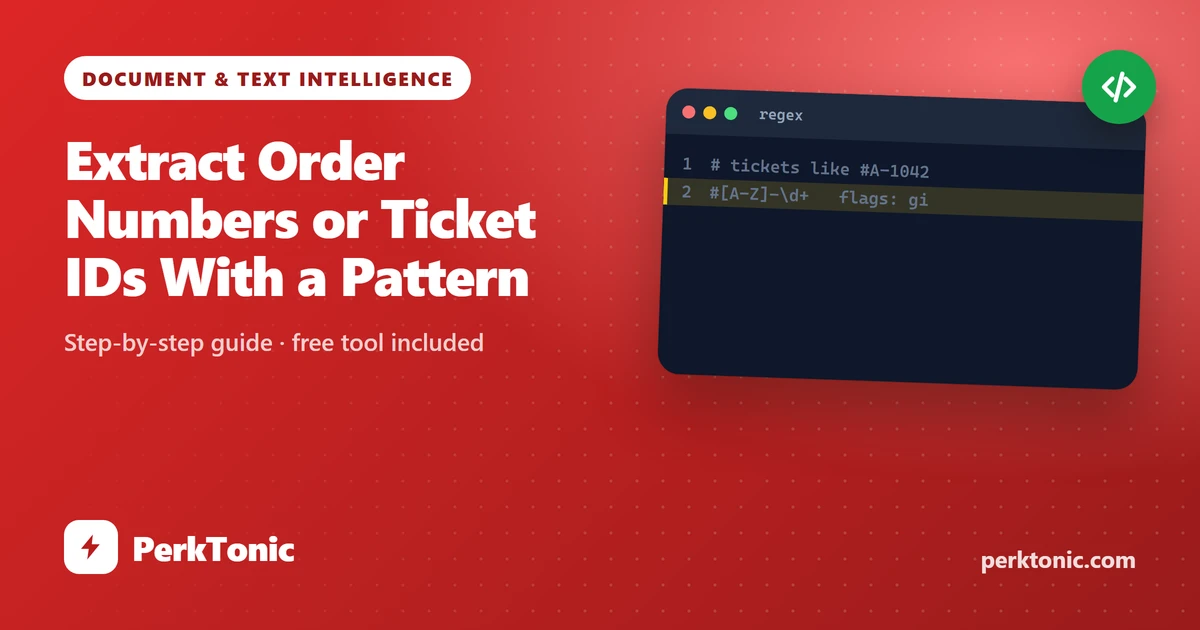
Extract Order Numbers or Ticket IDs With a Pattern
How to extract ticket IDs or order numbers with your own regular expression in the Text Data Extractor: the pattern field, a worked example, testing first and exporting the list.
4 min read
 Document & Text Intelligence
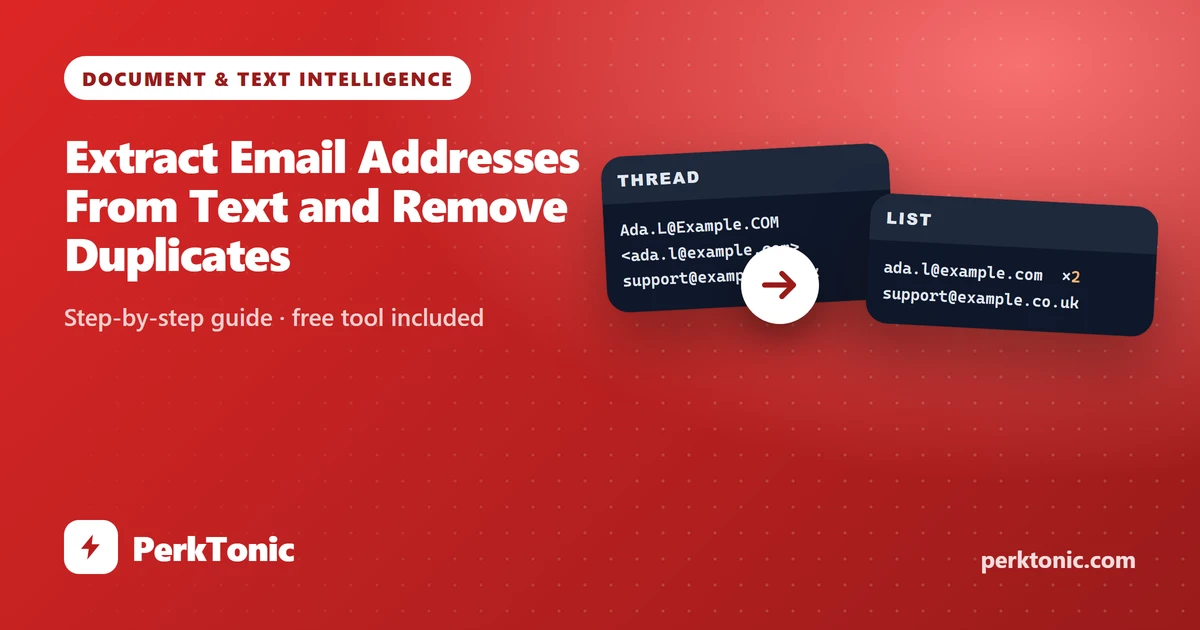
Extract Email Addresses From Text and Remove Duplicates
How to extract email addresses from a long text: paste it, read the standard form and the count of each address, remove duplicates, and download the list as CSV or JSON.
4 min read
 Workflow & Automation Utilities
Test a Regex Online With Named Groups on Log Lines
How to test a regex with named groups on log lines: the flags g and m, the matches with positions and groups, the explanation of the pattern and a replacement preview.
5 min read