
Action Item Extractor
Paste meeting notes, an e-mail thread or minutes. This ai document action item extractor lists every task with its owner, its deadline and the exact sentence it came from, so you can check each one.
- Free to use
- No account required
- Instant results
- Sent to the AI only when you press the button
Text to read
Action items
Example result (nothing was sent)5 action items found (dates relative to 2026-11-02).
Update the pricing page with the new annual plan
Owner: Marco · Due: 2026-11-04 (by Wednesday)
Review the pricing page copy
Owner: Priya · Due: 2026-11-03 (tomorrow)
Collect the slowest export examples and share them in the channel
Owner: Sam · Due: 2026-11-13 (before next Friday)
Renew the support domain
Owner: Unassigned · Due: 2026-11-30 (at the end of the month)
Send the updated onboarding checklist to the new hires
Owner: Priya · Due: 2026-11-09 (on 9 November)
| Task | Owner | Due | Quote |
|---|---|---|---|
| Update the pricing page with the new annual plan | Marco | 2026-11-04“by Wednesday” | |
| Review the pricing page copy | Priya | 2026-11-03“tomorrow” | |
| Collect the slowest export examples and share them in the channel | Sam | 2026-11-13“before next Friday” | |
| Renew the support domain | Unassigned | 2026-11-30“at the end of the month” | |
| Send the updated onboarding checklist to the new hires | Priya | 2026-11-09“on 9 November” |
Owners and deadlines are only shown when they appear in the text; quotes are checked against your text on our server.
Your data: Your text is sent to our server and to the AI provider only when you press the button. We do not store it with your identity, and nothing is sent before that.
How to use
- Paste the text (up to 20,000 characters), or open a .txt or .md file. The file is read in your browser.
- Set the reference date: the day the text calls "today". It starts as today's date for your own text.
- Press Extract action items.
- Check the table. Click a quote to select that sentence in the text box.
- Download the list as CSV (it opens directly in Excel) or as a Markdown checklist, or copy the checklist.
Examples
Weekly meeting notes, reference date Monday 2 November 2026:
- "Marco will update the pricing page with the new annual plan by Wednesday" → task *Update the pricing page with the new annual plan*, owner Marco, due 2026-11-04.
- "Sam will collect the slowest examples … before next Friday" → owner Sam, due 2026-11-13, the Friday of the following week.
- "Someone needs to renew the support domain before it expires at the end of the month" → owner Unassigned, due 2026-11-30. No name is invented.
An e-mail thread. "Could you add the regional breakdown and send me the final version by Friday?" from Dana to Joel becomes a task for Joel, due 2026-11-06. "Please ask Finance to confirm the Q3 numbers" has no deadline, so the Due column stays empty.
Arabic notes. "سيقوم أحمد بإرسال التقرير المالي يوم الخميس" gives the task in Arabic, owner أحمد and due 2026-11-05. The text is shown right-to-left.
Tips and limits
- Our server checks every item before you see it; these rules are never left to the AI:
- an item whose quote is not in your text is removed (spacing differences are ignored), and the page says how many were removed;
- an owner whose name does not appear in the text becomes Unassigned;
- a due date that is not a real date, or is more than 5 years from the reference date, is removed, but the deadline words stay.
- Our own date reader resolves common English phrases against the reference date: tomorrow, Friday, next Friday, end of the month, in 2 weeks, 4 December. When it can resolve the words, its date wins. For other languages the AI's date is kept if it is valid.
- "Next Friday" means Friday of next week, and "Friday" means the coming Friday.
- The limit is 20,000 characters. This version does not split long texts, so send a long document in parts.
- Only .txt and .md files can be opened. For Word or PDF, copy the text.
- English works best. French and Arabic work as far as the AI allows.
- You can send 10 AI requests per 10 minutes.
FAQ
How do I get action items from meeting notes?
Paste the notes as they are, with names and dates, and set the reference date to the meeting day. Lines like "Priya: send the checklist on 9 November" or "Marco will update the page by Wednesday" become tasks with an owner and a date.
Can it find deadlines?
Yes. It finds written dates and relative ones such as "tomorrow" or "end of the month", and resolves them against the reference date. The original words are always kept next to the date.
Is my text sent to a third party?
Yes, to the AI provider that reads it, and only when you press the button. See the privacy note below.
Why is a task marked Unassigned?
The text does not say who will do it, or the name the AI gave is not in the text. The tool never guesses a person.
Why was an item removed?
Its quote could not be found in your text, which usually means the AI paraphrased instead of quoting. The page says how many items were removed.
Can it read contracts?
Yes. Obligations such as "The Supplier shall deliver the final report within 30 days" become tasks owned by the party named. Check the dates against the contract.
Privacy note
When you press Extract action items, the text and the reference date are sent to our server and to the AI provider to find the tasks. Files are opened in your browser, and only their text is sent. We do not store the text with your identity, and identical requests may be answered from a short-lived cache. The example shown when the page opens is saved in the page and sends nothing.
Guides for this tool
 Document & Text Intelligence
Find Renewal and Notice Dates in a Contract
How to find the renewal and notice dates in a contract: asking for notice periods, working out the last day to give notice, dates in YYYY-MM-DD and categories that are Not found.
4 min read
 Document & Text Intelligence
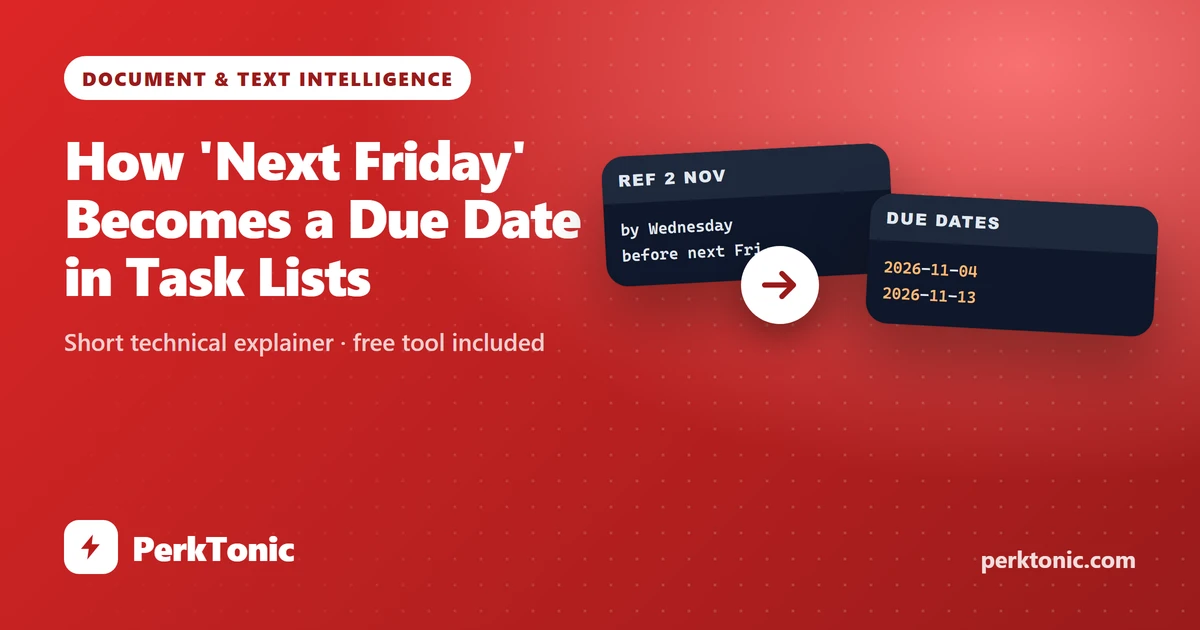
How 'Next Friday' Becomes a Due Date in Task Lists
How an action item tool turns Friday, next Friday, tomorrow and end of the month into calendar dates from a reference date, why owners stay Unassigned, and what changes in other languages.
4 min read
 Document & Text Intelligence
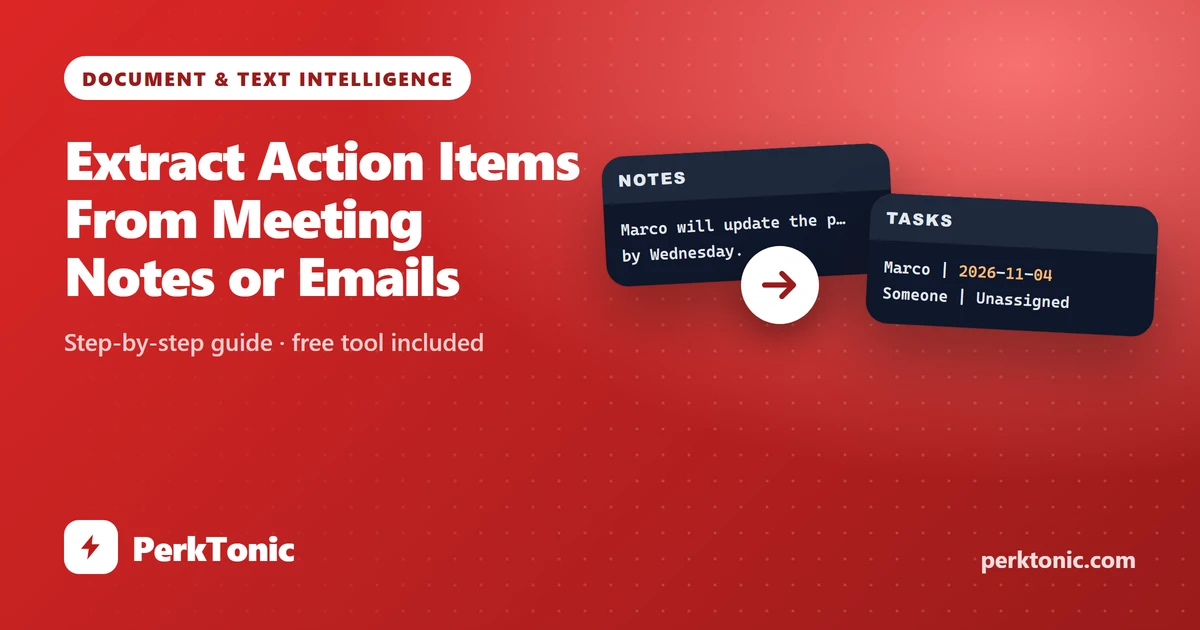
Extract Action Items From Meeting Notes or Emails
How to extract action items from meeting notes or an email thread: the reference date, owners and Unassigned tasks, the source sentence of each task, and the CSV or checklist export.
5 min read
 Document & Text Intelligence
Summarize a Long Document Without Losing the Figures
How to summarize a long document with the AI Document Summarizer: length and tone, the section-by-section digest, key points with source quotes, and the limits of 20,000 characters and no PDF.
4 min read