

Standardize Phone Numbers, Emails, Names and Countries in a CSV
Standardize phone numbers in a CSV to E.164, and tidy emails, name capitals, money amounts and countries in the same pass. Values that cannot be fixed are listed with their line number, never dropped. Everything runs in your browser.
- Free to use
- No account required
- Instant results
- Private: runs in your browser
Your data
Paste up to 5 MB, or open a CSV, TSV or .xlsx file up to 50 MB (the first sheet is used). Nothing is uploaded.
Your data: Files and text are processed locally in your browser. Nothing you load here is uploaded to our servers.
How to use
- Paste CSV or TSV with a header row, or open a CSV, TSV or Excel file of up to 50 MB.
- Check the rule suggested for each column: phone, email, person name, amount, country, or leave as is.
- Set the default country for local phone numbers, or point to a column that holds each row's country.
- Choose how amounts and countries should be written.
- Check the counts and the before-and-after preview, then download the standardized CSV and the list of invalid values.
Examples
A messy customer export (loaded when the page opens). Twelve rows, with the country column used for local phone numbers:
Before                                        After
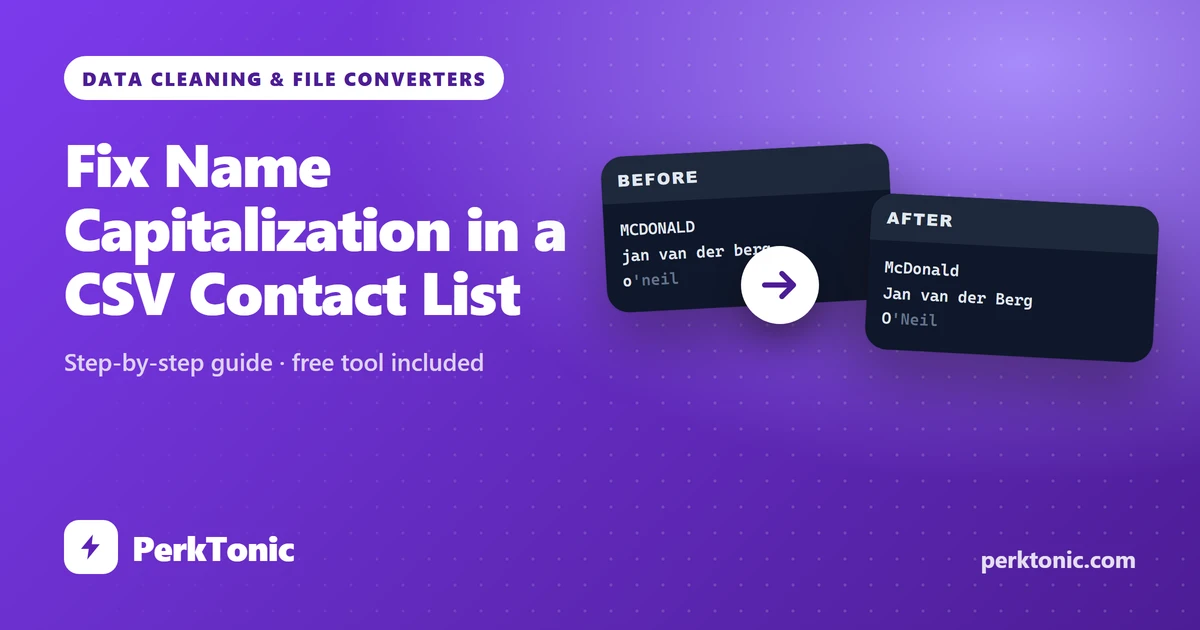
MCDONALD                                      McDonald
o'neil                                        O'Neil
jan van der berg                              Jan van der Berg
  Ada.Lovelace@Example.COM                    ada.lovelace@example.com
mailto:grace.hopper@example.org               grace.hopper@example.org
+44 20 7946 0958 ext. 204 (United Kingdom)    +442079460958, phone_ext 204
0661 23 45 67 (Maroc)                         +212661234567
020 794 6095 (Pays-Bas)                       +31207946095
Allemagne / Marruecos / Österreich            DE / MA / AT
"(12,50)"                                     -12,50 €
Six values are listed as invalid instead: linus@@example.com (more than one @), the phone 12345 (too short), 07700 900 123 (a reserved UK drama number, not a valid number), ibn.battuta@example (no domain ending), the country Narnia, and $40,00 in a euro column, which is not converted.
US amounts. For the values $1,234.56, $99.90 and 2,500, the column is detected as 1,234.56 style in USD. Written as "1234.56" with "no currency", they become 1234.56, 99.90 and 2500.00, ready for a spreadsheet.
Tips and limits
- Phones: numbers are checked with libphonenumber-js and written as E.164. Numbers starting with
00are read as international. "ext. 204" and "x12" go to a new<column>_extcolumn. A number that is the right length but not in use, such as UK drama numbers, is listed as invalid. - Emails: spaces,
mailto:andName <…>are removed and the address is lower-cased. The syntax is checked, but no mailbox is contacted, so a well-formed address can still bounce. - Names: only words typed in ALL CAPS or all lower case are changed. A deliberate spelling such as
DeShawnorMacKenzieis kept. Particles stay lower-case (van der Berg,da Silva,al-Fihri), and hyphenated names get a capital on each part (Jean-Luc).Mcnames are fixed (McDonald), butMacnames are not, because Mack and Macy are names too. - Amounts: each column's style (
1.234,56or1,234.56) is guessed from all its values, and the page shows the guess and how many values could be read either way. You can override it. Values in another currency are listed, never converted. - Countries: codes (
DE,DEU) and names in English, French, Spanish and German are accepted, plus common short forms (UK, USA, Holland). The output is ISO alpha-2, alpha-3 or the English name. - Limits: paste up to 5 MB, or open files up to 50 MB (Excel: first sheet). A 43 MB file with 600,000 rows took about 15 seconds in Chrome, with a progress bar and Cancel.
FAQ
How do I convert phone numbers to E.164?
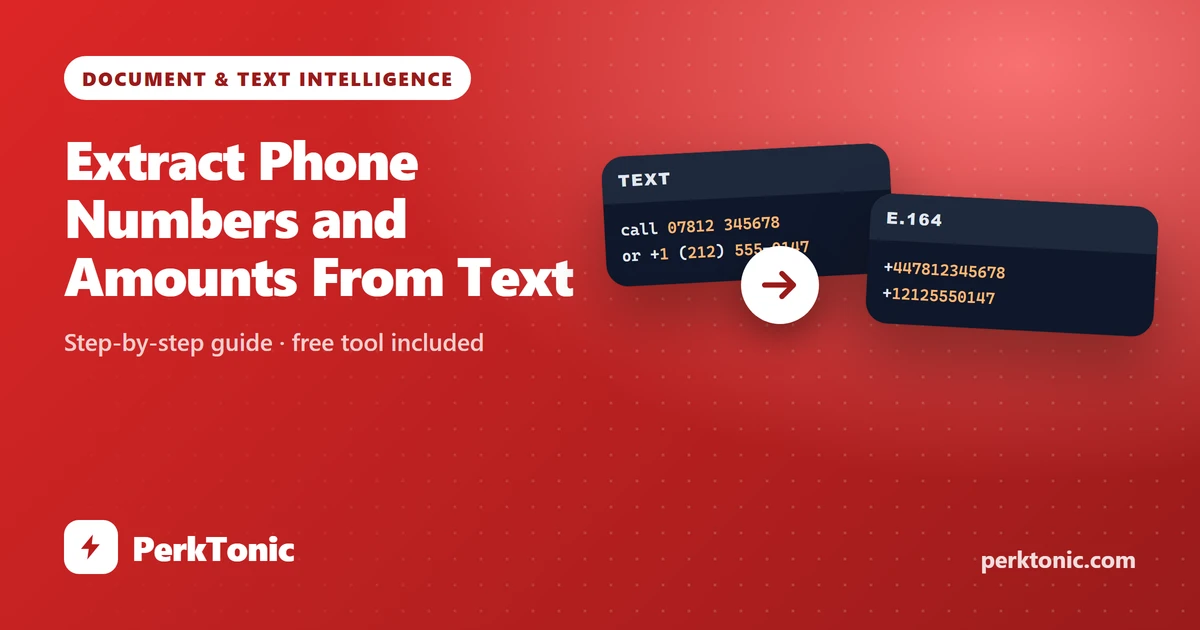
Choose "Phone → E.164" for the column and set the country of numbers written without `+`. `07812 345678` with the United Kingdom becomes `+447812345678`.
How do I validate email addresses in a CSV?
Choose "Email" for the column. Every address is trimmed and lower-cased, and those with a broken syntax are listed with the reason and the line, ready to download.
Is my customer data uploaded?
No. The file is read and processed in your browser, and nothing is sent to a server.
What happens to values that cannot be fixed?
They stay exactly as they were in the output file. They are also listed separately with the line, column and reason, so nothing disappears silently.
Can phone numbers from different countries be in one column?
Yes. Numbers with `+` or `00` are read as written. For local numbers, choose the column that holds each row's country.
Privacy note
Your file is processed in a background thread of your browser tab. Nothing is uploaded, logged or stored, and the data is discarded when you close or reload the page.
Guides for this tool
 Data Cleaning & File Converters
Fix Name Capitalization in a CSV Contact List
How to fix the capitalization of names in a CSV contact list: ALL CAPS and lower-case names, particles and hyphens, Mc and Mac names, and country names to ISO codes.
4 min read
 Document & Text Intelligence
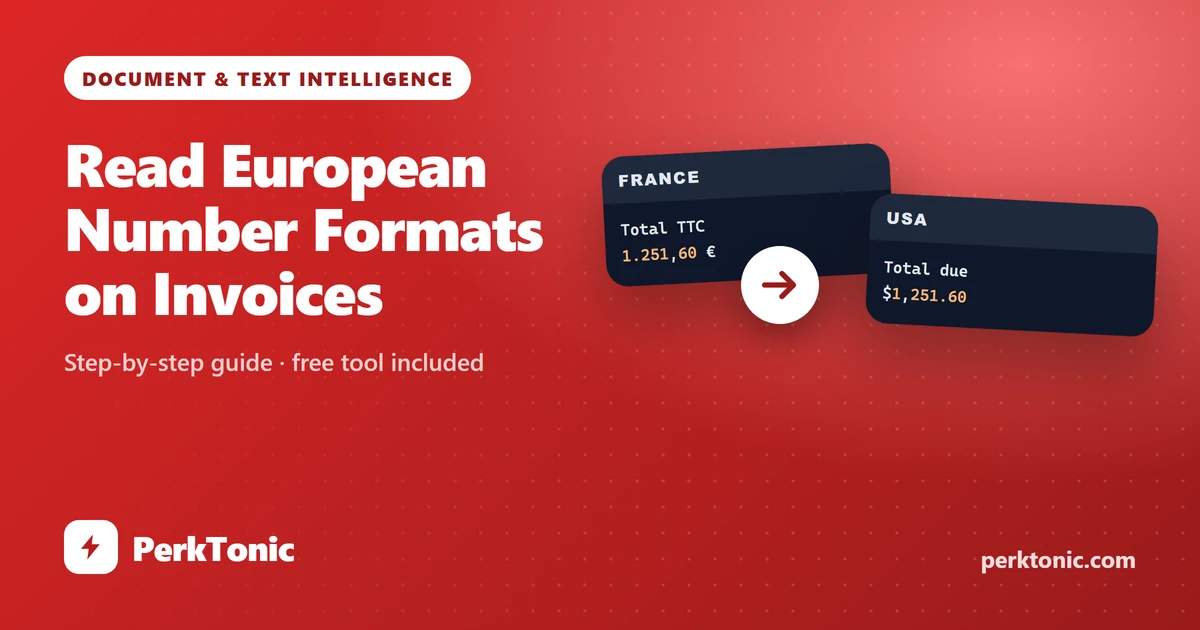
Read European Number Formats on Invoices
How an invoice extractor reads European amounts such as 1.043,00 €: amounts as printed, the numbers style, the currency sign, due dates and what stays Not found.
5 min read
 Document & Text Intelligence
Extract Phone Numbers and Amounts From Text
How to extract phone numbers from text in E.164: the default country, day-first or month-first dates, amounts with currency codes, IBAN checksums and why a number may be missing.
4 min read
 Data Cleaning & File Converters
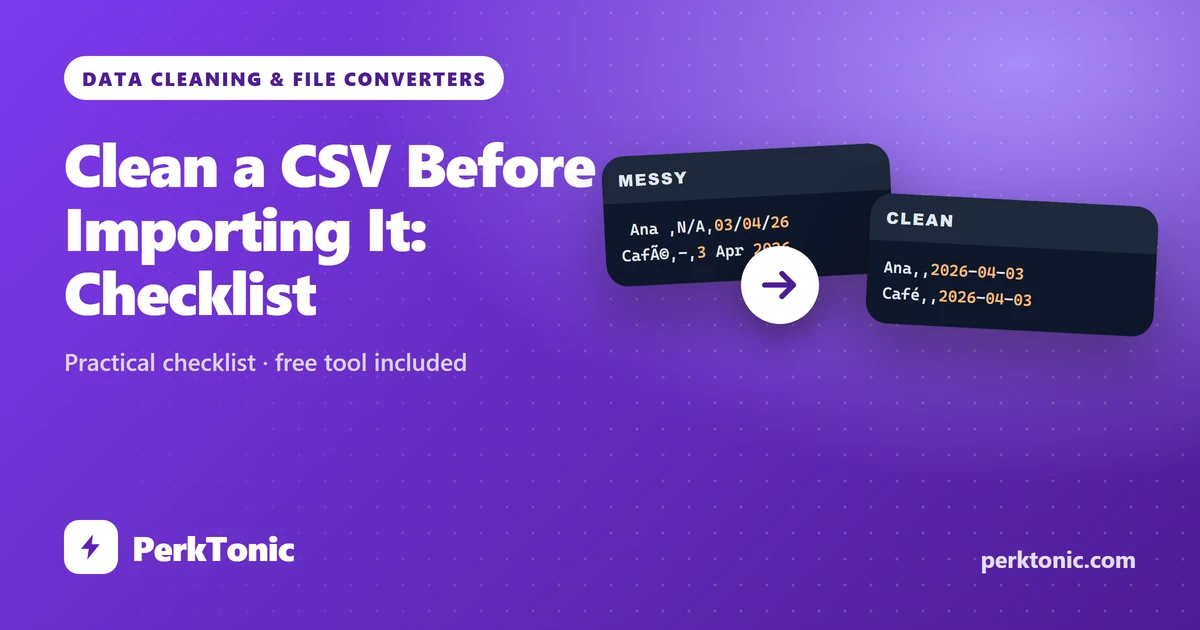
Clean a CSV Before Importing It: Checklist
A checklist for cleaning a CSV before an import: encoding, invisible characters, blank values such as N/A, dates and headers, duplicates, and phone, email and name rules.
4 min read