
Meeting Minutes Generator from Transcript
Paste a meeting transcript, or open the .vtt, .srt, .txt or .docx file your meeting app exported. This meeting minutes generator from transcript returns attendees, agenda topics, decisions, action items and open questions, each backed by the sentence that was said.
- Free to use
- No account required
- Instant results
- Sent to the AI only when you press the button
Transcript
Minutes
Example result (nothing was sent)weekly product sync for the mobile app
Date: 2026-11-02 · Deadlines counted from 2026-11-02
Attendees
Priya Shah, Marco Rossi, Lena Park, Sam Okafor
Agenda
- Annual plan pricing. The annual plan page is ready except for the copy; the team agreed on the launch date.
- Crash reports. Android crashes fell from 1.9% to 0.7% of sessions after release 4.2; login traces will be collected.
- Open points. The monthly discount after the launch is still undecided; the support domain must be renewed.
Decisions (1)
- Launch the annual plan on 16 November.
“Then we agree to launch the annual plan on 16 November.”
Open questions (1)
- Do we keep the monthly discount after the annual plan launches? (to ask finance)
“do we keep the monthly discount after the annual plan launches?”
Action items (3)
| Task | Owner | Due | Said |
|---|---|---|---|
| Update the pricing page copy | Lena Park | 2026-11-04 | “I'll update the pricing page copy by Wednesday.” |
| Collect the slowest login traces | Sam Okafor | 2026-11-13 | “Sam, can you collect the slowest login traces before next Friday?” |
| Renew the support domain | Unassigned | 2026-11-30 | “Someone needs to renew the support domain before the end of the month.” |
Your data: Your text is sent to our server and to the AI provider only when you press the button. We do not store it with your identity, and nothing is sent before that.
How to use
- Paste the transcript (up to 60,000 characters, about 60 to 90 minutes of talk) or open a file. Subtitle files are turned into clean text with speaker names.
- Optionally add the meeting title and date. Choose the language of the minutes; by default they are written in the language of the transcript.
- Check "Count deadlines from". It is today's date for your own transcript; "next Friday" and "end of the month" are counted from it.
- Press Write minutes.
- Review the lists. Every decision, action item and open question shows the sentence it came from.
- Download Markdown or Word, download the action items as CSV, or copy the minutes or the checklist.
Examples
A weekly product sync, reference date Monday 2 November 2026:
- "Lena Park: I'll update the pricing page copy by Wednesday." This becomes an action item for Lena Park, due 2026-11-04, because a promise a speaker makes about themselves is a task with that speaker as owner.
- "Sam, can you collect the slowest login traces before next Friday?" Sam Okafor is the owner, due 2026-11-13: the Friday of the following week.
- "Someone needs to renew the support domain before the end of the month." The owner is Unassigned and the task is due 2026-11-30.
A call with "Speaker 1", "Speaker 2" labels. The attendees are listed as those labels. No real names are invented.
A deadline of "sometime next quarter". The due date stays empty and the words are kept, because the tool does not guess a date.
Tips and limits
- Text only. There is no audio upload and no speech-to-text in this version. Export the transcript from your meeting app (most can save .vtt or .txt) and open it here.
- Speaker names are used only when they are in the transcript. An attendee or an owner whose name is not in the text is removed.
- Items whose quoted sentence is not in the transcript are removed, and the page says how many.
- A due date more than 5 years away, or one that is not a valid date, is removed; the deadline words stay.
- The title and the date come from the form, or from the transcript itself, and are never made up.
- 60,000 characters per request. Longer meetings are refused, not cut: send them in parts.
- Timestamps from subtitle files can be kept as [mm:ss] if you tick the option.
FAQ
How do I write meeting minutes quickly?
Export or copy the transcript from your meeting app, paste it here and press Write minutes. Check the action items and their owners, then download or copy the result.
Does it identify speakers?
It uses the speaker labels in your transcript ("Ana:" or the `<v Ana>` tags of WebVTT). It cannot tell voices apart, because it never hears the audio.
What audio formats work?
None in this version: the tool reads text transcripts only (.txt, .vtt, .srt, .docx or pasted text). Transcribe the recording first, for example with your meeting app.
Are decisions and action items separate?
Yes. Decisions are what was agreed, action items are tasks someone will do, and open questions are what was left unanswered. Each is a separate list.
Can I write the minutes in another language?
Yes. Choose English, French, German, Spanish, Italian, Portuguese, Dutch or Arabic. Quotes stay in the language that was spoken.
How many meetings can I convert?
10 AI requests per 10 minutes, and each meeting is one request.
Privacy note
Recordings and transcripts contain personal data: make sure everyone who was recorded knows about the recording and this use of it. When you press Write minutes, the transcript and the form are sent to our server and to the AI provider to produce the minutes. Files are read in your browser first. We do not store the transcript with your identity, and identical requests may be answered from a short-lived cache.
Guides for this tool
 Document & Text Intelligence
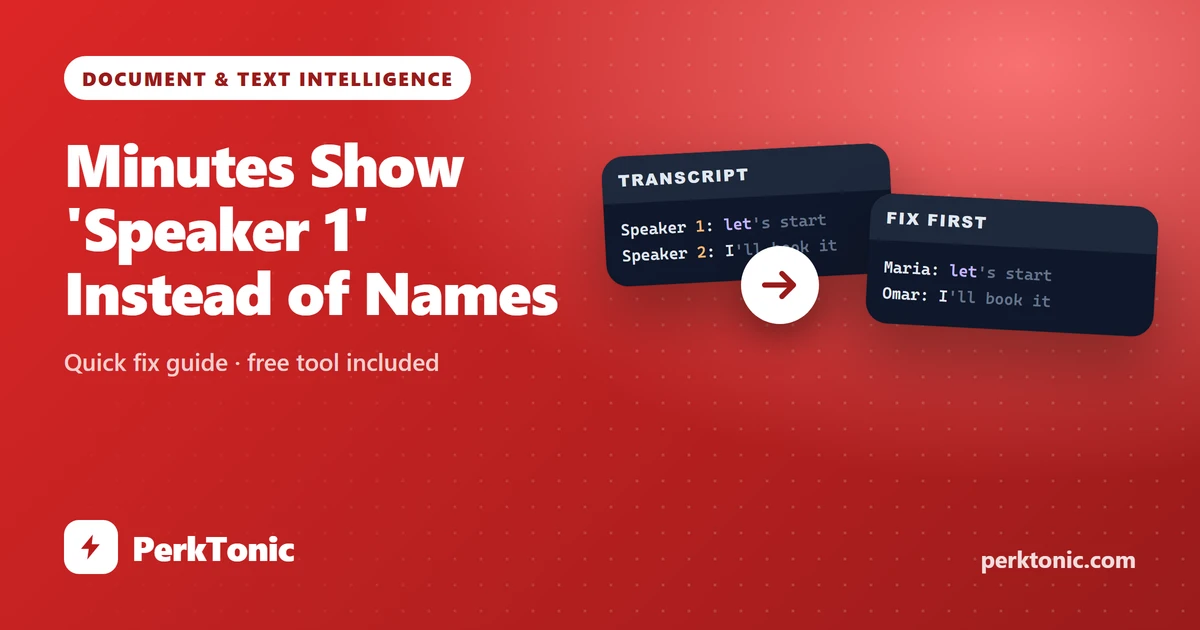
Minutes Show 'Speaker 1' Instead of Names
Why meeting minutes show Speaker 1 and Speaker 2 instead of names, how to rename speakers in the transcript, why vague deadlines stay as words, and how to check each item's sentence.
4 min read
 Document & Text Intelligence
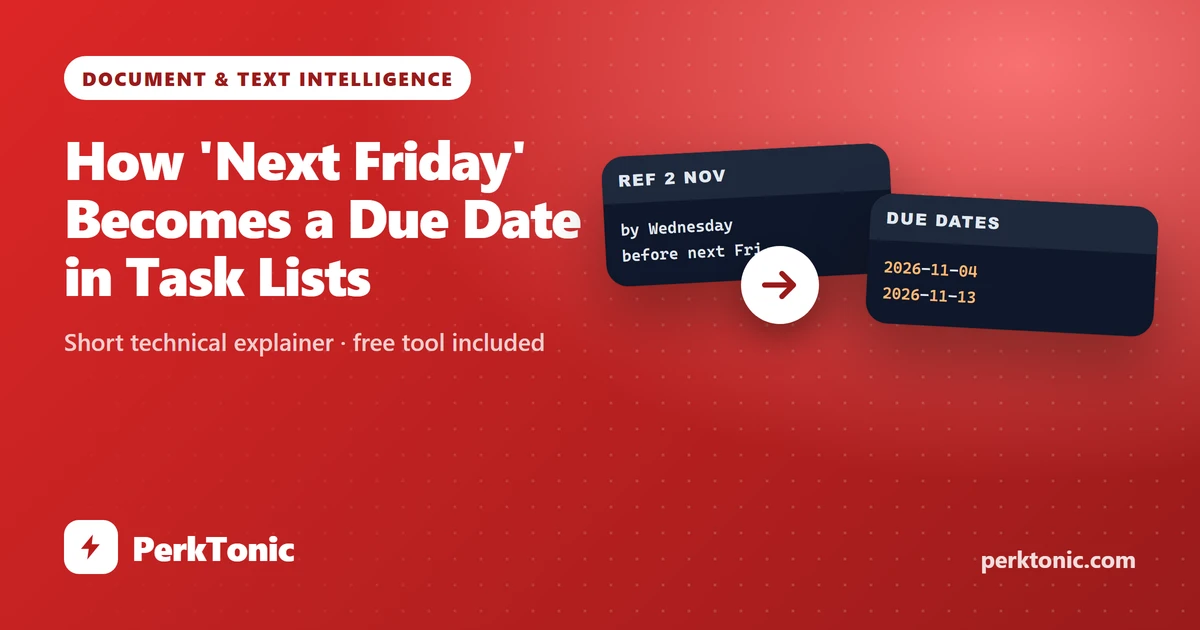
How 'Next Friday' Becomes a Due Date in Task Lists
How an action item tool turns Friday, next Friday, tomorrow and end of the month into calendar dates from a reference date, why owners stay Unassigned, and what changes in other languages.
4 min read
 Document & Text Intelligence
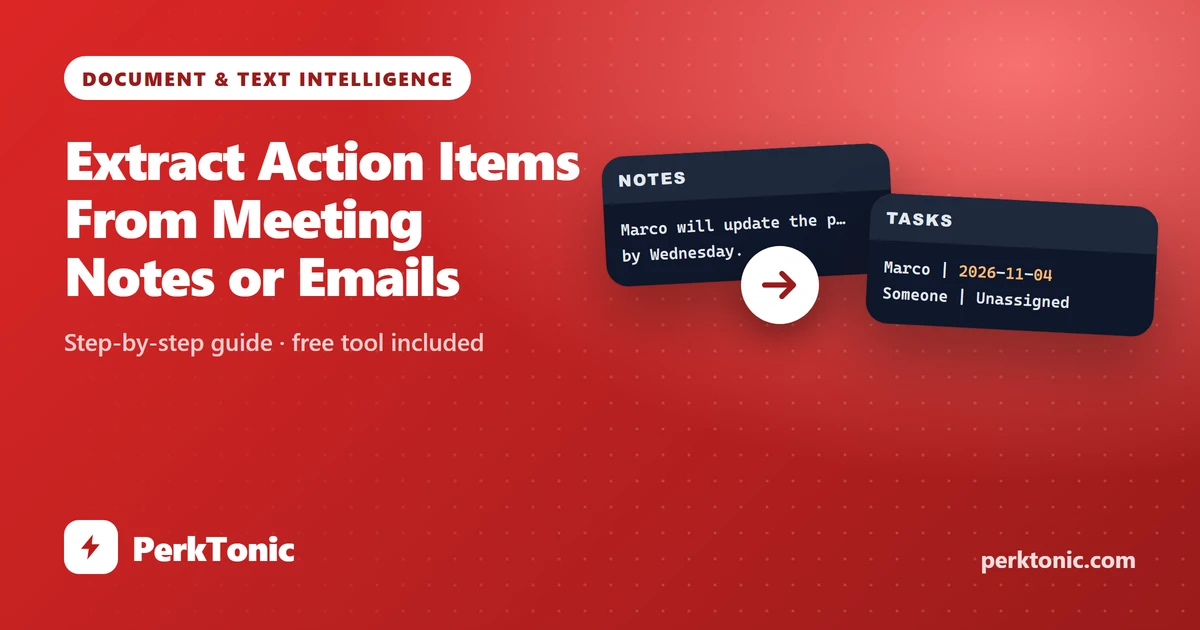
Extract Action Items From Meeting Notes or Emails
How to extract action items from meeting notes or an email thread: the reference date, owners and Unassigned tasks, the source sentence of each task, and the CSV or checklist export.
5 min read
 Document & Text Intelligence
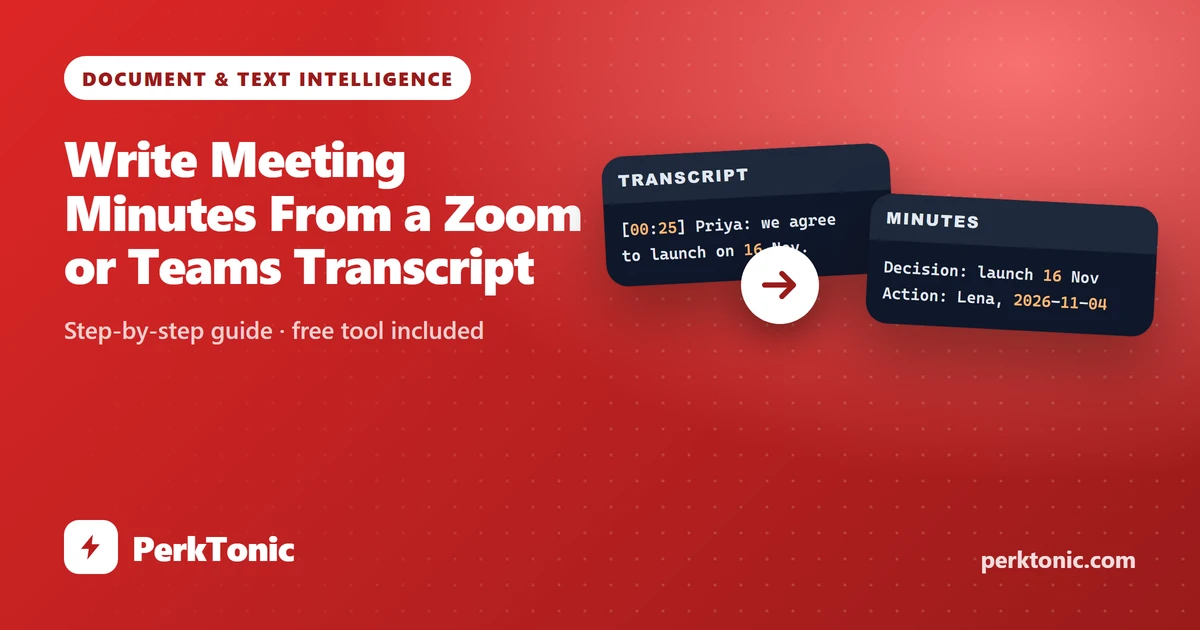
Write Meeting Minutes From a Zoom or Teams Transcript
How to turn a Zoom or Teams transcript into minutes: the file formats, the date that deadlines are counted from, decisions, action items and open questions, and the source sentence of each item.
5 min read