

AI Document Summarizer
Paste a report, article or set of minutes, or open a Word file. This ai document summarizer online gives you a summary, 3 to 10 key points with the sentence each one comes from, and a check of every number.
- Free to use
- No account required
- Instant results
- Sent to the AI only when you press the button
Document to summarise
Summary
Example result (nothing was sent)Original: 249 words · Summary: 119 words · 52% shorter
The Riverside Library Network had 412,000 visitors in 2025, up from 368,000 in 2024, mainly thanks to two branches that opened until 9 pm on weekdays. Digital loans rose 22% to 156,000 while physical loans stayed flat at about 610,000. The $7.4 million budget went mostly to staff (58%) and the collection (19%), and a $350,000 city grant paid for self-service kiosks. Programmes were in demand: 2,300 children in the homework club and 640 adults completing the digital skills course. The main problems are 17% staff turnover, vacant manager posts and an unreliable mobile van. For 2026 the board approved repairing or replacing the van, opening a tenth branch in Northgate and testing Sunday opening at the central library.
Key points
Visitors rose to 412,000 from 368,000, mostly where opening hours were extended.
“In 2025 the Riverside Library Network served 412,000 visitors across its 9 branches, up from 368,000 in 2024.”
Digital loans grew 22% to 156,000; physical loans were flat.
“e-book and audiobook loans reached 156,000, a rise of 22%, while physical loans stayed flat at about 610,000”
A $350,000 city grant funded self-service kiosks in 5 branches.
“A one-off grant of $350,000 from the city paid for new self-service kiosks in 5 branches.”
Staff turnover of 17% and vacant manager posts are the main risk.
“Staff turnover remained high at 17%, and two branch manager posts were vacant for more than six months.”
2026 plans: fix or replace the van, open a tenth branch in Northgate, test Sunday opening.
“The board approved a plan to repair or replace the mobile van in 2026, to open a tenth branch in the Northgate district by the end of 2026, and to test Sunday opening at the central library from April 2026.”
Section by section
- Overview
- 412,000 visitors (368,000 in 2024); digital loans up 22% to 156,000, physical loans flat at about 610,000.
- Budget
- $7.4 million budget, 58% staff and 19% collection; a $350,000 grant for kiosks; energy costs down 11%.
- Programmes
- 2,300 children in the homework club; 640 adults completed the digital skills course with 210 on the waiting list; the van missed 23 stops.
- Challenges and next steps
- 17% turnover and vacant manager posts; van repair, a tenth branch in Northgate and Sunday opening planned for 2026.
Your data: Your text is sent to our server and to the AI provider only when you press the button. We do not store it with your identity, and nothing is sent before that.
How to use
- Paste the text (200 to 20,000 characters), or open a .txt, .md or .docx file. The file is read in your browser.
- Choose the length: short (about 3 sentences), medium (one paragraph) or long (two paragraphs).
- Choose the tone: executive, technical or simple. Tick "Add a section-by-section digest" if the document has several parts.
- Press Summarise and read the result. Any figure that we could not find in your text is highlighted in amber.
- Copy the summary, or download it as Markdown or plain text.
Examples
A library's annual review (about 400 words, medium, executive):
- Summary: "The Riverside Library Network had 412,000 visitors in 2025, up from 368,000 in 2024, mainly thanks to two branches that opened until 9 pm on weekdays. Digital loans rose 22% to 156,000…"
- Key point: "A $350,000 city grant funded self-service kiosks in 5 branches." It comes with its source quote from the review.
A load-test report (short, simple tone): three plain sentences on how many orders the checkout handled and where it slowed down. The latency figures are kept exactly as written.
French council minutes (short): the summary stays in French: "Le conseil a adopté le budget rectifié de la piscine…". Figures such as "1,2 million d'euros" are recognised with French separators.
Tips and limits
- Figures are checked, not trusted. We compare every number in the summary with the numbers in your text. "12.5%" matches "12,5 %" and "$1,250,000" matches "1 250 000". A number that is missing is highlighted and counted, never silently removed.
- Quotes are checked too. A key point whose quote cannot be found in your text is labelled "not verified".
- The limit is 20,000 characters, about 3,000 words or 8 to 10 pages. This version does not split long documents: summarise them in parts.
- PDF is not supported yet. Open the PDF, select all, copy, and paste the text here. Old .doc files must be saved again as .docx.
- The summary is written in the language of the document.
- A summary leaves things out by design. For decisions, read the parts that matter in full.
FAQ
How do I summarise a long PDF?
Copy the text out of the PDF and paste it into the box. If it is longer than 20,000 characters, paste one chapter or section at a time and summarise each one.
Does it keep important numbers?
The AI is asked to keep key figures exactly as written. We then check every number in the summary against your text and highlight any we cannot find.
What is the maximum length?
20,000 characters per request, and files up to 5 MB. Longer text is refused with a message; it is never cut silently.
Can it summarise Word documents?
Yes. A .docx file is converted to text in your browser, and only that text is sent when you press Summarise.
What does the section-by-section digest do?
It adds one or two sentences for each heading or part of the document, in the order they appear. This is useful for reports and minutes.
Which languages work?
English works best. French, Spanish and other major languages are summarised in their own language.
How many summaries can I make?
10 AI requests per 10 minutes. There may also be a daily limit, and the page tells you when you reach it.
Privacy note
When you press Summarise, the text is sent to our server and to the AI provider to write the summary. Files are read in your browser first, and only their text is sent. We do not store the text with your identity. An identical request may be answered from a short-lived cache. Nothing is sent when the page opens: the example result was saved in advance.
Guides for this tool
 Document & Text Intelligence
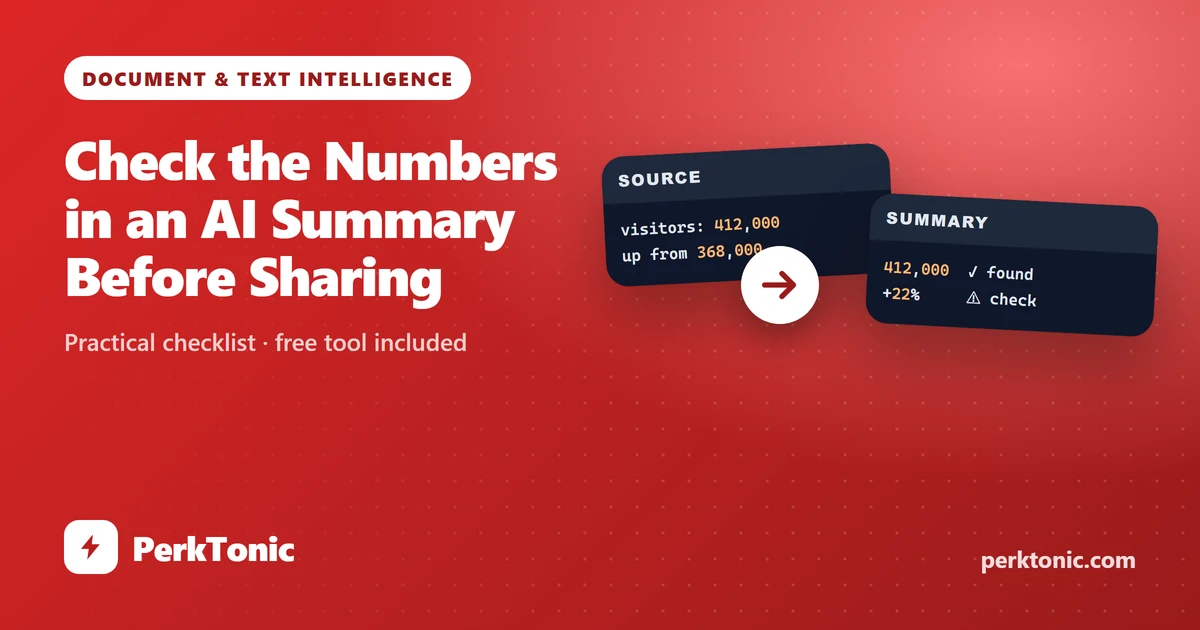
Check the Numbers in an AI Summary Before Sharing
How to check an AI summary before you forward it: amber figures, quotes marked not verified, reading each key point with its source quote, and what a summary leaves out.
4 min read
 Document & Text Intelligence
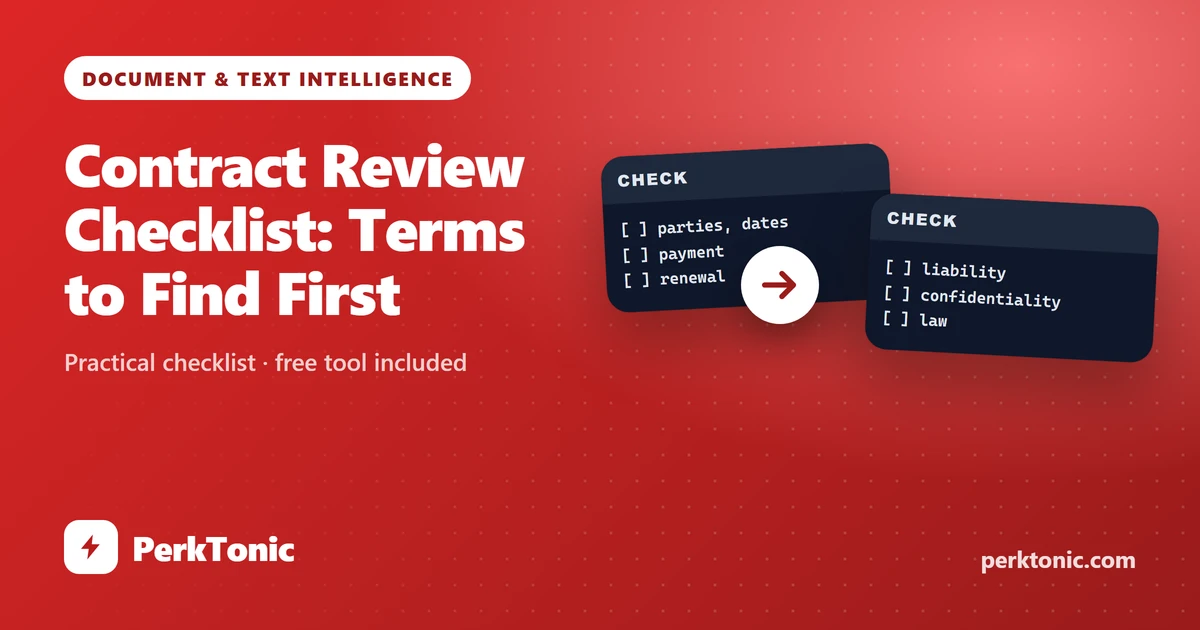
Contract Review Checklist: Terms to Find First
A checklist of the terms to find first in a supplier contract: parties and dates, payment, renewal and termination, liability and confidentiality, governing law, and when to get advice.
4 min read
 Document & Text Intelligence
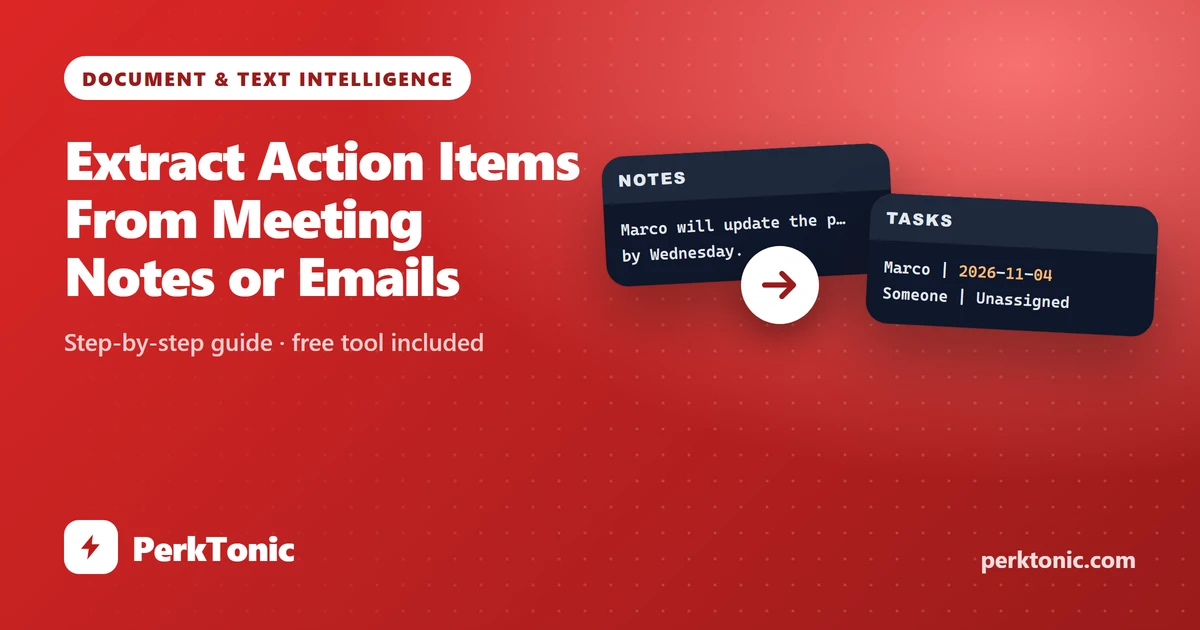
Extract Action Items From Meeting Notes or Emails
How to extract action items from meeting notes or an email thread: the reference date, owners and Unassigned tasks, the source sentence of each task, and the CSV or checklist export.
5 min read
 Document & Text Intelligence
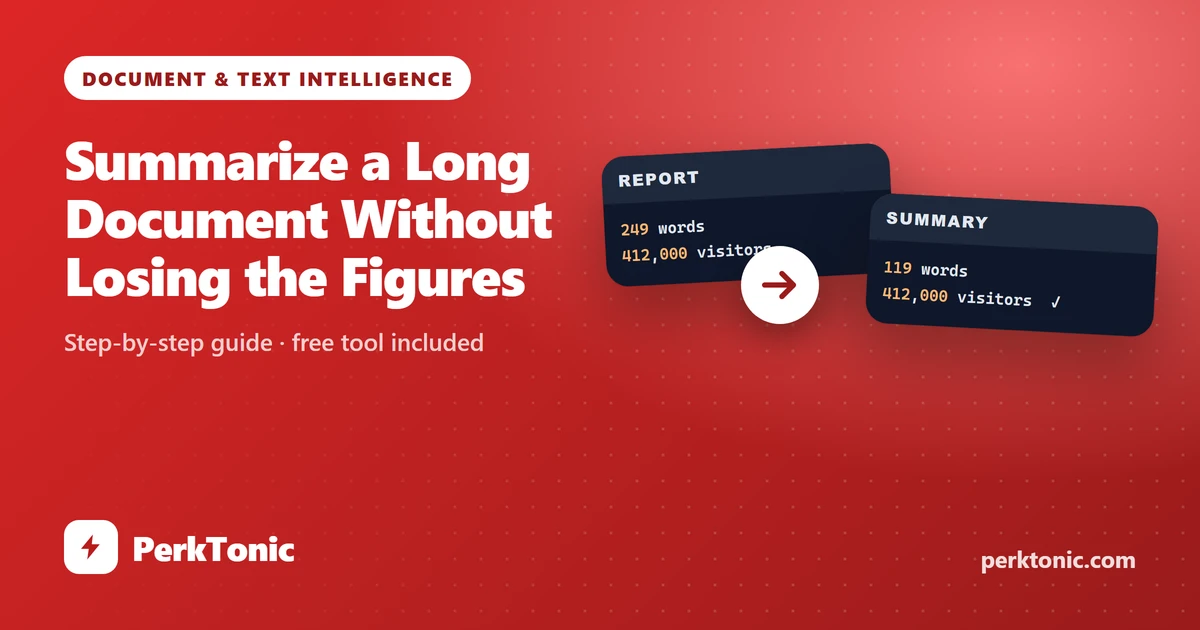
Summarize a Long Document Without Losing the Figures
How to summarize a long document with the AI Document Summarizer: length and tone, the section-by-section digest, key points with source quotes, and the limits of 20,000 characters and no PDF.
4 min read