SOP: Customer refund requests
Standard operating procedure (SOP)
Purpose
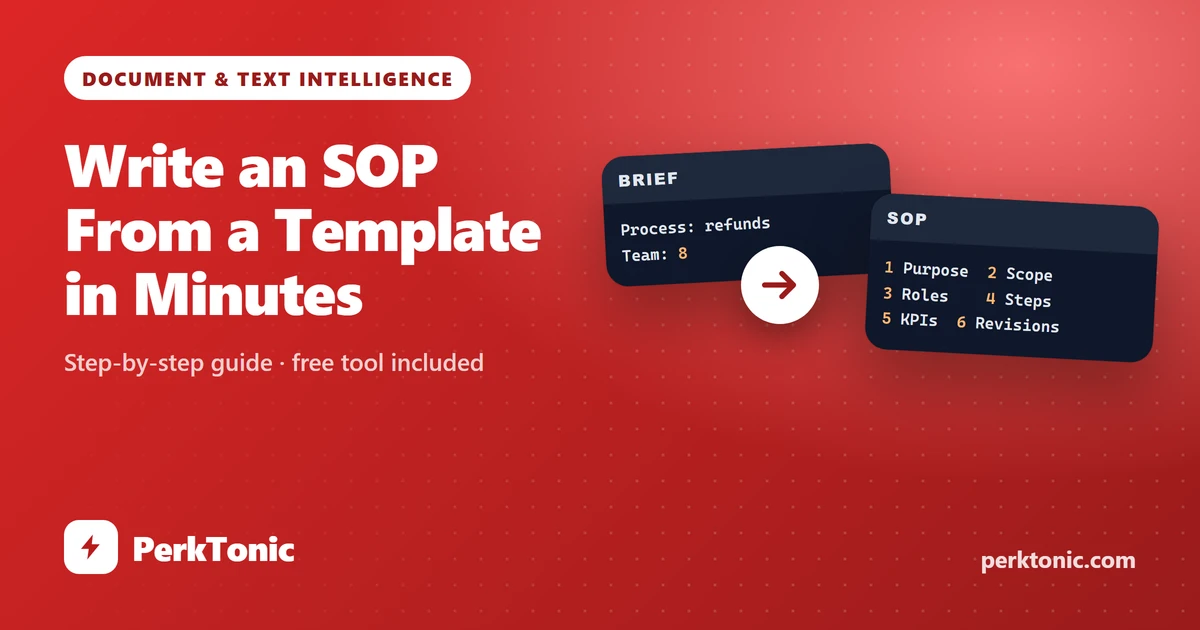
This procedure explains how the customer service team handles refund requests for home goods orders, so that every customer gets the same fair and quick decision. It protects customer trust and keeps refunds traceable for the finance team.
Scope
Applies to the 8 people of the customer service team who receive refund requests by email, chat or phone. It starts when a customer asks for a refund and ends when the customer has received a confirmation email. Exchanges, damaged-in-transit claims handled by the carrier and wholesale orders are out of scope.
Roles and responsibilities
| Role | Responsibility |
|---|---|
| Process owner | Maria Lopez keeps this procedure up to date, approves exceptions and reviews the refund log each month. |
| Customer service agent | Receives the request, checks the order, records the decision and writes to the customer. |
| Team lead | Decides on refunds outside the return window or above the agent's approval limit. |
| Finance | Issues the payment back to the customer and reconciles refunds with the order system. |
Steps
| # | Action | Owner |
|---|---|---|
| 1 | Log the refund request in the support inbox with the customer's name and contact details. | Customer service agent |
| 2 | Check the order number and purchase date in the order system | Customer service agent |
| 3 | Confirm the item is within the 30-day return window | Customer service agent |
| 4 | Ask the customer for photos or a return tracking number when the item condition must be checked. | Customer service agent |
| 5 | Approve or decline the refund | Customer service agent (team lead for exceptions) |
| 6 | Pass approved refunds to finance with the order number and amount. | Customer service agent |
| 7 | Send the customer a confirmation email | Customer service agent |
| 8 | Close the ticket and note the reason for the refund. | Customer service agent |
KPIs
| KPI | How it is measured |
|---|---|
| Time to decision | Hours between the request and the approve/decline decision, from the ticket timestamps; target [to be completed]. |
| Refund rate | Refunds approved divided by orders shipped in the same month; target [to be completed]. |
| Customer satisfaction after refund | Score from the survey sent with the confirmation email; target [to be completed]. |
Revision history
| Version | Date | Author | Change |
|---|---|---|---|
| 1.0 | 2026-11-02 | Maria Lopez | Initial draft |