
Split CSV File by Column, Rows or Size, or Merge CSV Files
Split CSV file by column value, for example one file per country, or by row count or file size. Or merge many CSV files into one, with columns matched by header name. It all runs in your browser.
- Free to use
- No account required
- Instant results
- Private: runs in your browser
CSV to split
Limits: paste up to 5 MB, open a file up to 50 MB, at most 500 output files. The parts are packed into a ZIP in your browser; nothing is uploaded.
Your data: Files and text are processed locally in your browser. Nothing you load here is uploaded to our servers.
How to use
- Choose "Split a CSV" or "Merge CSV files".
- To split, paste the CSV or open a file of up to 50 MB. Then pick a column, a number of rows per part or a maximum size per part.
- To merge, add two to 50 CSV files. Choose the output separator and whether to add a
source_filecolumn. - Check the list of output files and the preview, then press "Download ZIP" or "Download merged.csv".
Examples
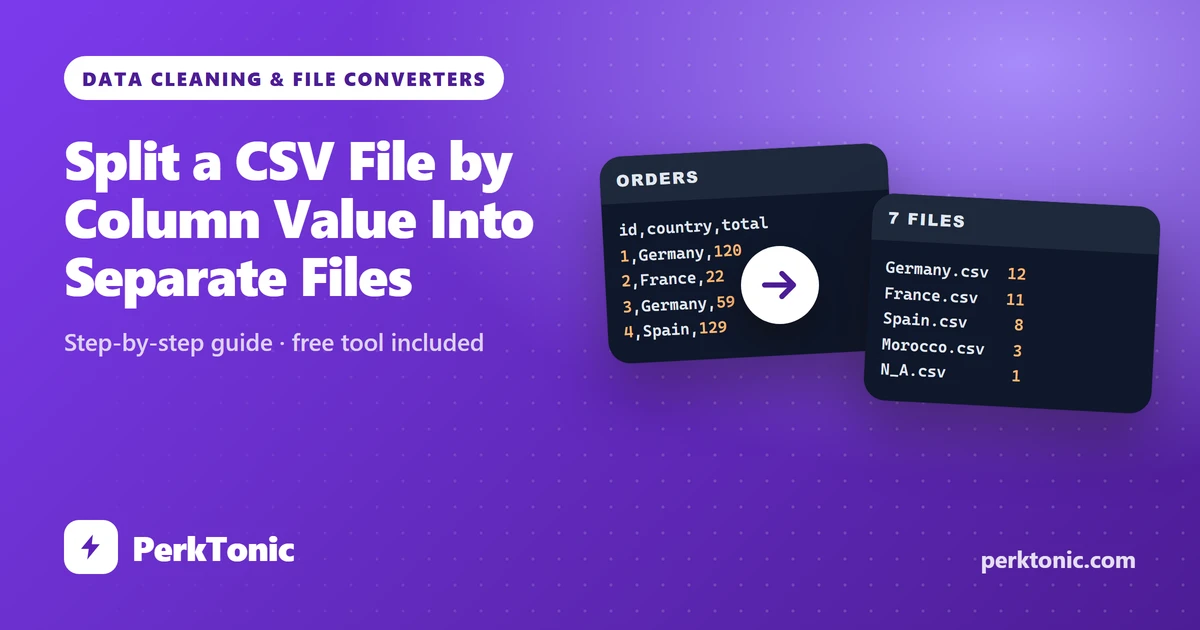
One file per country. The example has 40 orders with a country column. Splitting by that column gives seven files, and every file starts with the same header row:
Germany.csv          12 rows
France.csv           11 rows
Spain.csv             8 rows
United Kingdom.csv    4 rows
Morocco.csv           3 rows
N_A.csv               1 row
Côte d'Ivoire.csv     1 row
The value N/A became N_A.csv, because a slash would create a folder inside the ZIP. Accented names such as Côte d'Ivoire stay as they are. The order A-1046 has the product "Rain Jacket, ""Storm"" edition", with a comma and quotes inside. It is copied to Spain.csv with its quoting intact.
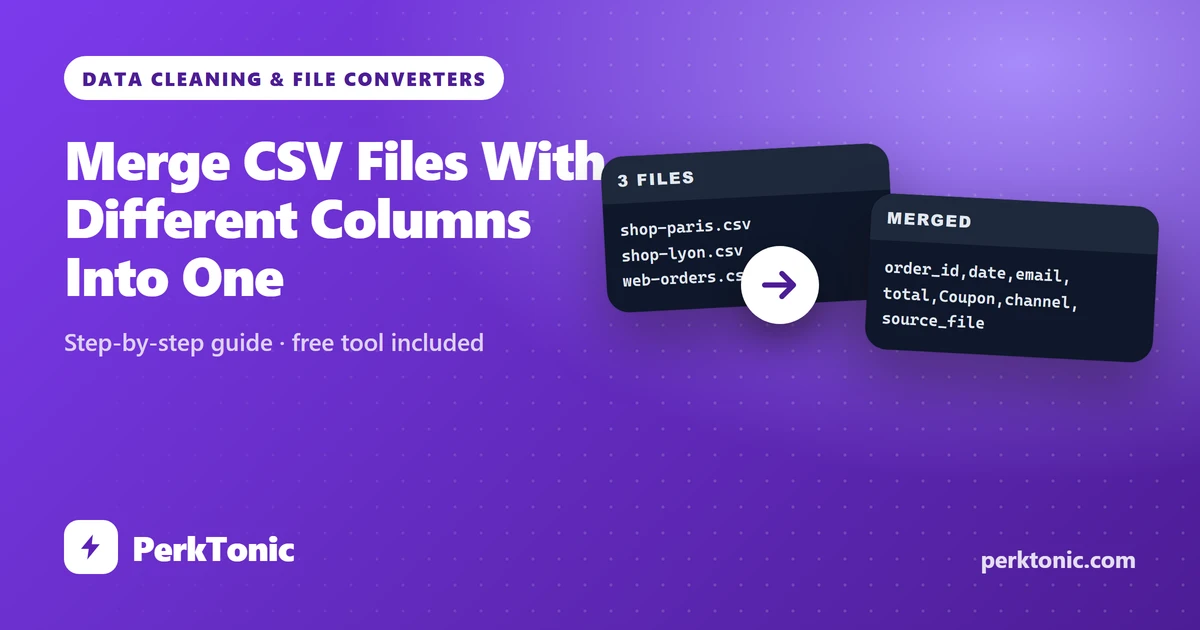
Three shop exports into one. shop-paris.csv uses commas. shop-lyon.csv uses semicolons, capitalised headers (Order_ID, Customer) and an extra Coupon column. web-orders.csv has a header with a stray space (Email ) and a channel column. The merged file has eight columns:
order_id,date,customer,email,total,Coupon,channel,source_file
L-78,2026-10-05,Hopper; Grace,,"30,00",,,shop-lyon.csv
The Lyon rows have no email, so that cell is left empty. The report lists every column a file was missing and every header it matched.
A file too big for a spreadsheet. A 45 MB export with 1,000,000 rows split into parts of 100,000 rows gives 10 files of about 4.5 MB each. In Chrome this took about 4 seconds.
Tips and limits
- By size: the size includes the header row and the BOM if you add one. A part never goes over the limit; the next row would have pushed it over. The only exception is a single row that is larger than the limit by itself: it gets a part of its own, and the page says so.
- By column: at most 500 output files. If a column has more values than that, it is usually an ID column, and the tool stops with an explanation rather than creating thousands of files. Empty values go to
_empty.csv. Values that differ only in case (France,france) get separate files with different names, so they do not overwrite each other on Windows or macOS. - Input: the separator (comma, semicolon, tab or pipe) and the encoding (UTF-8, UTF-16, Windows-1252 or Windows-1256) are detected. Quoted fields with commas, quotes or line breaks are handled according to RFC 4180.
- Output: UTF-8, comma-separated CSV with CRLF line endings. Tick "Add a BOM" if Excel shows accented letters wrongly.
- Limits: paste up to 5 MB, split files up to 50 MB, merge up to 50 files and 500 MB in total. Rows are streamed through a background thread, so a 1,000,000-row file never sits in memory as text. A progress bar and a Cancel button appear for anything that takes more than a second.
FAQ
How do I split a big CSV by column value?
Open the file, choose "Column value", pick the column (for example `country` or `region`) and press "Split the file". You get one CSV per value in a ZIP, each with the header row.
How do I open a CSV bigger than Excel allows?
Excel stops at 1,048,576 rows. Split the file by "Number of rows", for example 500,000 per part, and open the parts one at a time.
Can I merge CSV files with different columns?
Yes. Columns are matched by header name, and a column missing from one file is left empty for its rows. With "Ignore case and spaces in headers" ticked, `Email` and `email ` count as the same column.
Does it keep the order of rows?
Yes. Rows keep their original order inside each part, and merged files follow the order of the list.
Is my file uploaded?
No. The file is read and split in your browser, and the ZIP is built on your device.
Privacy note
Your CSV files are processed in a background thread of your browser tab and are never uploaded. Nothing is logged or stored, and the data and ZIP are discarded when you close or reload the page.
Guides for this tool
 Data Cleaning & File Converters
Merge CSV Files With Different Columns Into One
How to merge CSV files that have different columns: headers matched by name, empty cells for missing columns, the source_file column, and the limits of the merge.
4 min read
 Data Cleaning & File Converters
Split a CSV File by Column Value Into Separate Files
How to split one CSV into a file per value of a column, with a seven-country example, file names for N/A and accents, the 500-file limit and the BOM option.
4 min read
 Data Cleaning & File Converters
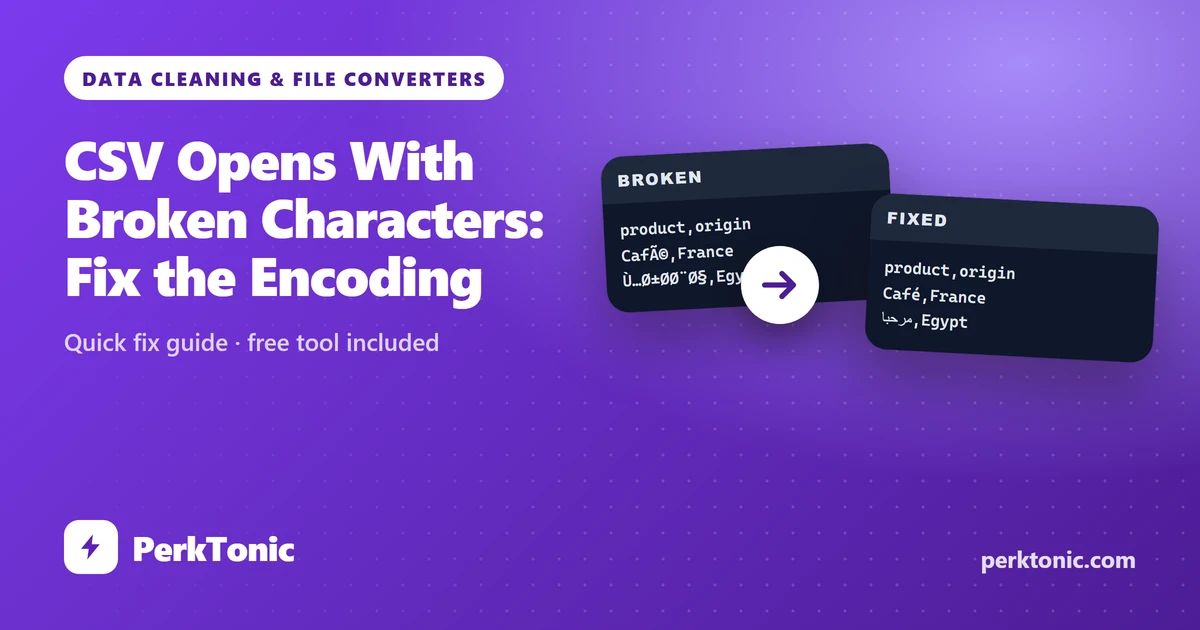
CSV Opens With Broken Characters: Fix the Encoding
Why a CSV shows Café or Arabic as symbols, how to detect the real encoding, repair text that is already garbled and save a UTF-8 file with a BOM so that Excel opens it.
4 min read
 Data Cleaning & File Converters
Convert CSV to JSON Without Uploading the File
How to convert CSV to JSON in your browser without uploading the file: delimiter and encoding, which values stay text, NDJSON output and file limits.
5 min read