

Clean Messy CSV Data Online
Clean messy csv data online in one pass: fix encoding problems, trim stray spaces, standardise dates and blanks, tidy header names and remove duplicates. A report lists every change.
- Free to use
- No account required
- Instant results
- Private: runs in your browser
Your data
Limits: pasted text up to 5 MB, files up to 50 MB. The file is read and cleaned in your browser; nothing is uploaded.
Cleaning steps
Each step runs in this order and can be switched off.
Result and report
The first 50 cleaned rows appear here. Changed cells are highlighted; hover to see the old value.
Your data: Files and text are processed locally in your browser. Nothing you load here is uploaded to our servers.
How to use
- Paste CSV text or choose a .csv, .tsv, .txt or .xlsx file. The encoding is detected automatically; you can override it.
- Switch individual cleaning steps on or off. They run in a fixed order, from repairing characters to removing duplicates.
- If a date column could be read as day-first or month-first, the tool stops and asks you which one before changing it.
- Read the report: changes per step, a highlighted preview, and a before/after log with row and column numbers.
- Download the clean CSV and, if you need an audit trail, the change log.
Examples
A typical CRM export. This input:
 Full Name ,Signup,Plan
  Ana Souza ,25/03/2026,Pro
Liam O’Brien,02/03/2026,N/A
Ana Souza,25/03/2026,Pro
becomes:
full_name,signup,plan
Ana Souza,2026-03-25,Pro
Liam O'Brien,2026-03-02,
The report says: trim whitespace 2, straighten smart quotes 1, standardise blank values 1, standardise dates 3, normalise header names 3, remove duplicate rows 1, cells changed 9. The Signup column was read as DD/MM because 25/03/2026 can only mean 25 March, and the report shows that reason.
An ambiguous date column. For 03/04/2026 and 05/06/2026, nothing shows whether the day or the month comes first. The tool leaves the column unchanged and asks. If you answer "Day first", the values become 2026-04-03 and 2026-06-05.
An Arabic file from an older Excel. A Windows-1256 file with محمد علي,القاهرة would show as garbled characters in many tools. The tool detects Windows-1256 and shows the reason: the file is not valid UTF-8, and its non-ASCII bytes form whole words. Download with the BOM option on and Excel opens the Arabic text correctly.
Tips and limits
- Encodings: UTF-8 (with or without BOM), UTF-16 with BOM, Windows-1256 (Arabic) and ISO-8859-1 / Windows-1252 are detected. Choose one manually if the guess is wrong; the change is applied immediately.
- "Repair garbled characters" fixes text that was already decoded with the wrong encoding before it reached you, such as
Café→Café. It only changes a cell when the repair produces valid text. - Invisible characters removed: zero-width space, word joiner, BOM, soft hyphen and control characters. Zero-width joiner and non-joiner are kept, because Persian, Arabic and emoji text need them.
- Dates recognised:
2026-04-03,03/04/2026,3.4.26,3 Apr 2026,April 3, 2026, with optional times. Invalid dates such as31/02/2026stay as they are and are counted separately. Two-digit years 00–69 are read as 2000–2069. - The blank-value list (
N/A,null,-and others) is editable. RemoveNAif your data has Namibia's country code. - Duplicates are compared after cleaning, so
" Ana "and"Ana"count as the same row. The first copy is kept. - Limits: pasted text up to 5 MB, files up to 50 MB. The work runs in a background worker with a progress bar and a Cancel button. The log on screen lists the first 300 changes; the downloaded log holds up to 20,000, and the counts always cover every change.
- Formulas in .xlsx files are not recalculated; the saved values are used. Old .xls files must be saved as .xlsx or CSV first.
FAQ
How do I fix garbled characters in a CSV?
Open the file here and check the detected encoding. If text like `ال` still appears, keep "Repair garbled characters" on, or pick the right encoding (for example Windows-1256 for Arabic) from the list.
How do I remove duplicate rows?
Keep "Remove duplicate rows" on. Rows that are identical after the other steps are removed, and the log says which earlier row each one duplicated. Tick "Ignore case and spacing" to also match `ana` with `Ana`.
Does the tool keep my original file?
Yes. Your file is only read, never changed. The cleaned data is a new download named `yourfile-clean.csv`.
Why didn't my dates change?
Either the column is ambiguous and is waiting for your answer, or fewer than 80% of its cells look like dates, so it is not treated as a date column.
Can I undo one kind of change?
Switch that step off. The result is recalculated, and only that step's changes disappear.
Will Excel show the result correctly?
Leave "Save as UTF-8 with BOM" ticked. Without the BOM, some Excel versions show Arabic or accented letters as symbols.
Privacy note
Cleaning happens in your browser. Your file is never uploaded, and nothing you paste or open is stored, logged or sent to anyone.
Guides for this tool
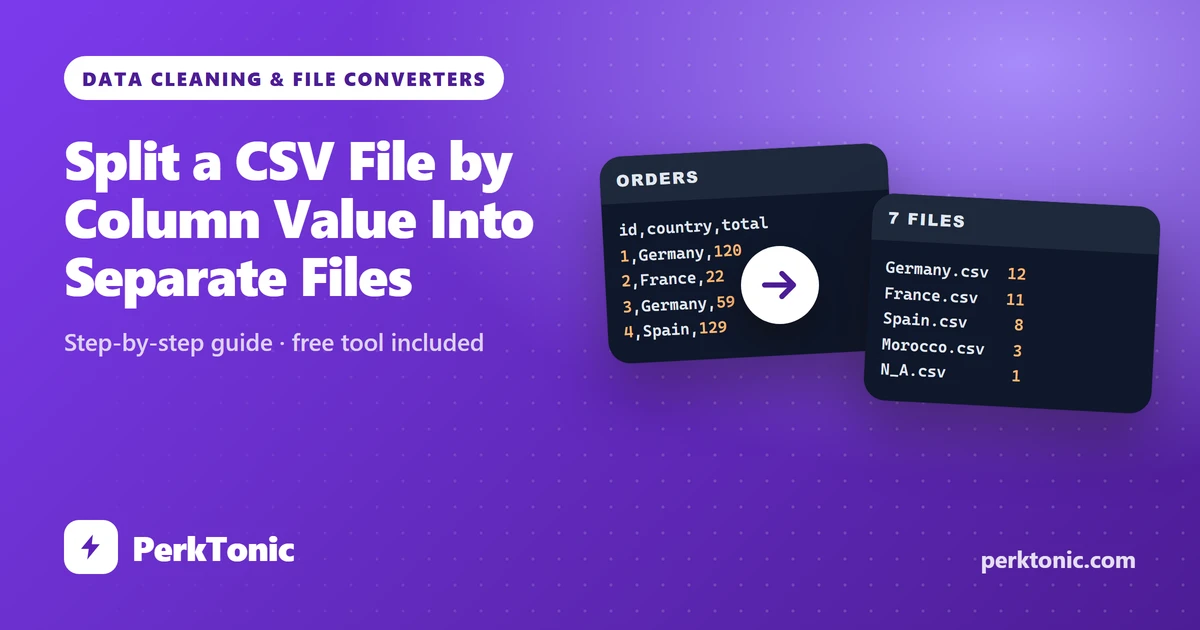 Data Cleaning & File Converters
Split a CSV File by Column Value Into Separate Files
How to split one CSV into a file per value of a column, with a seven-country example, file names for N/A and accents, the 500-file limit and the BOM option.
4 min read
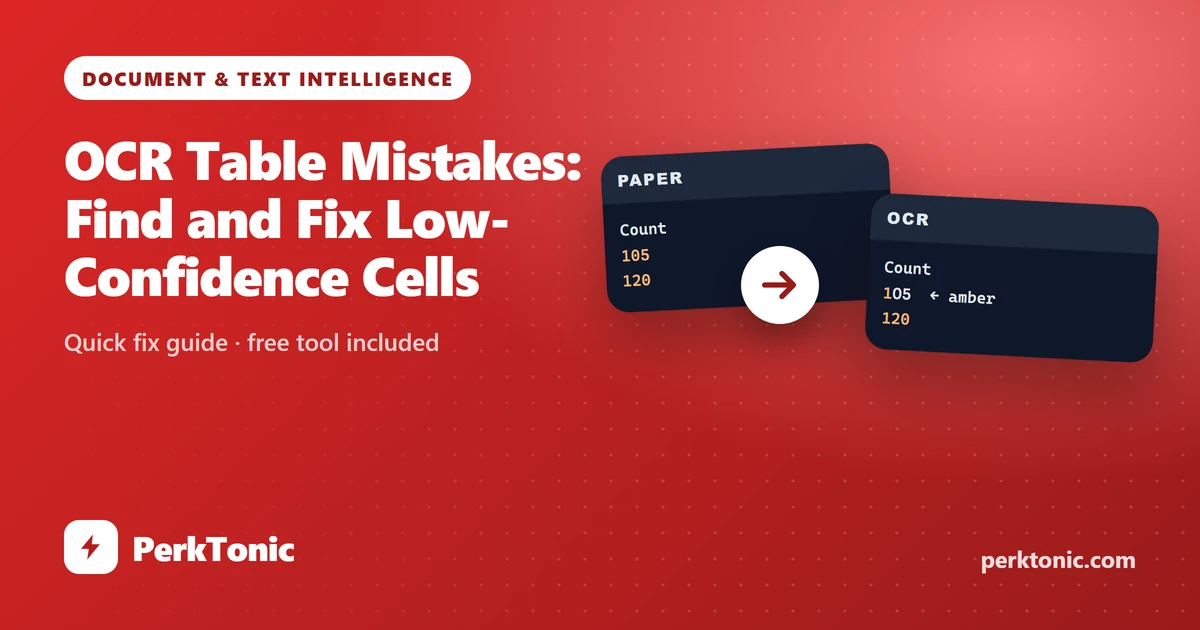 Document & Text Intelligence
OCR Table Mistakes: Find and Fix Low-Confidence Cells
Why OCR turns 105 into 1O5, how the amber cells show uncertain words, how to check a cell on the image, fix the layout, and when the black and white option helps.
4 min read
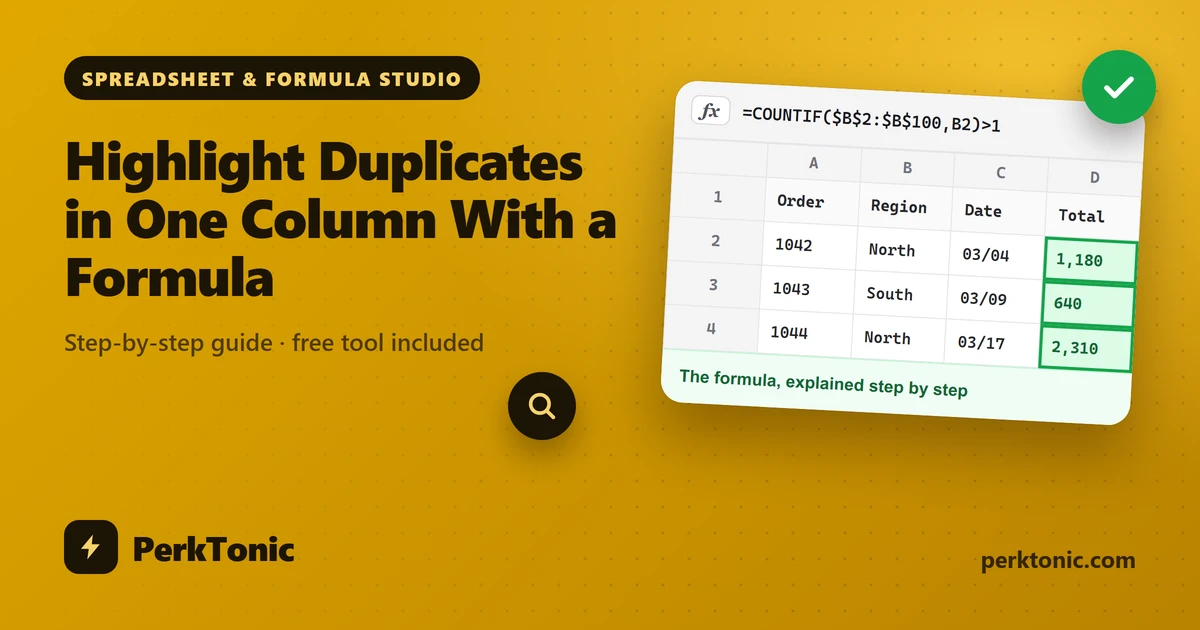 Spreadsheet & Formula Studio
Highlight Duplicates in One Column With a Formula
How to highlight repeated IDs in one column with a COUNTIF conditional formatting rule: the fixed list, the moving cell, the steps for Excel and Google Sheets, and what to check.
3 min read
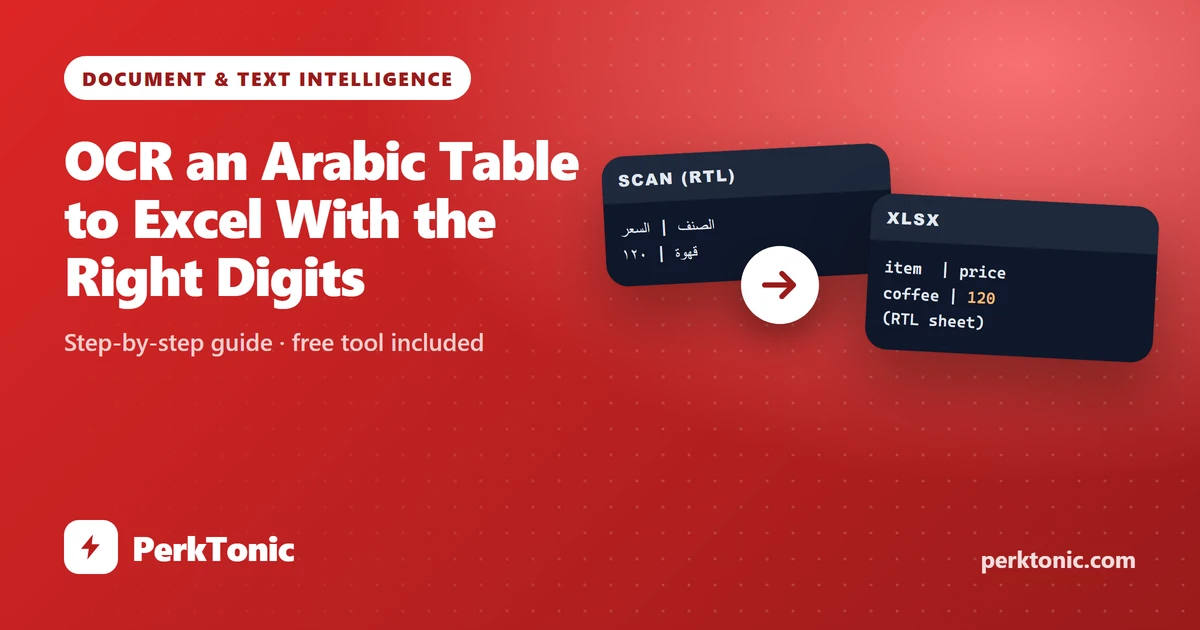 Document & Text Intelligence
OCR an Arabic Table to Excel With the Right Digits
How to read an Arabic table from a scan: the Arabic language and right-to-left option, column order, Arabic-Indic digits turned into numbers, and why every cell needs a check.
5 min read