

Compare Two CSV Files Online
Compare two CSV files online. The tool lists added, removed and changed rows, with each changed cell shown as old → new. It can also merge the two files with an inner, left, right or outer join. Files of up to 50 MB each never leave your browser.
- Free to use
- No account required
- Instant results
- Private: runs in your browser
Two files
CSV or TSV, up to 50 MB per file (5 MB when pasted). Both files stay in your browser. Excel files: save them as CSV first.
What to do
Your data: Files and text are processed locally in your browser. Nothing you load here is uploaded to our servers.
How to use
- Paste or open file A (the old version) and file B (the new one). CSV and TSV work, with any delimiter and encoding.
- Pick one or more key columns, such as
sku,customer_idorstore + sku. The tool suggests a column that is unique in both files. - Choose Compare, Merge (join) or Stack and remove duplicates.
- Set the options: ignore case or spaces in keys, ignore spaces around values, and the join type.
- Read the summary and the colour-coded tables, then download the added, removed or changed rows, the full report or the merged file.
Examples
Last month's price list against this month's (loaded when the page opens). File A has sku,name,price,stock. File B has the columns in a different order, plus a new category column, and lists TEA-07 as tea-07 (lower case, trailing space). With "Ignore case" and "Ignore spaces" on, the result is:
- 1 added: KET-11
- 1 removed: CUP-09
- 3 changed: MUG-01 stock 140 → 128, MUG-02 price 18.00 → 19.50, tea-07 stock 80 → 72
- 1 unchanged
The tool notes "Columns only in B: category" and compares the four shared columns by name. Turn the key options off and tea-07 shows up as one added row and one removed row instead.
A left join, like VLOOKUP. Joining id,name,city with id,city,plan on id gives id, name, city (A), city (B), plan. With a left join every row of A is kept, and rows without a match in B have empty plan cells. An outer join also adds B's rows that have no match in A.
500,000 rows each. Two customer files (38 MB and 40 MB) were compared on customer_id in about 3.5 seconds in Chrome, including reading both files. The result was 5,000 added, 5,000 removed, 11,356 changed and 483,644 unchanged rows. An outer join of the same files took about 2 seconds. The page stays responsive throughout, because the work runs in a background thread.
Tips and limits
- Rows are matched through a hash map on the key, so row order does not matter. Columns are matched by name, so column order does not matter either.
- Duplicate keys are reported with examples. Rows sharing a key are paired in the order they appear: the second "Lyon | A" in A is compared with the second one in B. Add another key column if that is not what you want.
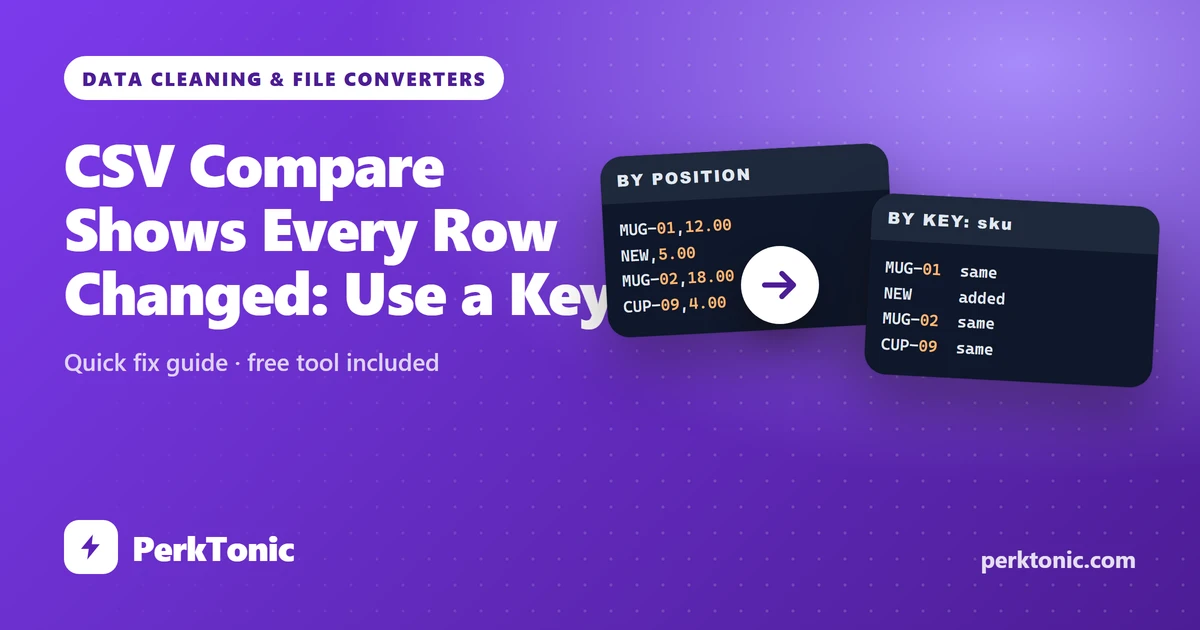
- Without a key, rows are compared by position. This is less reliable: one inserted row makes every row after it look changed.
- Joins work like SQL. A key that appears twice in B creates two result rows, and the tool says how many extra rows that produced.
- "Stack and remove duplicates" puts A and B in one file and keeps the first row for each key. A's rows come first.
- The changed-rows CSV has one line per changed cell (key, column, old value, new value), so it is easy to filter in a spreadsheet.
- Limits: 50 MB per file (5 MB when pasted). The screen shows the first 200 rows of each group; the downloads contain everything. Excel files must be saved as CSV first.
- Beyond about 1–2 million rows per file, the browser may run short of memory.
FAQ
How do I find the differences between two CSV files?
Load both files, pick the column that identifies a row (an ID, SKU or email), and choose Compare. Added, removed and changed rows are listed separately, with the changed cells highlighted.
What is a key column?
A key column holds a value that identifies one row, such as an order number. If no single column is unique, combine two, such as store and SKU.
Can I merge two files like a VLOOKUP?
Yes. Choose Merge, the key column and a left join. Every row of file A gets the matching columns from file B, which is what VLOOKUP does, but for all columns at once.
What about columns that exist in only one file?
They are listed and kept in the downloads, but not compared.
Are my files uploaded?
No. Both files are read and compared inside your browser.
Privacy note
Both files are read and processed by your own browser, in a background thread. Nothing is uploaded, logged or stored, and the page makes no network requests with your data. Close or reload the page to clear everything from memory.
Guides for this tool
 Data Cleaning & File Converters
CSV Compare Shows Every Row Changed: Use a Key
Why a CSV comparison shows almost every row as changed, how to pick a key or a composite key, what duplicate keys do, and how to ignore case and spaces in keys.
4 min read
 Data Cleaning & File Converters
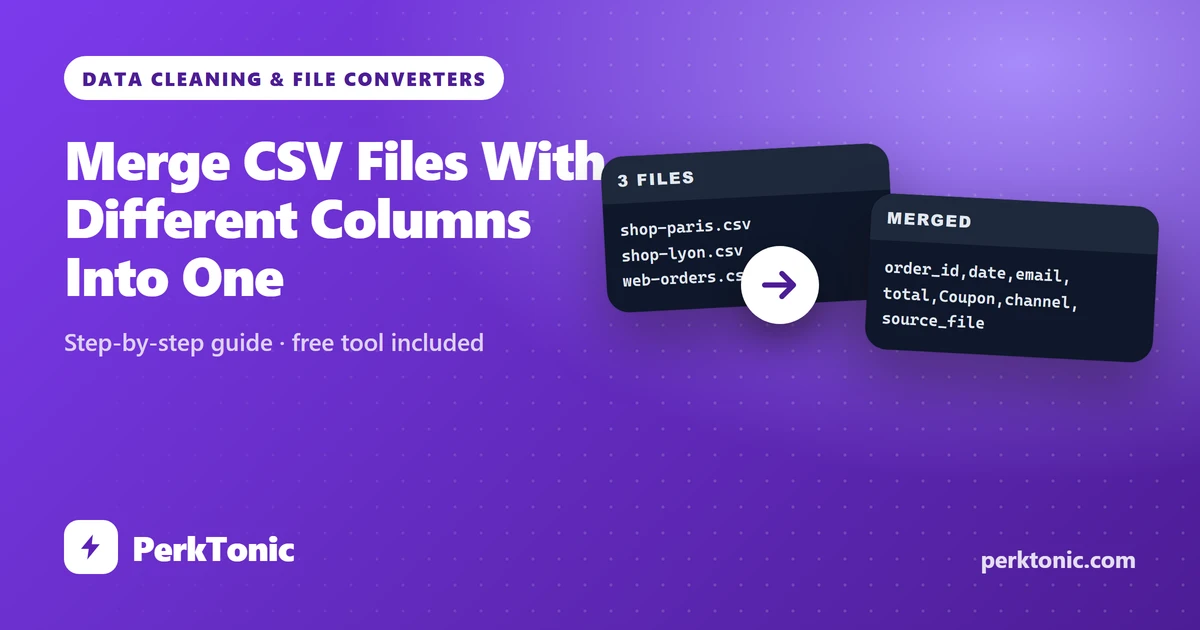
Merge CSV Files With Different Columns Into One
How to merge CSV files that have different columns: headers matched by name, empty cells for missing columns, the source_file column, and the limits of the merge.
4 min read
 Data Cleaning & File Converters
Merge Two CSV Files Like a VLOOKUP (Join)
How to add the columns of one CSV to another by a shared ID without VLOOKUP: inner, left, right and outer joins, duplicate columns and the extra rows that duplicate keys create.
4 min read
 Spreadsheet & Formula Studio
Do a VLOOKUP in pandas With a Left Merge
How a VLOOKUP becomes a left merge in pandas or a LEFT JOIN in SQL, how a nested IF becomes np.select, and why unmatched rows stay empty like #N/A.
4 min read