

Invoice & Receipt Data Extractor
This invoice data extractor online reads up to 5 invoices or receipts and returns the vendor, number, dates, line items, taxes and total. Each field is checked against the document and the arithmetic is recomputed, so mistakes are flagged, not hidden.
- Free to use
- No account required
- Instant results
- Sent to the AI only when you press the button
Invoices and receipts
Files are read in your browser. We do not store your invoices, their text or the results. Only the extracted text is sent, to our server and to the AI provider, to produce the answer; identical requests may be answered from a short-lived cache.
- Done
Limit: 10 AI requests per 10 minutes.
Extracted data
Example result (nothing was sent)harbor-invoice-HOS-2026-118.pdf
The printed numbers add up.
- ✓ Line 1: quantity × unit price = amount
- ✓ Line 2: quantity × unit price = amount
- ✓ Line 3: quantity × unit price = amount
- ✓ Line 4: quantity × unit price = amount
- ✓ Sum of line amounts = subtotal
- ✓ Subtotal + taxes = total
| Vendor | Harbor Office Supply LLC | Verified | “Harbor Office Supply LLC” |
|---|---|---|---|
| Vendor tax ID | 93-1234567 | Verified | “EIN 93-1234567” |
| Invoice number | HOS-2026-118 | Verified | “Invoice number: HOS-2026-118” |
| Invoice date | 2026-10-28 | Verified | “Invoice date: October 28, 2026” |
| Due date | 2026-11-27 | Verified | “Due date: November 27, 2026” |
| Currency | USD | Verified | “Total due (USD) 650.70” |
| Subtotal | 602.50 | Verified | “Subtotal 602.50” |
| Tax Sales tax 8% | 48.20 | Verified | “Sales tax (8%) 48.20” |
| Total | 650.70 | Verified | “Total due (USD) 650.70” |
Line items (4)
| # | Description | Qty | Unit price | Amount | Status |
|---|---|---|---|---|---|
| 1 | Nitrile gloves, box of 100 | 20 | 8.90 | 178.00 | Verified |
| 2 | Printer paper A4, 5 reams | 4 | 21.50 | 86.00 | Verified |
| 3 | Hand sanitiser 1 L | 6 | 6.75 | 40.50 | Verified |
| 4 | Waiting room chair | 2 | 149.00 | 298.00 | Verified |
Numbers style on this invoice: 1,234.56. Amounts are shown as printed; our own code parses them and does the arithmetic.
Text that was sent
Harbor Office Supply LLC
1200 Pier Road, Portland, OR 97209
EIN 93-1234567
INVOICE
Invoice number: HOS-2026-118
Invoice date: October 28, 2026
Due date: November 27, 2026
Bill to: Riverside Dental Clinic, 45 Elm Street, Portland, OR

Description                       Qty   Unit price     Amount
Nitrile gloves, box of 100         20         8.90     178.00
Printer paper A4, 5 reams           4        21.50      86.00
Hand sanitiser 1 L                  6         6.75      40.50
Waiting room chair                  2       149.00     298.00

Subtotal                                                602.50
Sales tax (8%)                                           48.20
Total due (USD)                                         650.70

Pay by bank transfer to account 4410 2938 1177 0045, routing 123000848.
Your data: Your text is sent to our server and to the AI provider only when you press the button. We do not store it with your identity, and nothing is sent before that.
How to use
- Add 1 to 5 files: PDFs (up to 5 pages each) or photos of invoices and receipts (JPG, PNG, WebP, 10 MB each).
- The text is read in your browser: from the PDF's text layer, or with OCR for photos and scans. Pick the language for photos.
- Optionally turn on "Hide account numbers before sending", so IBANs and long digit runs keep only their last 4 digits.
- Press Extract data. Each file is one AI request; the page shows how many of your 10 requests per 10 minutes it will use.
- Review the fields: Verified, Check or Not found, with the line each value came from. Then read the arithmetic checks.
- Download JSON, CSV (one row per line item) or .xlsx (a summary sheet and one sheet per invoice).
Examples
An electrician's invoice in pounds. Three lines (labour 6 × £45.00 = £270.00, cable, consumer unit) and a subtotal of £450.40 add up, and VAT at 20% is £90.08. But the printed total is £550.48. The tool reports: "Subtotal + taxes = total: expected 540.48, printed 550.48 (difference 10)". It keeps the printed total and does not correct it.
A French invoice with decimal commas. "1.043,50 €" is kept exactly as printed and read as 1043.50. The currency is EUR because the euro sign is printed. "Échéance : 14/11/2026" gives the due date 2026-11-14.
A translation invoice with "Payment: 14 days from the invoice date". The due date stays empty, because no date is printed and the tool never calculates one. No total is printed, so the total is "Not found" instead of a sum the AI made up.
Tips and limits
- Every value must be copied as printed. Our server checks that its quoted line is in the text, that the amount is written in that line, and that a date is written in its line. Anything else is marked Check with the reason.
- The arithmetic is done by our code: quantity × unit price for each line (to 0.01), the sum of lines against the subtotal, and subtotal plus taxes against the total.
- Amounts in the 1,234.56 and 1.234,56 styles, currency signs, negative discounts and Arabic-Indic digits are read. An amount like "1,234" on an invoice whose style is unclear is flagged as ambiguous.
- For photos, words with OCR confidence below 70 make their field Check. A misread such as "3.5O" is not treated as a number.
- A bare "$" is not turned into USD: the currency is set only when a code or a single-currency sign is printed.
- Up to 20,000 characters of text per invoice; longer documents are refused, not cut.
FAQ
Can it read invoices in other languages?
Yes. Values are copied as printed, so French, German, Spanish and Arabic invoices work. For photos, choose the OCR language that matches.
How accurate is the extraction?
Do not assume it is right: always verify extracted numbers before you use them. Each field shows whether it was found in the document, and the arithmetic checks show when the numbers do not add up.
Are my invoices stored?
No. We do not store your invoices, their text or the results. Only the extracted text is sent, to our server and to the AI provider, to produce the answer.
Is the file itself uploaded?
No. PDFs and photos are read in your browser; only the text, and for photos the confidence of each recognised word, is sent.
Why is a field marked Check?
Our checks could not confirm it: the quoted line is not in the text, the amount is written differently, the date is not in the line, or the scan was hard to read there.
How many invoices can I process?
Up to 5 at a time. Each one uses one of your 10 AI requests per 10 minutes.
Privacy note
Invoices contain personal and financial data. Files are read in your browser; only the extracted text (with account numbers hidden if you turn that on) is sent, to our server and to the AI provider, to produce the answer. We do not store it with your identity, and identical requests may be answered from a short-lived cache. The exports are created on your device.
Guides for this tool
 Document & Text Intelligence
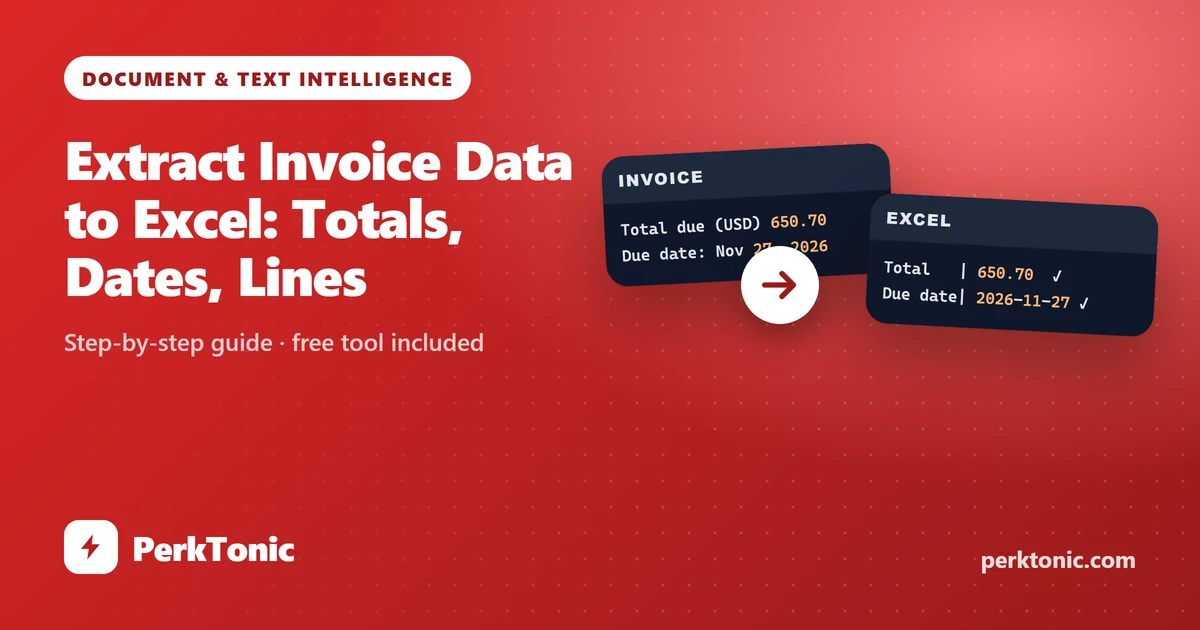
Extract Invoice Data to Excel: Totals, Dates, Lines
How to extract invoice data to Excel: what is read in your browser and what is sent, hiding account numbers, the Verified, Check and Not found marks, and the arithmetic checks.
5 min read
 Document & Text Intelligence
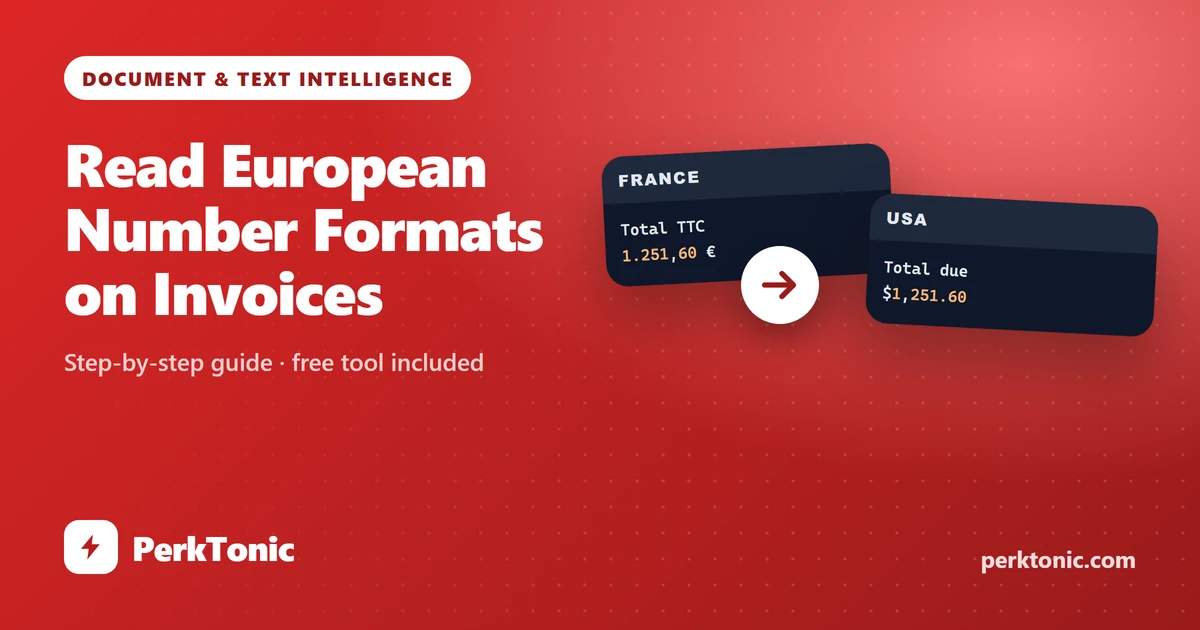
Read European Number Formats on Invoices
How an invoice extractor reads European amounts such as 1.043,00 €: amounts as printed, the numbers style, the currency sign, due dates and what stays Not found.
5 min read