How to Find Hidden Discounts Online: A 7-Step Routine
How to find hidden discounts online with a repeatable 7-step routine: newsletters, cart reminders, price alerts and price matches. Try it on your next order.
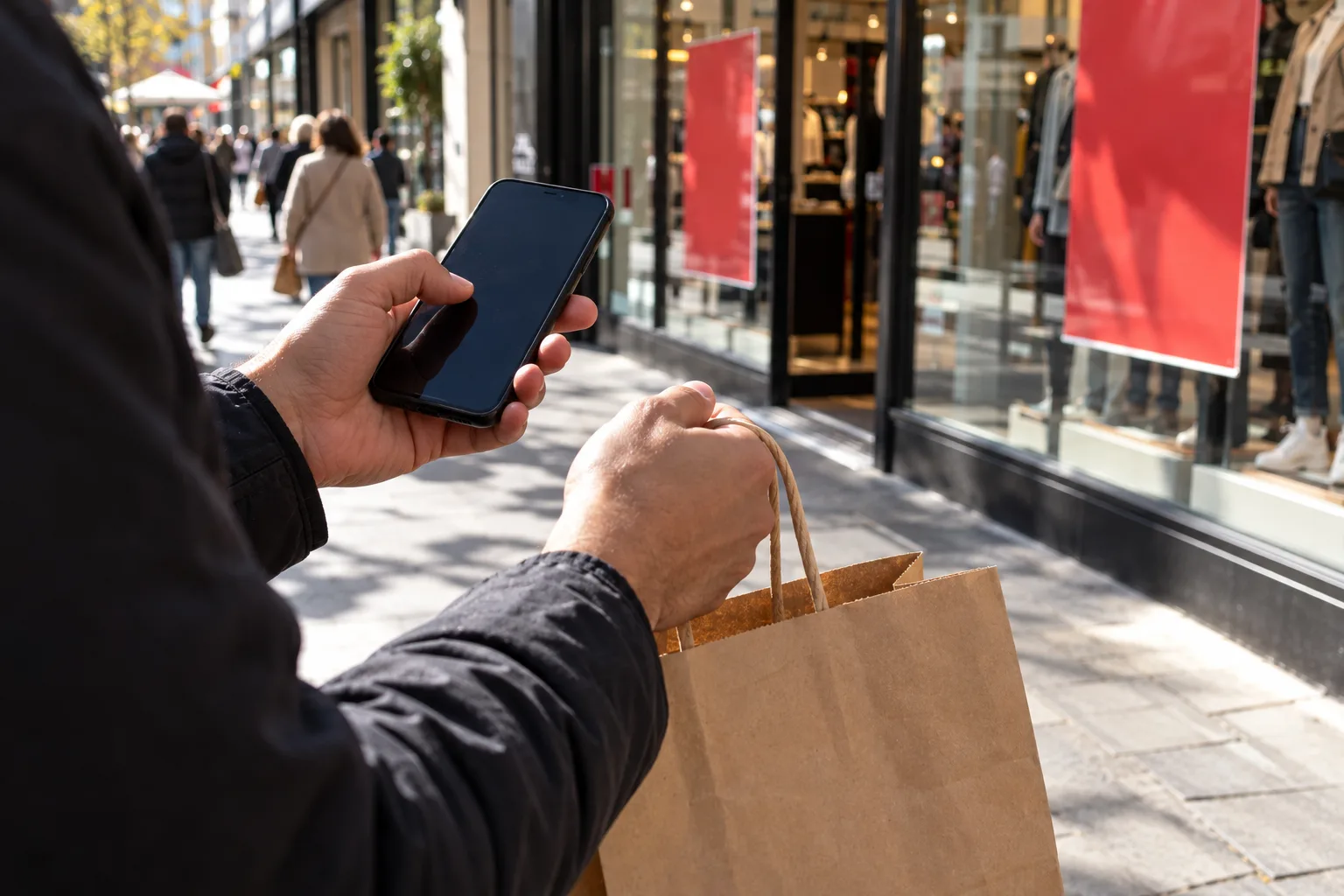
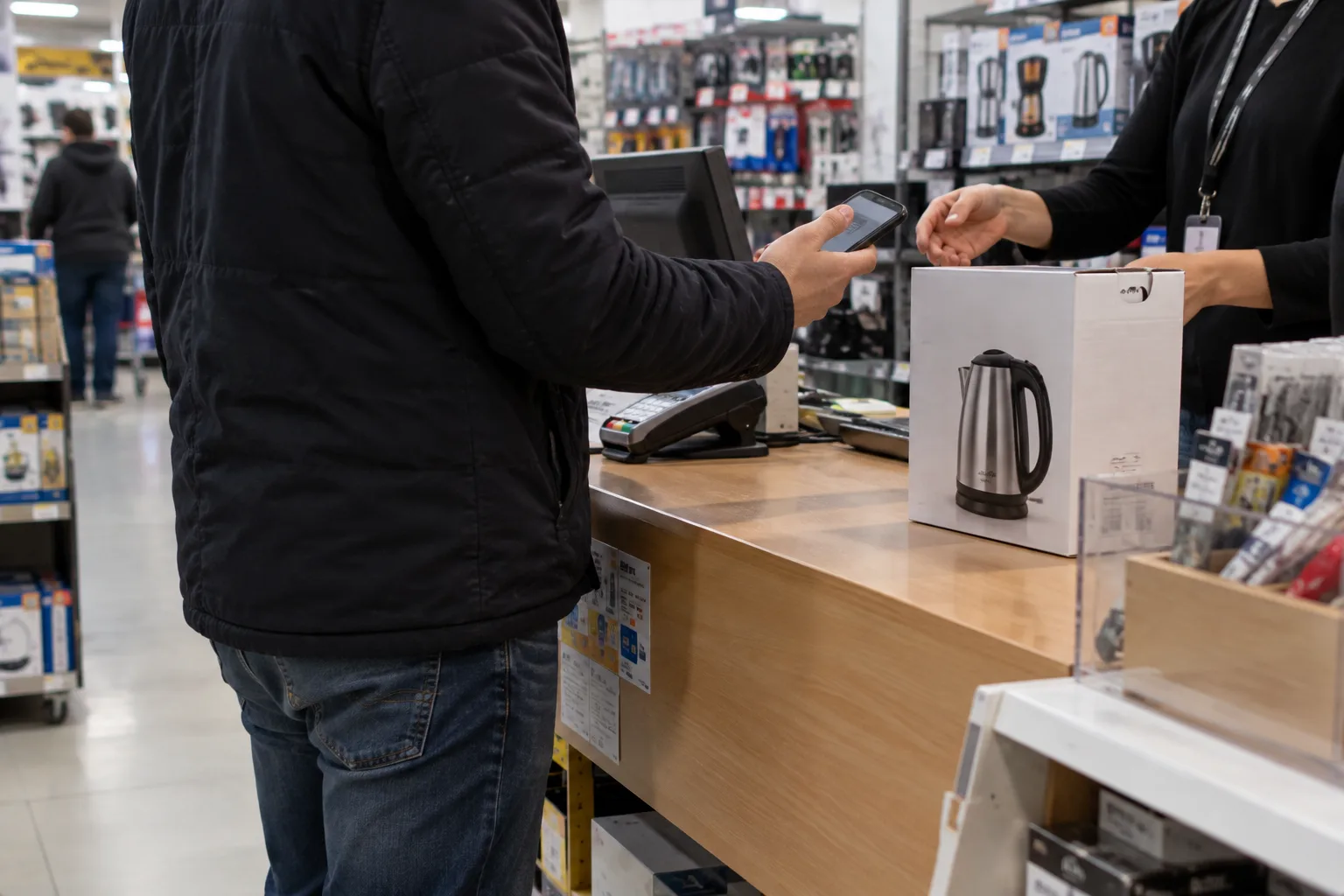
Two people buy the same kettle from the same store on the same day. One pays the sticker price. The other pays less, thanks to an email, a student ID or a polite request after checkout.
Here's how to find hidden discounts online with one routine you can repeat for any purchase: a 15-minute setup, then about 10 minutes per order. It covers newsletter offers, cart reminders, price alerts, ID-verified discounts and after-purchase price adjustments, with the catch in each. I haven't tested every retailer's flow. The policies and steps come from stores' and the FTC's own pages, checked on 14 October 2026.
Quick answer: To find hidden discounts online, run the same routine every time: sign up for a store's emails with a spare address, set a price alert, check ID-verified group offers, then pay by credit card. Afterwards, ask for a price adjustment within the store's window. Savings vary, and nothing is guaranteed.

What do you need, and how long does it take?
Allow about 15 minutes once, then roughly 10 minutes for each purchase. You'll need:
- A spare email address used only for shopping.
- A Google account, signed in, for price alerts.
- Proof of student, teacher or military status, if you have one.
- A credit card rather than a debit card.
- A notes app to log what you save.
The catch: none of these steps is guaranteed to turn up a discount. Stores decide who gets what, and some never discount at all.
How to find hidden discounts online: the 7-step routine
Step 1: Set up a deals inbox (once)
Make a free email address just for shopping. Sign up for the newsletters of the three to five stores you buy from most. Some stores offer a code to new subscribers, so look at the sign-up box or the site footer rather than assuming.
Unsubscribe once you've used the offer. In the US, the FTC says senders must honor an opt-out within 10 business days and can't charge a fee for it.
The catch: some stores send nothing but ads. That's the reason the inbox is separate.
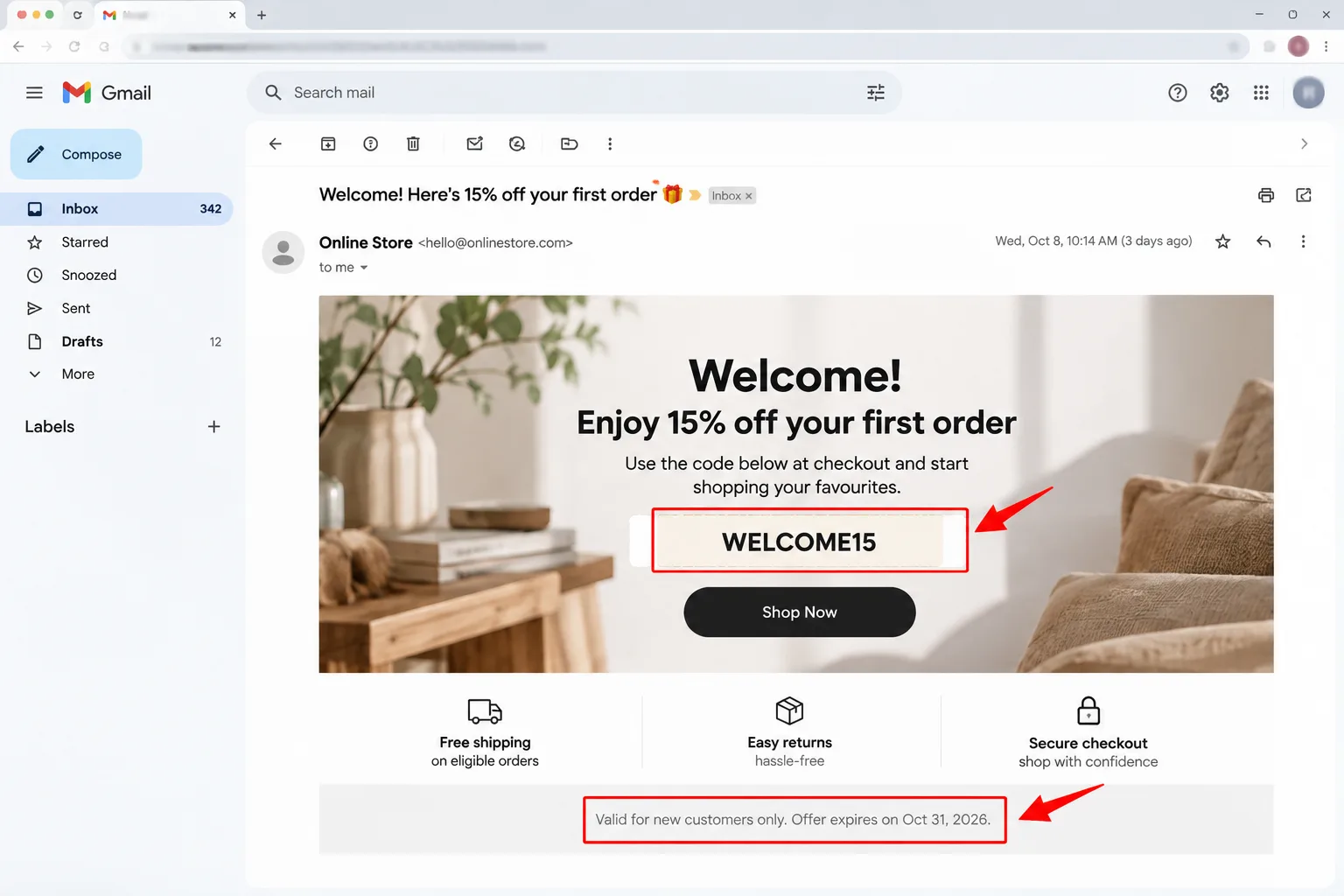
Step 2: Leave the cart, logged in
Add the item to your cart while signed in, then close the tab without paying. Some stores follow up with a reminder, and now and then a code. Rakuten's own blog calls this trick "more of a happy accident than a dependable discount method". Rakuten also sells a coupon extension, so weigh that, though the warning is candid.
- Guest or private-browsing sessions don't trigger follow-up emails, according to that post.
- Smaller stores often don't send any, and many send only a reminder with no code.
- The post warns that repeating the tactic can get your account left out of discount emails.
My pick: use this only for purchases that can wait a few days. Skip this if: you need the item this week.
Step 3: Set a price alert
For anything you can wait on, let the price come to you. Google's Track price feature alerts you when a product's price drops.
- Search for the product on Google while signed in.
- Open the product card and tap Track price.
- Pick any options, such as size or colour, and optionally set a target price.
- Tap OK, and keep notifications on.
When the price falls below your target, Google sends a push notification and an email.
The catch: Google's page says the feature is available only in the US, Canada, Australia, Japan and India, and that prices can change at any time. Check the retailer's own page before you buy.
Step 4: Check ID-verified and group discounts
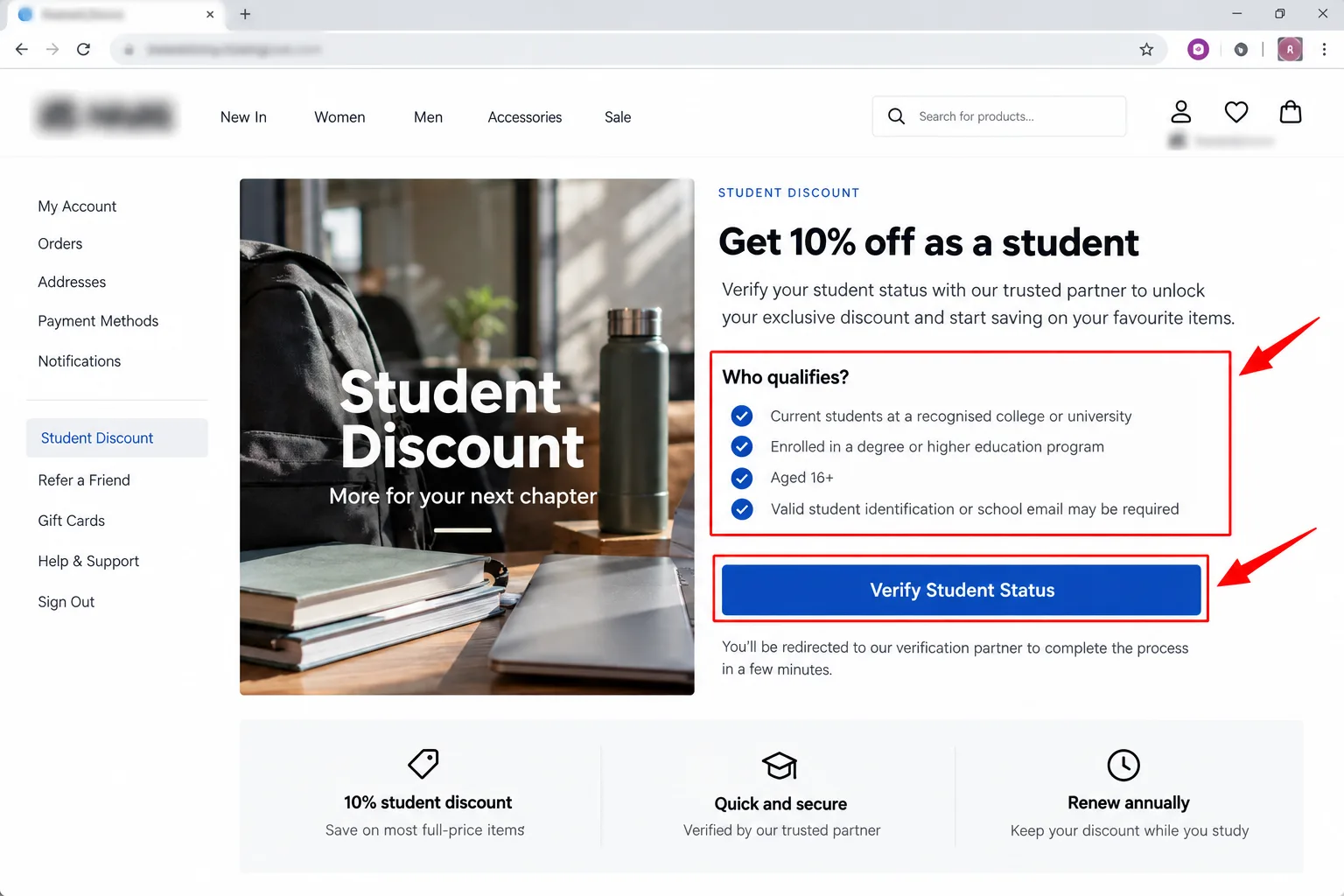
Students, teachers and military members get offers that never show up on a standard product page. Our guide to student discounts covers who to ask.
Many retailers verify through a third party. ID.me says student verification needs active enrollment at an accredited US or Canadian college, age 18 or over, and doesn't require a school email. It asks for a document only if it can't find your enrollment in its database.
The catch: verification means sharing personal details. Start from the retailer's own checkout, not a link in an ad, and read what you're agreeing to before you select Allow.
Step 5: Test codes, but trust few sources
At checkout, look for a promo field and try codes from the store's own emails or site first. A coupon browser extension can test codes for you, and our guide on how to stack coupons and cashback shows how to add cashback on top.
Be pickier about where a deal appears. The FTC warns that scammers run social media ads for brand-name items at unusually low prices, and advises searching the seller's name plus "review", "complaint" or "scam" first.
The catch: if a deep discount sits on a site you've never heard of, treat it as a warning sign. Our fake free offers checklist has the red flags.
Step 6: Pay by credit card and keep the proof
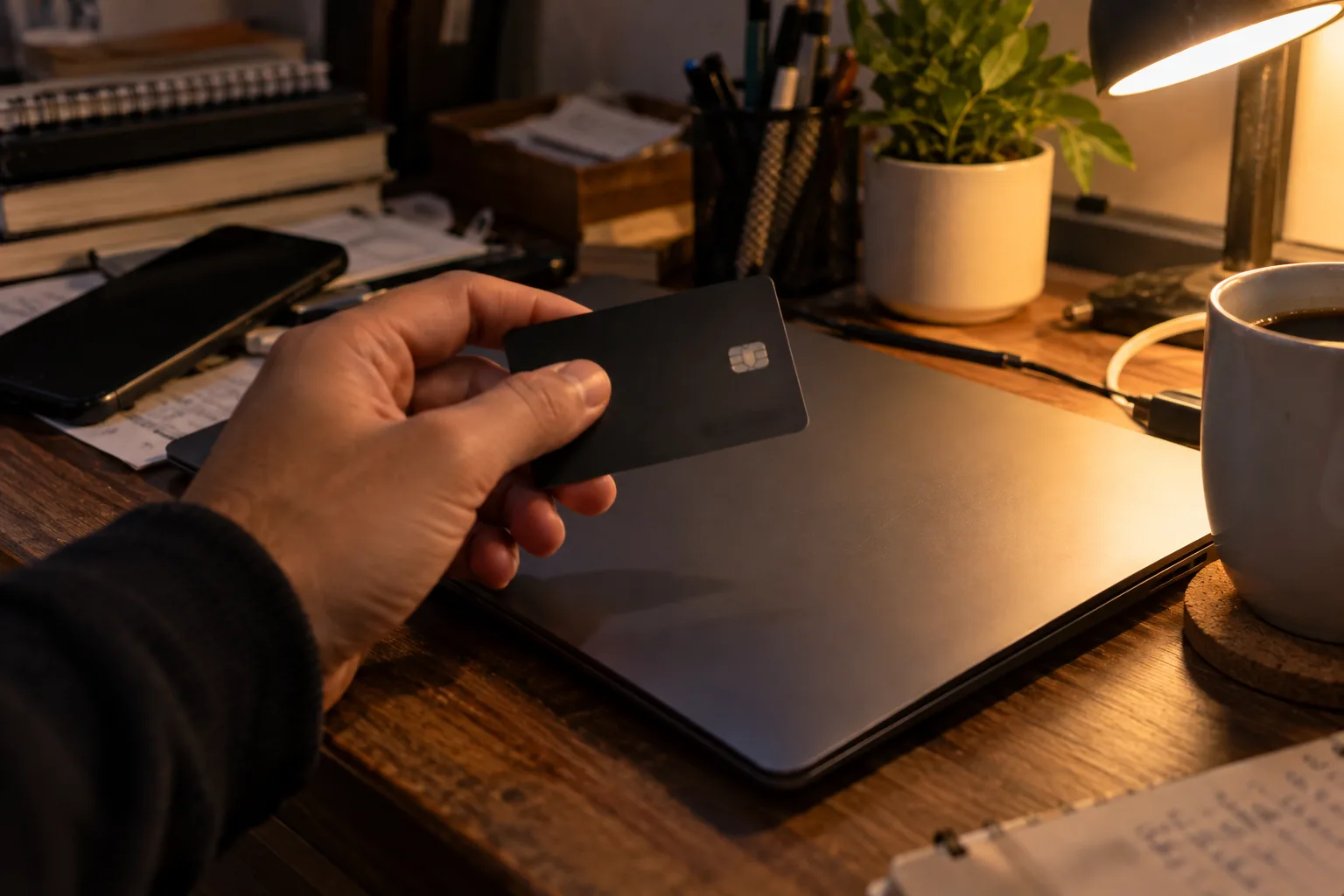
The FTC advises paying by credit card where possible, because you can dispute charges for double billing, items you never received, or wrong or damaged goods. It says a seller who insists on a gift card, wire transfer, payment app or cryptocurrency is probably a scammer.
Keep the receipt and order number. You'll need them for the next step.
Step 7: Check the price after you pay
This is the step most shoppers skip, and it's the least luck-dependent. Some retailers will adjust your price if their own price drops soon after you buy.
- Best Buy: if it lowers its price during the return and exchange period, it will match the lower price on request. Online requests go through chat or phone, not email.
- Target: you can ask for a price match at purchase or within 14 days after. Have your order number or receipt ready.
The catch: both policies exclude plenty. Best Buy's page lists clearance, open-box and marketplace items among its exclusions, and says a coupon and a price match can't be used on the same product. Target excludes clearance items too, and says screenshots can't be accepted in store as proof. Both retailers can change their terms at any time.
How much can you actually save?
There's no honest average across stores, and I didn't find a neutral study that gives one. So here is what each step can do, in plain terms:
- Price adjustment: usually the difference between what you paid and the lower price, if the item qualifies.
- ID-verified offers: set by each retailer. The discount is shown on its page.
- Welcome and cart-reminder codes: set by the store, and sometimes just a reminder with no code.
- Price alerts: save nothing by themselves, but they tell you when to buy.
Log each order: the sticker price, what you paid and which step moved it. After five orders you'll have your own range, and that beats a stranger's promise.
What mistakes cost people discounts?
- Buying the moment you find the item. A non-urgent purchase is a chance to wait for an alert or email.
- Checking out as a guest. Cart reminders need an account.
- Stacking a coupon on a price match at Best Buy. Its policy doesn't allow it on the same product.
- Waiting past the window. At Target, that's 14 days.
- Uploading ID to a site you reached from an ad. Start from the retailer's page.
- Paying with debit. A credit card gives you the dispute route the FTC describes.
What if it doesn't work?
- No code after a few days: buy anyway if you need it, or rely on the price alert instead.
- Price match refused: ask which exclusion applies, and check that the item is identical and sold by the retailer itself, not a marketplace seller.
- Found a lower price after the window: you can't claim it, so set an alert next time.
- Paid a site that turns out to be fake: contact your card company to dispute the charge, and keep your records.
This is general information, not legal or financial advice.
My take and next step
Learning how to find hidden discounts online is mostly about order of operations. My pick: start with the price alert and the post-purchase check, because they depend least on a store's mood. Skip this if: you only shop a few times a year, in which case steps 3 and 7 are plenty.
Next step: set a Track price alert on the one thing you plan to buy next, with a target price you'd be happy with. More ways to save are in the Money-Saving Guides hub.
Last checked: 14 October 2026, against the Best Buy, Target, Google, ID.me, Rakuten and FTC pages named above. Policies and offers change, so confirm them on each retailer's page.
Frequently asked questions
Do price matches cover Black Friday and flash sales?
At Best Buy, no: its policy excludes Black Friday and limited-time sales. Target's page doesn't list them among its main exclusions, but I haven't checked its holiday rules. Read the current policy before a big sale, because both stores can change terms.
How long should I wait for a cart email?
No source I opened gives a reliable wait, and Rakuten's post says results depend on the retailer, your account and the cart. Pick a deadline before you start, such as three days, and buy anyway if nothing arrives and you still need the item.
What if a seller asks for a gift card or wire transfer?
Walk away. The FTC says a seller who insists on a gift card, wire transfer, payment app or cryptocurrency is probably a scammer. A legitimate store takes a card you can dispute. If you've already paid, contact your bank or card company straight away.
Quiz
Hidden Online Discounts: 10 Tricks to Save More
10 quick questions — think you know this one?
Test Your Knowledge →Comments (9)
- J
Jordan
Oct 8, 2026
I enjoyed the article and found it easy to follow.
- T
Taylor
Oct 5, 2026
Very well written and easy to understand.
- J
Jess
Sep 17, 2026
This was an enjoyable and useful read.
- A
Alex P.
Sep 11, 2026
Great job explaining everything so clearly!
- J
Jess
Sep 4, 2026
I’ll be sharing this website with friends who might find it useful.
- C
Casey
Sep 3, 2026
Really enjoyed this one! 👏
- J
Jamie
Aug 29, 2026
Very nice work. Keep sharing useful content!
- C
Casey
Aug 29, 2026
Thanks for sharing such valuable information!
- D
Dana
Aug 18, 2026
Thanks, Perktonic, for providing useful content!