
DOCX to Markdown Converter (and Markdown to Word)
This docx to markdown pandoc converter turns Word documents into clean Markdown and Markdown back into .docx, without installing Pandoc. Headings, lists, tables, links, images and footnotes are kept, and anything that cannot be converted is listed with a count.
- Free to use
- No account required
- Instant results
- Private: runs in your browser
Word document
Example: checkout-brief.docx, a one-page brief with headings, lists, a table, an image, footnotes, a comment, a tracked change, an equation and a text box.
.docx files up to 50 MB. Old .doc files and PDFs are not supported. The conversion runs in a background thread of your browser; nothing is uploaded.
What changed in the conversion
- Footnotes (2)Changed
Converted to Markdown footnotes ([^1] in the text, the note at the end).
- Comments (1)Not converted
Not included: Markdown has no comments. The commented text itself is kept.
- Tracked changes (2)Changed
Accepted as in Word's final view: 1 insertion kept, 1 deletion removed.
- Text boxes (1)Changed
Their text was placed as ordinary paragraphs where the box is anchored; the box and its position are lost.
- Equations (1)Not converted
Not converted: Word equations (OMML) are dropped. Retype them in LaTeX ($…$) if your Markdown renderer supports it.
- Headers and footers (2)Not converted
Not included: page headers and footers have no place in Markdown.
checkout-brief.md · 7 headings · 3 lists · 1 table · 1 image · 1 link · 1 code block · 2 footnotes
Your data: Files and text are processed locally in your browser. Nothing you load here is uploaded to our servers.
How to use
- Choose "Word → Markdown" or "Markdown → Word".
- Open a .docx file of up to 50 MB, or paste Markdown (or open a .md file).
- For Word files, choose how to handle images: extracted into an
images/folder in a ZIP, or kept inside the Markdown as data URIs. - Read "What changed in the conversion". It lists every feature that was changed or left out, with how many times it occurred.
- Copy the Markdown, or download the .md, the ZIP or the .docx.
Examples
A project brief from Word (loaded when the page opens). The brief has a title, three sections, a nested bullet list, a numbered list, a budget table, a chart image, two footnotes, a comment, a tracked change, an equation, a text box and a page header and footer. Part of the result:
Goals
- Cut checkout to two steps
- Address lookup by postcode
- Add wallet payments[^2]
| Item | Owner | Cost (EUR) | | --- | --- | --- | | Design sprint | Ada | 6,000 |

[^2]: Apple Pay and Google Pay, behind a feature flag.
The warnings list says: 2 footnotes converted, 1 comment not included, 2 tracked changes accepted (the "10%" insertion kept, the "50%" deletion removed), 1 text box flattened, 1 equation not converted, and 2 headers and footers not included.

**Release notes to Word.** Markdown with a table, a `js` code block, a task list, a footnote and an embedded PNG becomes a .docx with Word's Heading styles, a real table, a "Source Code" paragraph style in Courier New, a Word footnote and the picture. The page then reads the new file back as Markdown, so you can check what Word will show. It also notes that the code-block language name was dropped and that `diagrams/old-flow.png` could not be embedded, because it was a path rather than image data.
Tips and limits
- Kept: headings, bold, italics, links, nested bullet and numbered lists, tables, images, footnotes and endnotes. Paragraphs in Word's code styles ("Source Code", "Code", "HTML Preformatted") become fenced code blocks, and quote styles become blockquotes.
- Changed, with a warning: tracked changes are accepted as in Word's final view. Text boxes become plain paragraphs. A table without a header row gets its first row as the header. Merged cells are split, because Markdown tables cannot merge.
- Not converted, with a warning: comments, equations, page headers and footers, charts, SmartArt and embedded objects.
- Fonts, colours and spacing are not carried over. Markdown has no notion of them, and Word applies its default styles on the way back.
- Markdown → Word: images are embedded only when they are inside the Markdown as data URIs (PNG, JPEG or GIF). Images on the web are never downloaded, so their alt text and address are written instead. Raw HTML is kept as plain text.
- Not supported: old .doc files (Word 97–2003) and PDFs are refused with a message. Save the file as .docx first.
- Size: files up to 50 MB, and pasted Markdown up to 5 MB. A 45 MB report with 45 images and 3,000 paragraphs converted in about 3 seconds in Chrome, and the page stayed responsive because the work runs in a background thread.
FAQ
How do I convert Word to Markdown?
Open the .docx file on the "Word → Markdown" tab. Then copy the Markdown, or download it as a ZIP with its images.
Are images kept?
Yes. By default they are saved as `images/image1.png` and so on inside a ZIP, next to `document.md`. You can also embed them in the Markdown as data URIs, which makes a single, larger file.
Why is my formatting different?
Markdown records structure, not appearance: headings, lists, emphasis and tables survive, but fonts, colours, page layout and spacing do not. Features without a Markdown equivalent, such as comments or equations, are listed under "What changed".
Does it keep footnotes?
Yes. Word footnotes and endnotes become Markdown footnotes (`[^1]` with the note at the end), and in the other direction they become real Word footnotes.
Is this the same as Pandoc?
No. It uses open-source JavaScript libraries (mammoth, turndown, marked and docx) that run in your browser, so there is nothing to install. Pandoc supports more formats, but for everyday Word and Markdown documents this covers the common cases and tells you what it did not convert.
Privacy note
Your documents are converted in a background thread of your browser tab. Nothing is uploaded, logged or stored, and the files are discarded when you close or reload the page.
Guides for this tool
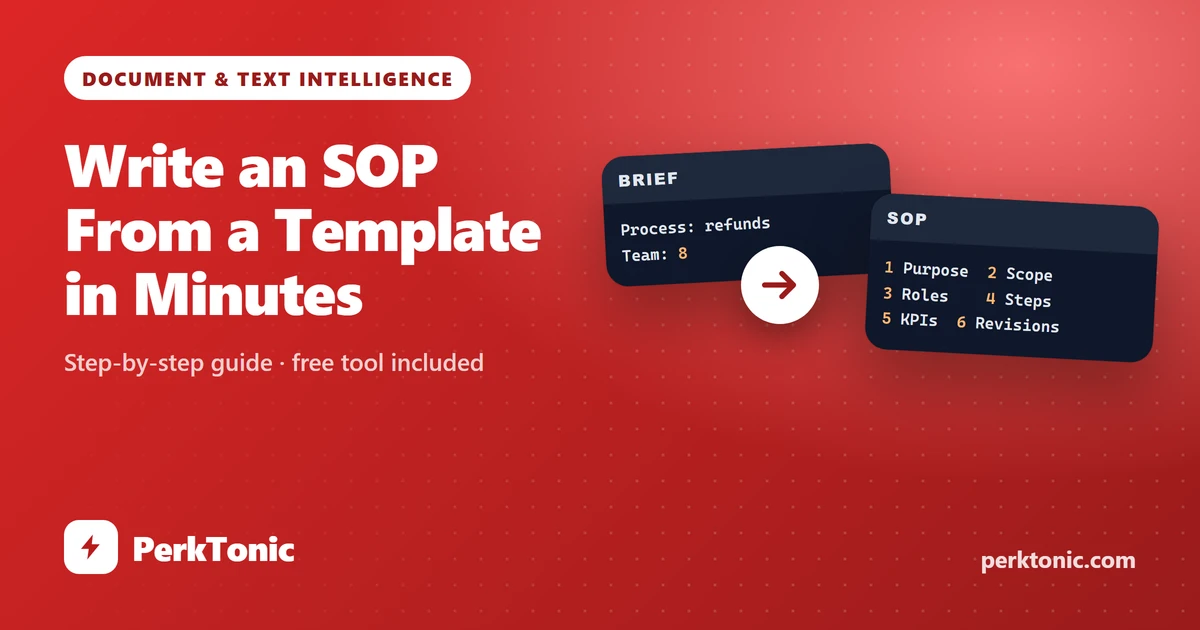 Document & Text Intelligence
Write an SOP From a Template in Minutes
How to write an SOP from a template: the brief, the six generated sections with their gaps, Improve with AI, editing steps, roles and KPIs, and exporting to Word, Markdown or PDF.
5 min read
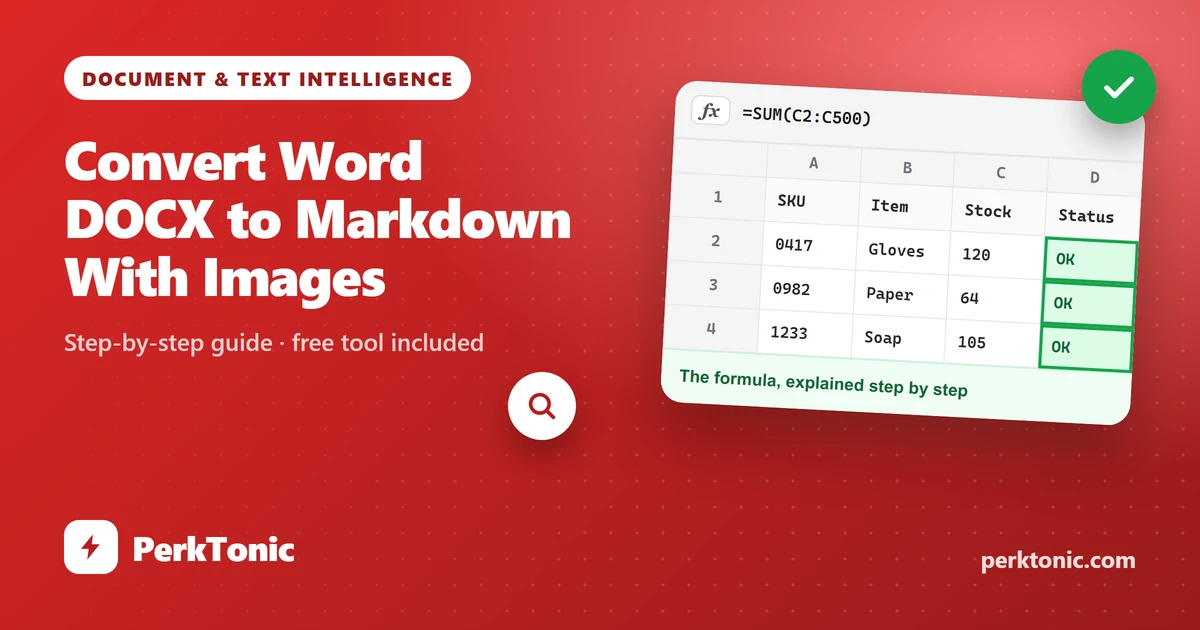 Document & Text Intelligence
Convert Word DOCX to Markdown With Images
How to convert a Word .docx file to clean Markdown: image handling in a ZIP or inline, the report of what changed, and what Markdown cannot carry over.
4 min read
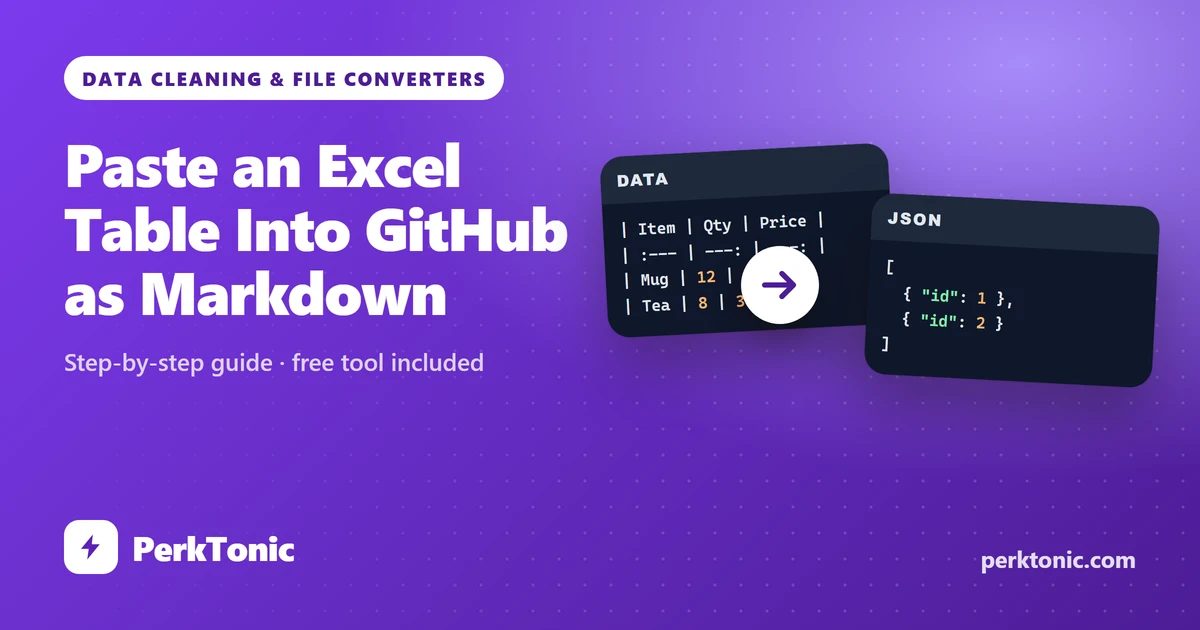 Data Cleaning & File Converters
Paste an Excel Table Into GitHub as Markdown
How to paste an Excel or Google Sheets range into a GitHub README as a Markdown table: header, alignment, pipes, line breaks and converting only part of a sheet.
4 min read