

HTTP Response Header Analyzer
This http response header analyzer fetches a URL, lists every response header and grades six security headers out of 100. It also checks caching, compression and cookies, and writes the configuration that fixes what is missing.
- Free to use
- No account required
- Instant results
- Only the URL is sent to our server
Analyse a URL
Result
The grade, every header and ready-to-paste fixes appear here.
How the grade is calculated
Six security headers add up to 100 points. Caching, compression, cookies and information leaks are checked too, but they do not change the grade. Grades: A+ ≥ 95, A ≥ 85, B ≥ 70, C ≥ 55, D ≥ 40, F ≥ 0.
- Strict-Transport-Security (up to 25)
- max-age ≥ 1 year: 20 points; ≥ 6 months: 15; shorter: 5; max-age=0: 0
- includeSubDomains: +5
- Not counted when the page is served over plain HTTP (0 points, serve HTTPS first)
- preload is reported, not scored
- Content-Security-Policy (up to 25)
- Present: 25 points, minus deductions (minimum 5)
- 'unsafe-inline' scripts without a nonce, hash or 'strict-dynamic': −10
- 'unsafe-eval': −5
- Wildcard or scheme-only script sources (*, https:, http:, data:): −5
- No object-src 'none' (or default-src 'none'): −3
- Report-Only header only: 5 points
- X-Frame-Options (up to 15)
- DENY or SAMEORIGIN, or CSP frame-ancestors: 15 points
- ALLOW-FROM (ignored by modern browsers): 5
- Missing or invalid: 0
- X-Content-Type-Options (up to 15)
- nosniff: 15 points, anything else: 0
- Referrer-Policy (up to 10)
- no-referrer, same-origin, strict-origin or strict-origin-when-cross-origin: 10 points
- origin or origin-when-cross-origin: 5
- no-referrer-when-downgrade or unsafe-url: 2
- With several values, the last valid one counts (as in browsers)
- Permissions-Policy (up to 10)
- Present with at least one directive: 10 points
- Only the old Feature-Policy, or an empty value: 5
Your data: Only the address you enter is sent to our server, which fetches it for you. The result is not stored.
How to use
- Enter a URL. Without a scheme, https:// is used.
- Keep HEAD as the method (it is fast and downloads no body) or choose GET. If a server refuses HEAD, the tool switches to GET by itself.
- Optionally add up to 10 request headers, such as
Accept-Language: de, to see how the response changes. - Click Analyse headers and read the grade, the notes for each header and the caching and compression checks.
- Open the Nginx, Apache or Caddy tab and copy the configuration that adds the missing headers.
Examples
A well-configured site. On 29 October 2026, https://github.com/ scored 90/100, grade A. Strict-Transport-Security (max-age=31536000; includeSubdomains; preload) got 25/25, with a note that it meets the preload list requirements. Content-Security-Policy got 25/25, X-Frame-Options (deny) and X-Content-Type-Options (nosniff) got 15/15 each, and Referrer-Policy got 10/10. That header lists two values, and the tool explains that browsers use the last one they understand, strict-origin-when-cross-origin. Permissions-Policy was missing (0/10), so the Nginx tab shows one line:
add_header Permissions-Policy "camera=(), microphone=(), geolocation=(), payment=()" always;Its three Set-Cookie headers are listed separately, and all have Secure and SameSite.
An older PHP site. Headers such as Server: Apache/2.4.41 (Ubuntu), X-Powered-By: PHP/7.4.3, Strict-Transport-Security: max-age=86400 and Content-Security-Policy: default-src * 'unsafe-inline' 'unsafe-eval' score 17/100, grade F. The tool flags the version numbers, the one-day HSTS, the unsafe CSP sources, a session cookie without Secure or HttpOnly, and HTML sent without compression. The Apache tab then includes ServerTokens Prod and the missing headers.
Tips and limits
- The grade covers six headers worth 100 points in total: HSTS 25, CSP 25, X-Frame-Options 15, X-Content-Type-Options 15, Referrer-Policy 10, Permissions-Policy 10. The full rubric is shown below the tool. Grades: A+ from 95, A from 85, B from 70, C from 55, D from 40, otherwise F.
- Caching, compression, cookies and version leaks are reported but do not change the grade.
- HSTS only counts over HTTPS; browsers ignore it on plain HTTP responses.
- CSP
'unsafe-inline'is not penalised when a nonce, hash or'strict-dynamic'is also present, because modern browsers then ignore it. - A CSP for a real site needs your own domains; the snippet is a strict starting point to try in Report-Only mode first.
- Redirects are followed (up to 10) unless you turn that off. Each request waits up to 10 seconds; with GET, only the first 64 KB of the body is read.
- You can run 30 checks every 10 minutes. Private and local addresses, URLs with credentials and ports other than 80 and 443 are refused. Use the tool only on sites you are allowed to test.
FAQ
What are security headers?
They are HTTP response headers that tell the browser to apply extra protection: always use HTTPS (HSTS), only run approved scripts (CSP), refuse to be framed (X-Frame-Options), and not guess file types (X-Content-Type-Options).
What is a good security score?
85 or more (grade A) means all the important headers are present and strict. Most sites can reach it by adding four or five lines to their server configuration; a strict CSP usually takes the most work.
How do I add HSTS?
Serve the site over HTTPS, then add `Strict-Transport-Security: max-age=31536000; includeSubDomains` to HTTPS responses. In Nginx: `add_header Strict-Transport-Security "max-age=31536000; includeSubDomains" always;`. Add `preload` only once every subdomain supports HTTPS.
Why did the tool use GET when I chose HEAD?
Some servers answer HEAD with 405, 501 or even 403/404. When the GET result differs, the tool uses GET and reads only the first 64 KB.
Is X-XSS-Protection still needed?
No. Browsers removed the XSS auditor, and the header can cause problems in old ones. Setting it to 0, as GitHub does, is fine.
Why is compression marked as missing?
The response was text (HTML, CSS, JavaScript or JSON) without Content-Encoding. Brotli or gzip usually shrinks text by 60–80%.
Privacy note
Our server sends the request to the URL you entered, including any request headers you added, and returns the response headers to your browser. We do not store or log the URL, your custom headers or the results. Rate limiting counts requests per IP address for 10 minutes.
Guides for this tool
 Web & Network Diagnostics
Link Preview Shows the Wrong Image: Fix og:image
og:image checker: validate the Open Graph and Twitter tags, compare the preview cards, find relative image URLs, check size and ratio and clear the platform caches after a fix.
5 min read
 Web & Network Diagnostics
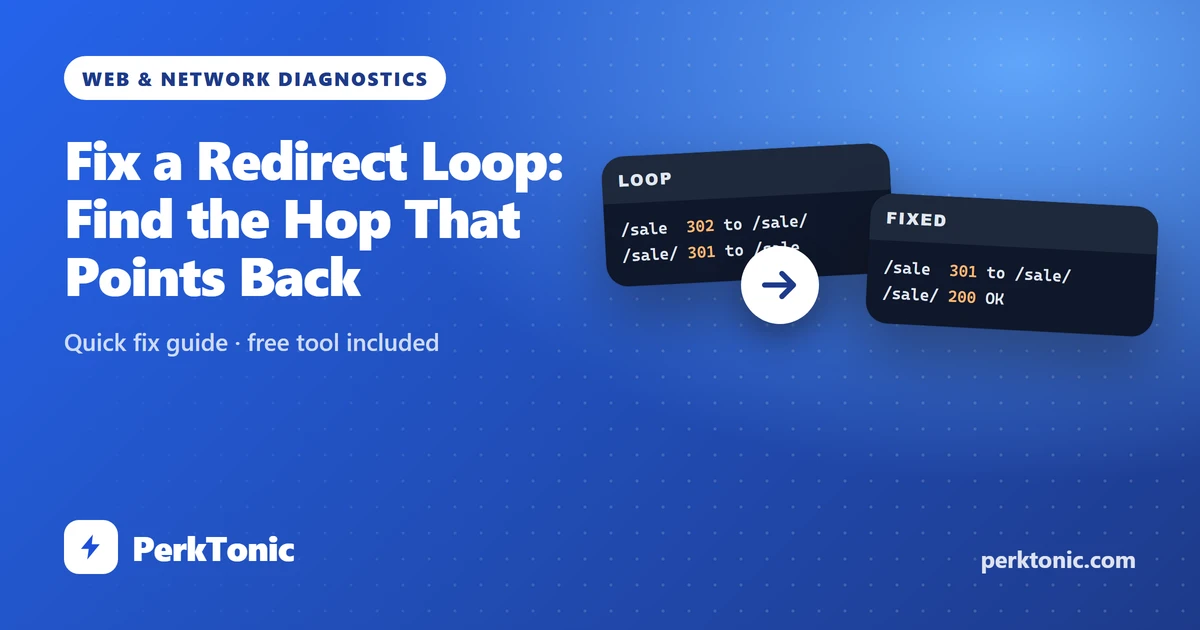
Fix a Redirect Loop: Find the Hop That Points Back
Redirect loop checker: how a loop of two redirect rules closes, how to read the hop that points back, and how to make one URL answer 200 to fix 'too many redirects'.
5 min read
 Web & Network Diagnostics
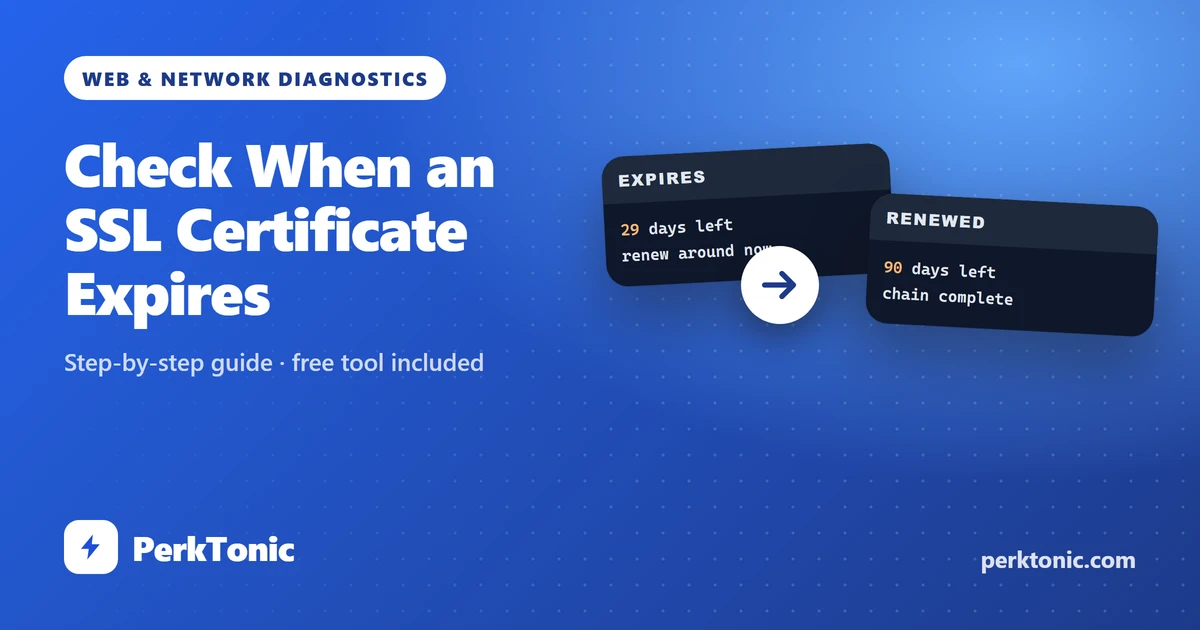
Check When an SSL Certificate Expires
SSL certificate expiry checker: the days left, the verdict, the warnings at 30, 14 and 7 days, what to do when it has expired, and how to read the chain and the TLS versions.
5 min read
 Web & Network Diagnostics
Check Security Headers and Read the Score
Security headers checker: the six graded headers, the score and the grade, copy the Nginx, Apache or Caddy config, and read the caching, compression and cookie checks.
4 min read