

OpenGraph and Meta Tag Validator
This opengraph and meta tag validator reads a page's title, description, canonical, robots, OpenGraph and Twitter Card tags. It checks the share image and draws approximate link previews for Facebook, X, LinkedIn and WhatsApp.
- Free to use
- No account required
- Instant results
- Only the URL is sent to our server
Check a page
Reads the page (first 2 MB) and its share image (up to 2 MB read; larger sizes come from the Content-Length header). 30 checks per 10 minutes. Use this tool only on pages you are allowed to test.
Report
Previews for Facebook, X, LinkedIn and WhatsApp and a checklist of fixes appear here.
Your data: Only the address you enter is sent to our server, which fetches it for you. The result is not stored.
How to use
- Enter the URL of the page you want to share. Without a scheme, https:// is used.
- Click Validate tags. The tool follows redirects, reads the page and downloads its share image.
- Look at the four preview cards to see the title, description and image each platform will probably use.
- Work through the fix-it checklist, which runs from "Fix" through "Improve" to "Info". Many items include the exact tag to paste.
- Copy all suggested tags at once, copy the report, or download it as JSON.
Examples
nodejs.org. Checking https://nodejs.org/en on 29 October 2026 found 0 things to fix and 1 to improve: og:url is missing, with the suggestion <meta property="og:url" content="https://nodejs.org/en">. The og:image is a 1200×600 PNG of 125 KB (ratio 2.00:1), "right for large previews", so the Facebook, LinkedIn and WhatsApp cards show it full width. The page uses twitter:card = summary with its own 224×256 logo image, so the X preview is a small square card with a different picture. The tool points this difference out as information.
A blog post with problems. A page whose head contains <meta name="robots" content="noindex, follow">, <meta property="og:image" content="/img/thumb.gif"> and <meta name="twitter:card" content="large_image"> gets three errors:
- "The page is set to noindex by a robots meta tag, so it will not appear in search results."
- "twitter:card "large_image" is not a valid type."
- "The image is 150×150; Facebook requires at least 200×200."
It also gets a warning that the relative og:image URL should be absolute.
A product page with a heavy image. A 6 MB, 1000×1000 JPEG declared as 1200×630 produces "The image is 6.0 MB. X rejects images over 5 MB", a ratio warning (1.00:1 instead of 1.91:1) and a note that the declared size does not match the real one, with corrected width and height tags.
Tips and limits
- Image checks: at least 200×200 (Facebook's minimum), close to 1.91:1 (within 10%), 1200×630 recommended, under 5 MB, and JPEG, PNG, GIF or WebP. SVG is reported as unsupported.
- Relative og:image URLs are resolved against
<base href>or the page URL so the image can be checked, but you should still write them as absolute URLs. - Robots rules come from the robots and googlebot meta tags and the X-Robots-Tag header.
- The canonical URL is compared with the URL that finally loaded, ignoring a trailing slash. A difference is a warning, not an error, because duplicates often point elsewhere on purpose.
- The previews are drawn with CSS and labelled "approximate". The platforms change their designs, crop differently on phones and cache old previews.
- Limits: the first 2 MB of the page and up to 2 MB of the image are read. Larger file sizes come from the Content-Length header. Each request waits up to 10 seconds, and you can run 30 checks every 10 minutes. Private and local addresses are refused. Use the tool only on pages you are allowed to test.
FAQ
Why does my link preview show the wrong image?
Usually og:image is missing, relative, too small, or the platform still has an old copy. Fix the tag here, then ask the platform to scrape the page again.
What size should og:image be?
1200×630 pixels (1.91:1), under 1 MB, in JPEG or PNG. That works as a large card on Facebook, LinkedIn, X and WhatsApp.
How do I clear Facebook's cache?
Open Facebook's Sharing Debugger, enter the URL and click "Scrape Again". LinkedIn has a similar Post Inspector. X refreshes cards on its own, usually within a day.
Do I need Twitter tags if I have OpenGraph tags?
X falls back to og:title, og:description and og:image, but it needs `twitter:card` to choose the large image layout. Add `<meta name="twitter:card" content="summary_large_image">`.
Why is noindex an error?
A noindex rule keeps the page out of search results. That is fine for thank-you pages, but often it is left over from a staging site.
Does it check the page as Googlebot sees it?
It reads the HTML your server sends, without running JavaScript, which is also how Facebook, X, LinkedIn and WhatsApp read tags.
Privacy note
Our server downloads the page you entered and its share image, then sends the results to your browser; the image is included in the results so your browser never contacts the site. We do not store or log the URL, the page or the image. Rate limiting counts requests per IP address for 10 minutes.
Guides for this tool
 Web & Network Diagnostics
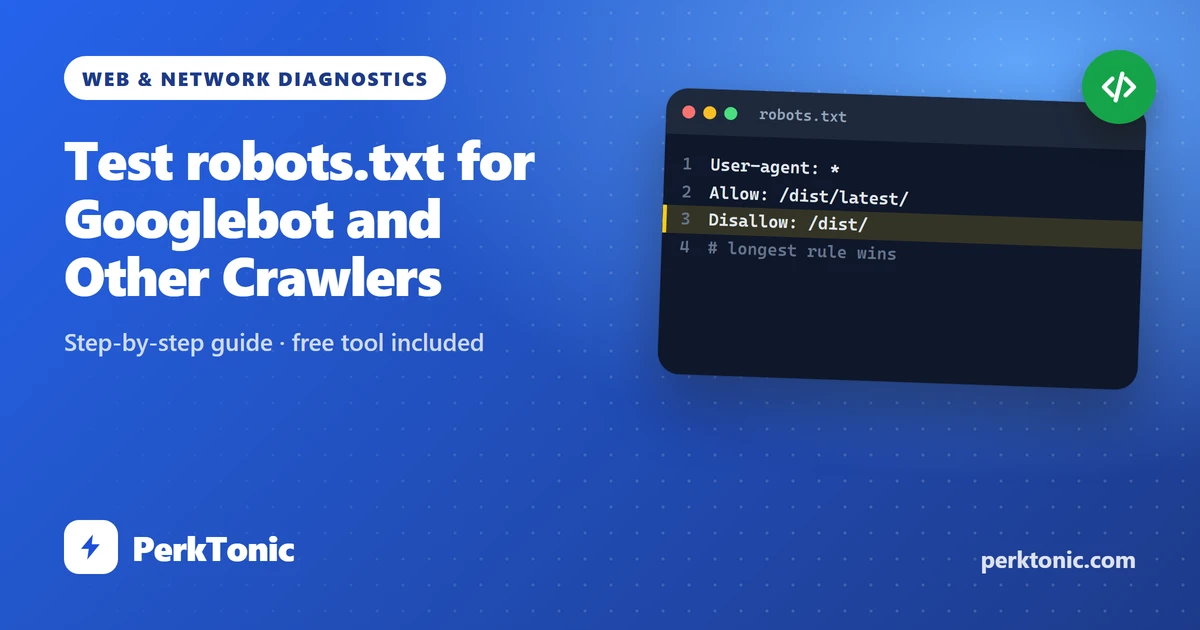
Test robots.txt for Googlebot and Other Crawlers
Robots.txt tester: check a URL for Googlebot and other crawlers, see which rule decides and on which line, find typos and invalid lines, and know what a 404 or 5xx answer means.
5 min read
 Web & Network Diagnostics
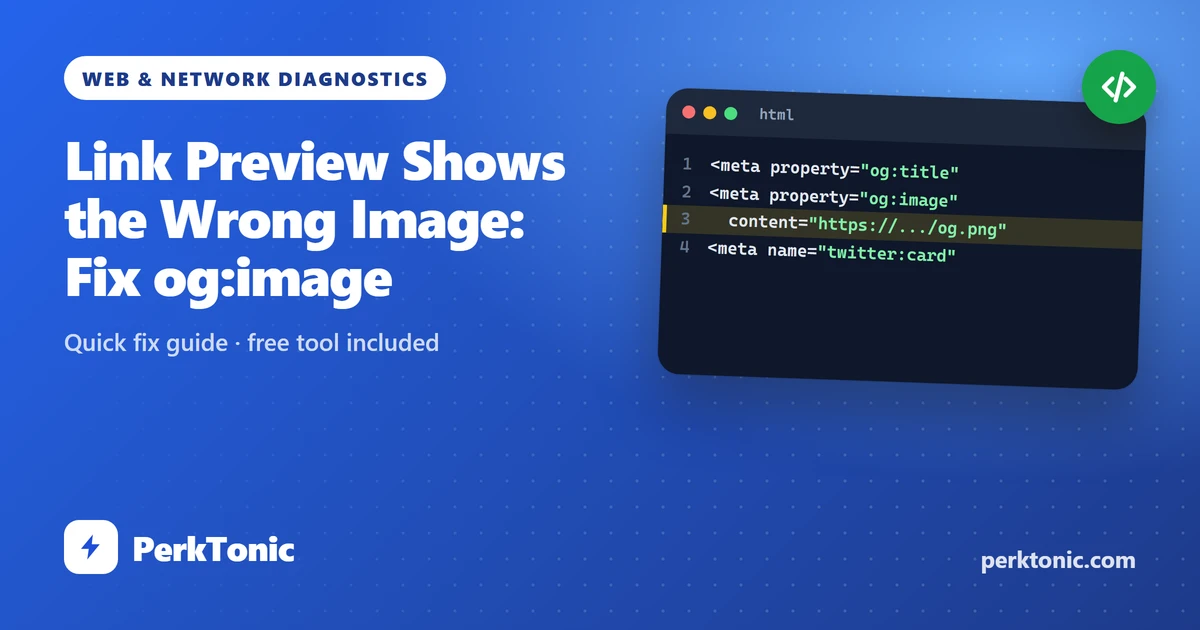
Link Preview Shows the Wrong Image: Fix og:image
og:image checker: validate the Open Graph and Twitter tags, compare the preview cards, find relative image URLs, check size and ratio and clear the platform caches after a fix.
5 min read