
CSV to SQL INSERT Generator
This CSV to SQL INSERT generator turns a CSV file into a CREATE TABLE statement and batched INSERT statements for MySQL, PostgreSQL, SQLite or SQL Server. It detects column types and escapes every value. Nothing leaves your browser.
- Free to use
- No account required
- Instant results
- Private: runs in your browser
CSV data
Paste up to 5 MB or open a file up to 50 MB. Types are detected from the first 10,000 rows. Everything runs in your browser; the tool never connects to a database.
Table and options
Your data: Files and text are processed locally in your browser. Nothing you load here is uploaded to our servers.
How to use
- Paste CSV or open a file of up to 50 MB. Commas, semicolons, tabs and pipes are detected, and so is the file's encoding (UTF-8, UTF-16, Windows-1252 or Windows-1256). You can override the encoding.
- Pick the SQL dialect and type a table name.
- Check the column list: each column shows the detected type and why it was chosen. Change a type or a name if needed, and pick a primary key.
- Choose what to output: CREATE TABLE, DROP TABLE IF EXISTS, INSERTs, a transaction, and the number of rows per INSERT.
- Copy the SQL or download it as a
.sqlfile.
Examples
A customer export (loaded when the page opens). The header Customer ID,Full Name,Email,Signup Date,Last Login,Lifetime Value (€),Is Active,ZIP,Group,Notes becomes these PostgreSQL columns: customer_id INTEGER, full_name VARCHAR(32), signup_date DATE, last_login TIMESTAMPTZ (one value ends in Z), lifetime_value NUMERIC(6,2), is_active BOOLEAN, zip VARCHAR(16) and "group" VARCHAR(16). The ZIP column stays text because 02134 has a leading zero. group is quoted because it is a reserved word.
Quotes, NULLs and backslashes. The row 1003,"O'Brien, Seán",…,,0,false,D02 X285,,"Said: ""call me back""" becomes this MySQL row:
(1003, 'O''Brien, Seán', 'sean@example.ie', '2025-01-20', NULL, 0, 0, 'D02 X285', NULL, 'Said: "call me back"')The empty Last Login and Group cells become NULL. A value such as C:\temp\export is written as 'C:\\temp\\export' for MySQL, which treats backslashes as escapes, and unchanged for the other three dialects.
A large file. A 38 MB CSV with 500,000 rows produced 5,003 statements (CREATE TABLE, BEGIN, 5,000 INSERTs of 100 rows, COMMIT), about 50 MB of SQL, in 2.6 seconds in Chrome.
Tips and limits
- Types are detected from the first 10,000 rows: integer, big integer, decimal (with precision and scale), boolean (true/false, yes/no), date (YYYY-MM-DD) and timestamp (with or without a time zone). Anything else is text.
- Every row is still checked when the SQL is written. If a value does not fit its column type (for example
n/ain an integer column), the tool tells you the column, the row number and the value. - Dates such as 28/10/2026 stay text, because 03/04/2026 could be March or April. Convert them to YYYY-MM-DD first, or keep the column as text.
- Column names are cleaned into lower snake case:
Lifetime Value (€)becomeslifetime_valueandGrößebecomesgrosse. Duplicates get_2, and names are cut to the dialect's limit (63 characters in PostgreSQL). Reserved words are quoted with backticks, double quotes or brackets, depending on the dialect. - Empty cells become
NULL. Tick the option to write''in text columns instead, or to read the textNULLand\Nas NULL. - SQL Server accepts at most 1,000 rows per INSERT, so larger batch sizes are capped there.
- The screen shows the first 200,000 characters; Copy and Download always give the full script.
- The tool only writes text. It never connects to a database.
FAQ
How do I import a CSV into MySQL?
Generate the script with the MySQL dialect, then run it with `mysql -u user -p database < customers.sql` or paste it into MySQL Workbench. For very large files, MySQL's own `LOAD DATA INFILE` is faster.
What types does the tool detect?
Integer, big integer, decimal, boolean, date, timestamp and text. Each column shows the reason for its type, such as "all 5 filled values are whole numbers", and you can change it.
Can it generate only the CREATE TABLE?
Yes. Untick "INSERT statements" to get just the table definition, or untick "CREATE TABLE statement" to get only the data.
Why is my ZIP code column text, not a number?
At least one value starts with 0. Storing it as a number would turn 02134 into 2134.
Is the SQL safe from injection?
Every value is written as an escaped literal, and every name is cleaned and quoted where needed. Still, review any script before running it on a production database.
Privacy note
The CSV is read and converted inside your browser, in a background thread. It is never uploaded, logged or stored, and the tool makes no network requests with your data. The data stays in the page's memory until you close or reload it.
Guides for this tool
 Data Cleaning & File Converters
Create a PostgreSQL Table From a CSV With Types
How the CSV to SQL generator writes a PostgreSQL CREATE TABLE: type detection, snake case column names, dates that stay text and the limits of each dialect.
4 min read
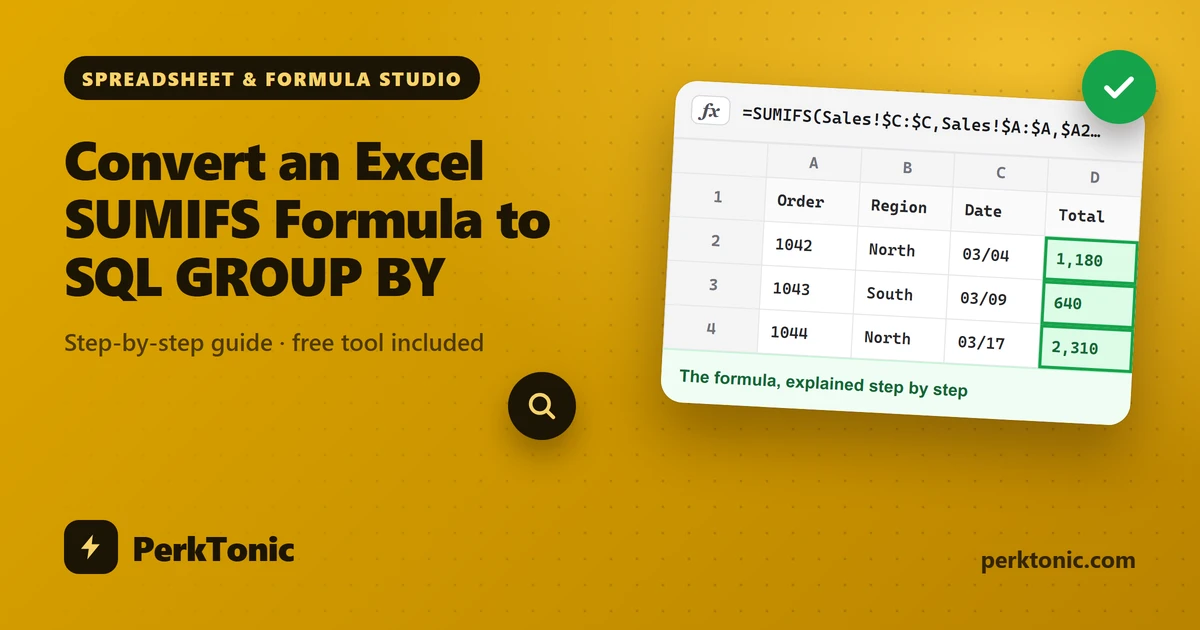 Spreadsheet & Formula Studio
Convert an Excel SUMIFS Formula to SQL GROUP BY
How an Excel SUMIFS formula becomes a SQL query with WHERE and GROUP BY, which databases the converter supports, the syntax check and the functions with no exact SQL equivalent.
4 min read
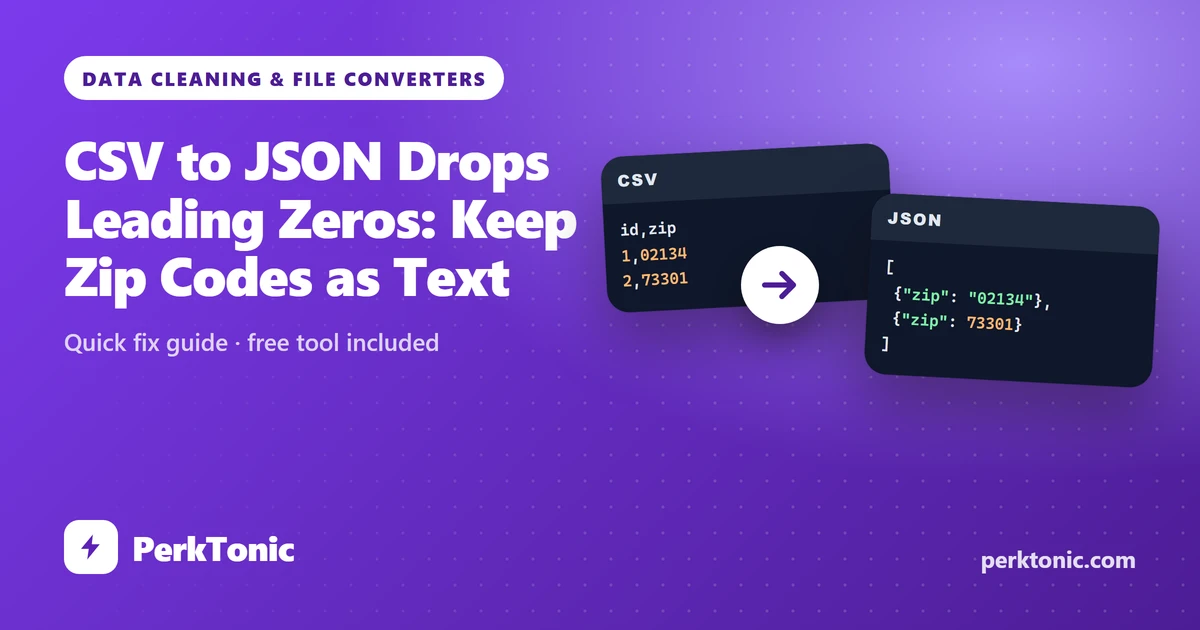 Data Cleaning & File Converters
CSV to JSON Drops Leading Zeros: Keep Zip Codes as Text
Why 02134 becomes 2134 in some tools, which values the converter keeps as text, why a zip column can end up mixed, and how to handle empty cells.
4 min read
 Data Cleaning & File Converters
Clean a CSV Before Importing It: Checklist
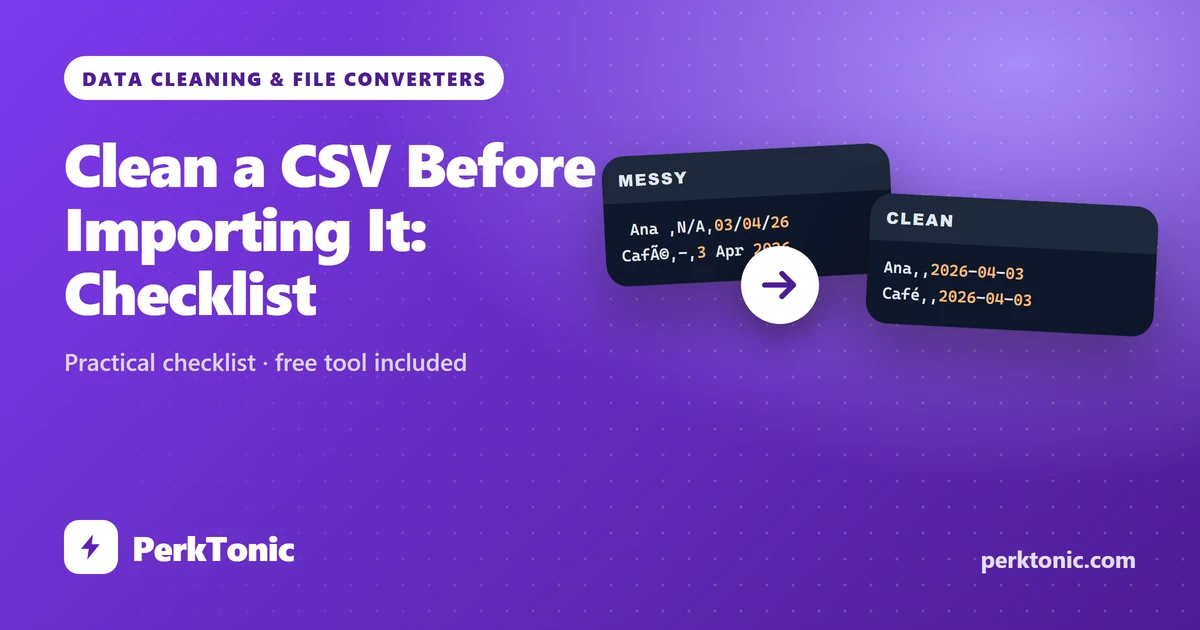
A checklist for cleaning a CSV before an import: encoding, invisible characters, blank values such as N/A, dates and headers, duplicates, and phone, email and name rules.
4 min read