
Cron Job Monitoring Heartbeat
Cron job monitoring heartbeat with no account: your job calls a ping URL after each successful run. If the ping does not arrive on time, you get one alert on your webhook, and one more when the job recovers.
- Free to use
- No account required
- Instant results
- No account: secret links, delete anytime
New monitor
Free, no account. You get a ping URL for your job and a private dashboard link. Unused monitors are removed.
Example dashboard
Nightly database backup
UpDemo monitor (read-only)- Expected every
- 15 minutes (grace 5 minutes)
- Last ping
- 2026-11-03 09:00 UTC
- Next expected ping
- 2026-11-03 09:15 UTC
- Last run took
- 41.2 s (from …/start to the ping)
- Alerts
- ops@example.com · webhook https://hooks.example.com/cron-alerts (last: delivered, HTTP 200, 1 attempt)
Last pings (11)
- success2026-11-03 09:00 UTC38.0 s
- success2026-11-03 08:45 UTC45.9 s
- success2026-11-03 08:30 UTC44.8 s
- success2026-11-03 08:15 UTC43.8 s
- success2026-11-03 08:00 UTC42.7 s
- success2026-11-03 07:45 UTC41.6 s
- fail2026-11-03 07:02 UTCpg_dump: error: connection to server failed: timeout
- success2026-11-03 06:40 UTC40.5 s
- success2026-11-03 06:25 UTC39.4 s
- success2026-11-03 06:10 UTC38.4 s
- success2026-11-03 05:55 UTC46.3 s
Events (7)
- Email to ops@example.com: sent · 2026-11-03 07:45 UTC
- down → up · 2026-11-03 07:45 UTC
- Webhook: delivered after 1 attempt (HTTP 200) · 2026-11-03 07:02 UTC
- Email to ops@example.com: sent · 2026-11-03 07:02 UTC
- up → down · 2026-11-03 07:02 UTC
- new → up · 2026-11-03 05:54 UTC
- ops@example.com confirmed. · 2026-11-03 05:50 UTC
Add it to your job
# crontab: ping after a successful run (10 s timeout, 3 retries)
0 2 * * * /usr/local/bin/backup.sh && curl -fsS -m 10 --retry 3 https://perktonic.com/api/tools/cron-job-monitoring-heartbeat/ping/DEMO-ping-token-xxxxx > /dev/null

# report a failure with a message (up to 1 KB), or the start of a run
curl -fsS -m 10 --data-raw "backup failed: disk full" https://perktonic.com/api/tools/cron-job-monitoring-heartbeat/ping/DEMO-ping-token-xxxxx/fail
curl -fsS -m 10 https://perktonic.com/api/tools/cron-job-monitoring-heartbeat/ping/DEMO-ping-token-xxxxx/start
Your data: A monitor stores only its name, settings and ping times, under secret links, until you delete it or it has been idle for 90 days. There is no account.
How to use
- Name the job and set how often it runs (from 1 minute to 7 days). Then set a grace period (from 1 minute to 1 day) for runs that are a little slow.
- Add the webhook URL that should receive the alert (a JSON POST).
- Press Create monitor. You get two secret links: the ping URL and your private dashboard link. Keep the dashboard link: there is no account and no recovery.
- Add the ping to your job, for example
backup.sh && curl -fsS -m 10 --retry 3 <ping URL>. - Optionally call
<ping URL>/startbefore the job, to see how long it runs. Call<ping URL>/failwith a short message when it fails. - Open the dashboard link to see the state, the last 50 pings and the last 50 events. From there you can pause, resume, send a test alert or delete the monitor.
Examples
A nightly backup at 02:00, expected every 1 day with a 30-minute grace period.
- The job pings at 02:04 every night, so the state is Up.
- One night the server is off. At 02:04 the next day the state turns Late, and at 02:34 it turns Down. One alert is sent to your webhook, and no more while it stays down.
- The next morning a ping arrives, the state is back to Up, and one "recovered" alert is sent.
A failing export. The script runs curl --data-raw "disk full" <ping URL>/fail. The monitor turns Down at once, and the alert includes "disk full".
A webhook alert. The webhook receives a JSON POST such as {"monitor":"Nightly backup","event":"down","lastPingAt":"2026-11-03T02:04:11Z"}. If it fails, we try 3 times with growing waits and show the last result on the dashboard.
Tips and limits
- States: New (no ping yet), Up, Late (the interval has passed, still within the grace period) and Down.
- Ping URLs accept GET, POST and HEAD and answer
okat once. - Pings closer than 10 seconds apart are accepted but not recorded, and each URL accepts 60 pings a minute.
- You can create 3 monitors per day. A monitor that is never pinged is removed after 7 days, and one with no ping for 90 days is removed too.
- Times are stored in UTC and shown in your time zone.
- Telegram alerts appear only when they are enabled on this site.
FAQ
How does a cron heartbeat monitor work?
Your job calls a unique URL when it finishes. We expect that call every interval; when it is missing after the grace period, we alert you. It catches jobs that crash, hang or never start.
What happens if my job is late?
During the grace period the state is Late and nothing is sent. If no ping arrives before the grace period ends, the state becomes Down and one alert goes out.
Is it free?
Yes, with no account. The limits keep it fair: 3 new monitors per day per address, and unused monitors are removed.
Will I get an alert every 30 seconds while it is down?
No. You get one alert when it goes down and one when it recovers.
What if I lose the dashboard link?
It cannot be recovered, because we store only a fingerprint (SHA-256) of each link. Create a new monitor and update your job.
Can I delete a monitor?
Yes: delete it from the dashboard at any time, and everything stored about it is removed.
Privacy note
We store the monitor's name, its settings, the alert webhook URL (if you add one) and the ping times, and nothing else. The secret links are stored only as fingerprints. Unused monitors are removed: never pinged after 7 days, or not pinged for 90 days. Deleting a monitor removes its pings and events at once.
Guides for this tool
 Workflow & Automation Utilities
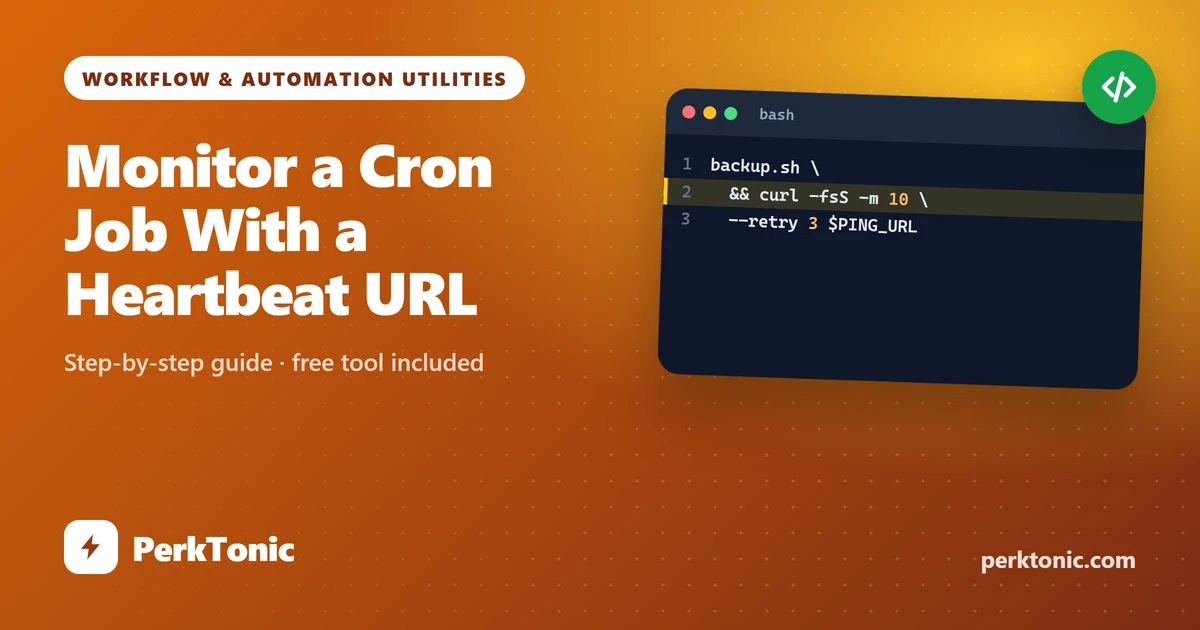
Monitor a Cron Job With a Heartbeat URL
How to monitor a cron job with a heartbeat URL: the period and the grace, the ping with && curl, the states New, Up, Late and Down, and alerts to a webhook.
5 min read
 Workflow & Automation Utilities
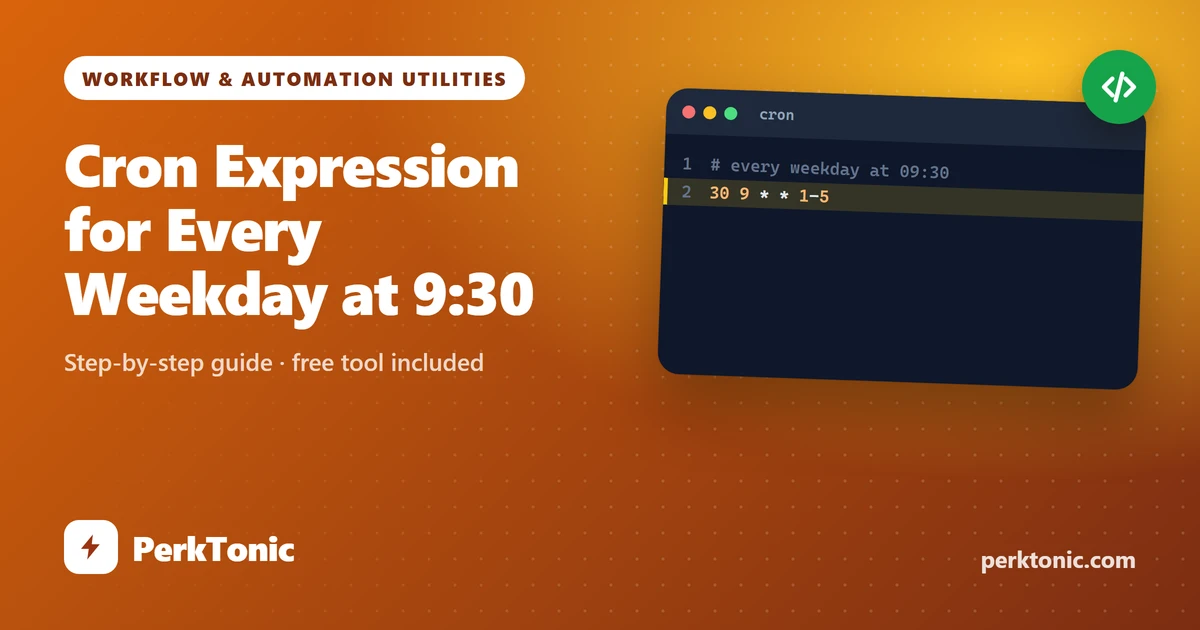
Cron Expression for Every Weekday at 9:30
How to schedule a cron job on weekdays at 9:30: the expression 30 9 * * 1-5, what each field means, the time zone and the list of next runs.
4 min read