
cURL to Python Converter
This curl to python converter turns a curl command into requests, fetch, axios, PHP cURL or Go code, and turns Python or fetch snippets back into curl. It runs in your browser and never sends the request.
- Free to use
- No account required
- Instant results
- Private: runs in your browser
Paste a curl command
Up to 5 MB of pasted text. Converted in your browser: the request is never run or sent, and nothing you paste leaves this page.
Your data: Files and text are processed locally in your browser. Nothing you load here is uploaded to our servers.
How to use
- Paste a curl command, for example one copied from your browser's network tab ("Copy as cURL") or from API documentation.
- Pick the output language: Python (requests), JavaScript (fetch), JavaScript (axios), PHP (cURL) or Go (net/http).
- Read the code, plus any warnings and the "Not converted" list, which names every option that has no equivalent.
- Copy the code or download it as a
.py,.js,.phpor.gofile. - To go the other way, paste a Python
requestscall or a JavaScriptfetchcall. The tool detects it and writes the curl command.
Examples
JSON POST with a bearer token. Input:
curl -X POST https://api.example.com/v1/orders \
  -H "Authorization: Bearer sk_test_51Hx9" \
  -H "Content-Type: application/json" \
  -d '{"customer_id": 4182, "items": [{"sku": "MUG-01", "qty": 2}], "gift": false, "note": null}'
Python output: a headers dict with both headers, a json_data dict where false becomes False and null becomes None, and requests.post(url, headers=headers, json=json_data, allow_redirects=False). The note explains that allow_redirects=False matches curl without -L.
Form login with basic auth. curl -sSL -u admin:'s3cr3t!' --data-urlencode "comment=Hello & welcome" -d team=ops https://intranet.example.org/login becomes requests.post(url, data=data, auth=("admin", "s3cr3t!")), with data holding comment and team as separate fields, so the & inside the comment stays part of the value. In Go the same command gives url.Values and req.SetBasicAuth("admin", "s3cr3t!").
Python back to curl. A snippet with headers = {...}, params = {"q": "coffee mugs", "page": 2} and requests.get(..., headers=headers, params=params, timeout=10) becomes:
curl \
  'https://api.example.com/search?q=coffee+mugs&page=2' \
  -H 'Accept: application/json' \
  -H 'X-Api-Key: abc123' \
  -L \
  --max-time 10
The variables are resolved and the query string is built for you. -L appears because requests follows redirects by default.
Tips and limits
- Supported curl options include several
-H,-d/--data-raw/--data-binary(several are joined with&, as curl does),--data-urlencode,--json,-Fwith@file,;type=and;filename=,-u,-X,-G,-L,--max-redirs,-k,--max-time,--connect-timeout,-xproxies,-A,-e,-b,--compressedand grouped short flags such as-sSL. - Shell quoting is read like bash reads it: single and double quotes,
$'…'escapes, backslash line continuations and Windows^continuations. Pipes,;,$(…)and backticks are refused, because only the curl part can be converted. -kgets a warning: it turns off certificate checks, and the generated code does the same.- A JSON body sent with
-dbut noContent-Typeheader is posted by curl as a form. The tool keeps that behaviour and tells you to add the header. - Options with no equivalent, such as
-o,--http2or--digest, appear in the "Not converted" list with the reason. Nothing is dropped silently. - Reverse conversion reads Python
requestsand JavaScriptfetchcalls with literal values and simple variables. It does not run code, so f-strings, loops,FormDataand other languages (axios, PHP, Go) are rejected with a clear message. - Pasted text is limited to 5 MB. A command that large takes about a second, and a Cancel button appears.
FAQ
How do I convert curl to Python?
Paste the command above, keep "Python (requests)" selected and copy the result. Install the library with `pip install requests`, then run the file.
How do I send JSON with curl?
Use `curl -H "Content-Type: application/json" -d '{"name": "Ada"}' https://api.example.com/users`, or `--json '{"name": "Ada"}'` in curl 7.82 and later, which also sets the `Accept` header.
What does -k do?
`-k` (or `--insecure`) tells curl to accept any TLS certificate, even an expired or self-signed one. That lets anyone on the network read or change the traffic, so use it only against your own test servers.
Why does the code turn off redirects?
curl does not follow redirects unless you pass `-L`, while `requests`, `fetch` and axios follow them by default. The code keeps curl's behaviour; remove the option if you want redirects.
Where did my Accept-Encoding header go?
Every target library asks for compression and decompresses responses itself. Copying the header by hand would make Go and Python return compressed bytes, so it is left out and a note says so.
Does the tool send my request?
No. It only writes code. It never connects to the URL in your command.
Privacy note
Everything happens in your browser tab. Commands often contain tokens and passwords, so nothing you paste is uploaded, logged or stored. The text and the generated code exist only in the page's memory and are gone when you close or reload the tab.
Guides for this tool
 Workflow & Automation Utilities
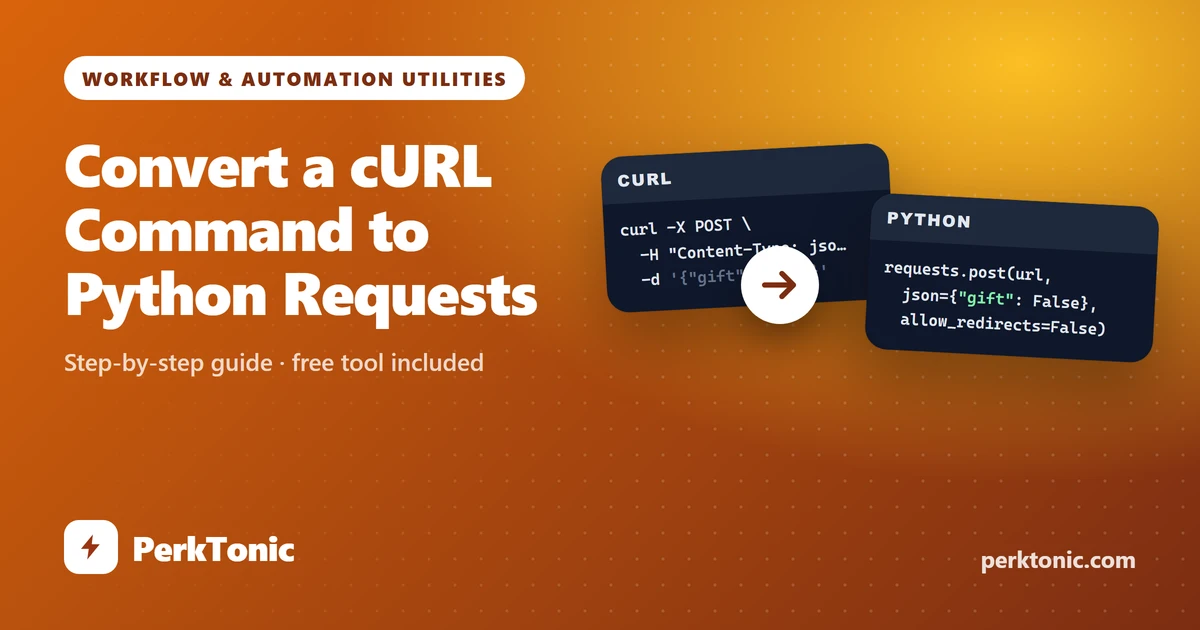
Convert a cURL Command to Python Requests
How to convert a curl command to Python requests: headers and json_data, why allow_redirects=False, the Not converted list and the warning for -k.
5 min read
 Workflow & Automation Utilities
Test a Webhook Without a Server
How to test a webhook without a server: create a temporary URL, watch requests arrive, read headers, body, JSON and form views, and know the limits of the test URL.
5 min read